Getting Started with the Solution
The first step is to verify the basic functionality of the solution. To do this, we will first look at the basic scenarios:
Logging in to the Medulla page, creating static and dynamic machine groups, quick actions, getting started.
Login Test:
The first test is logging in on the Medulla homepage:
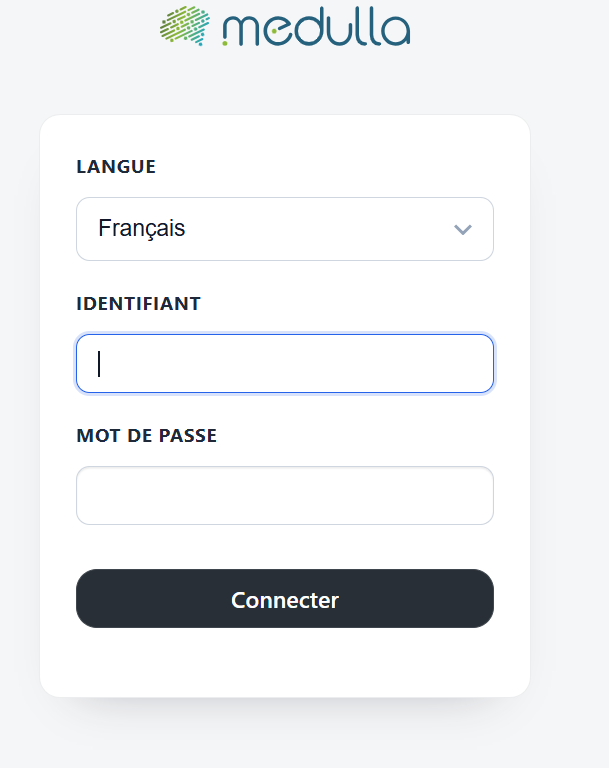
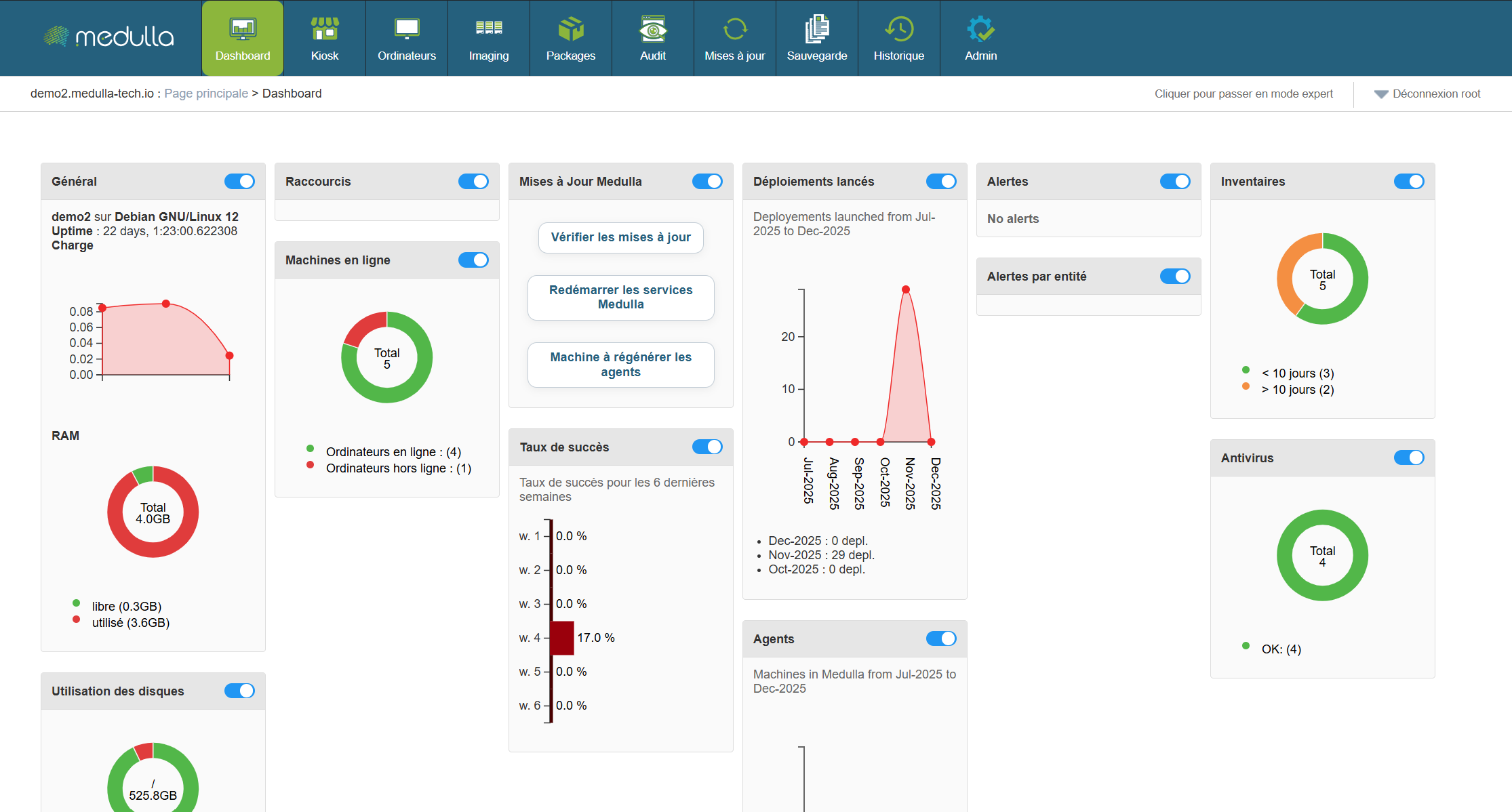
Enter your username and password, then click "Log In." If the test is successful, the page should open on the Medulla homepage.
Static Group Creation Test:
On this page, you can click on the widgets to create static groups.
Click on the pie charts in the widgets to create a group. The result should be:
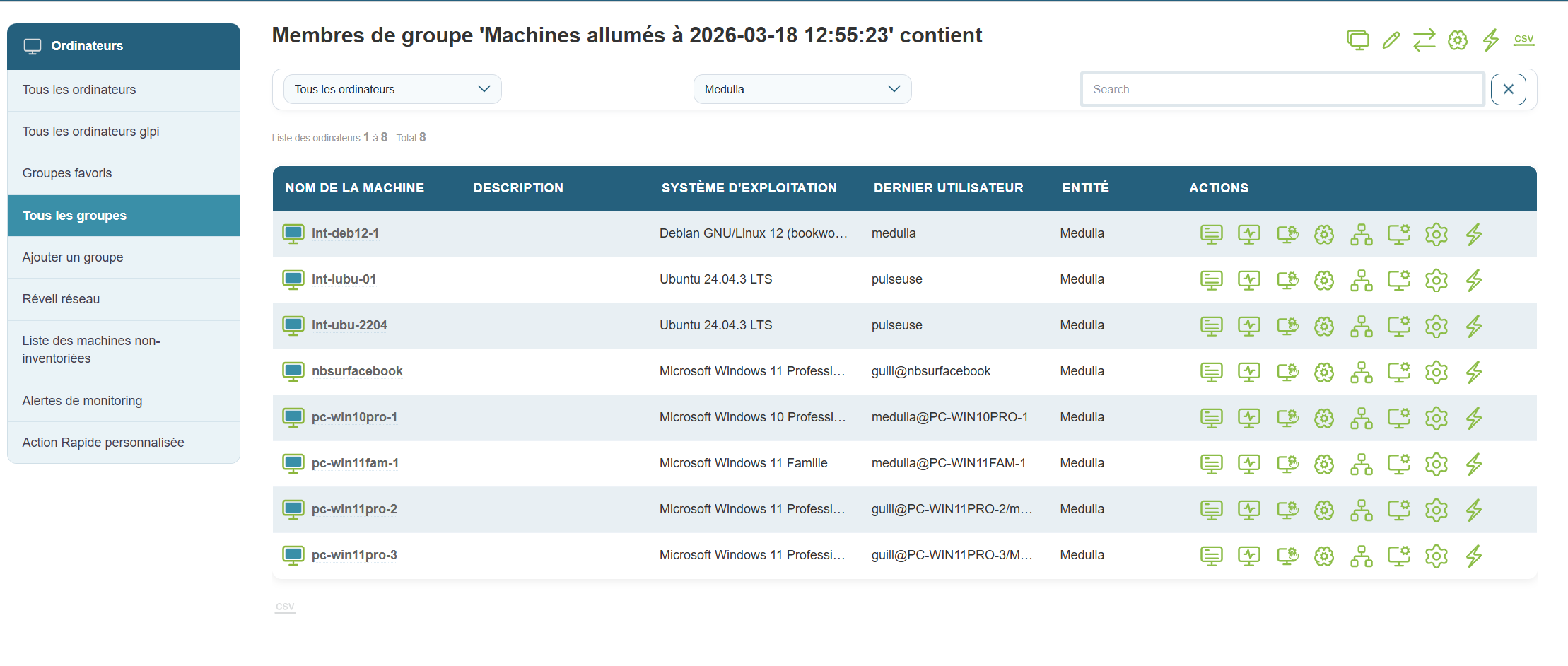
The group creation test has passed.
Next, click the " Computers " button in the top navigation bar.
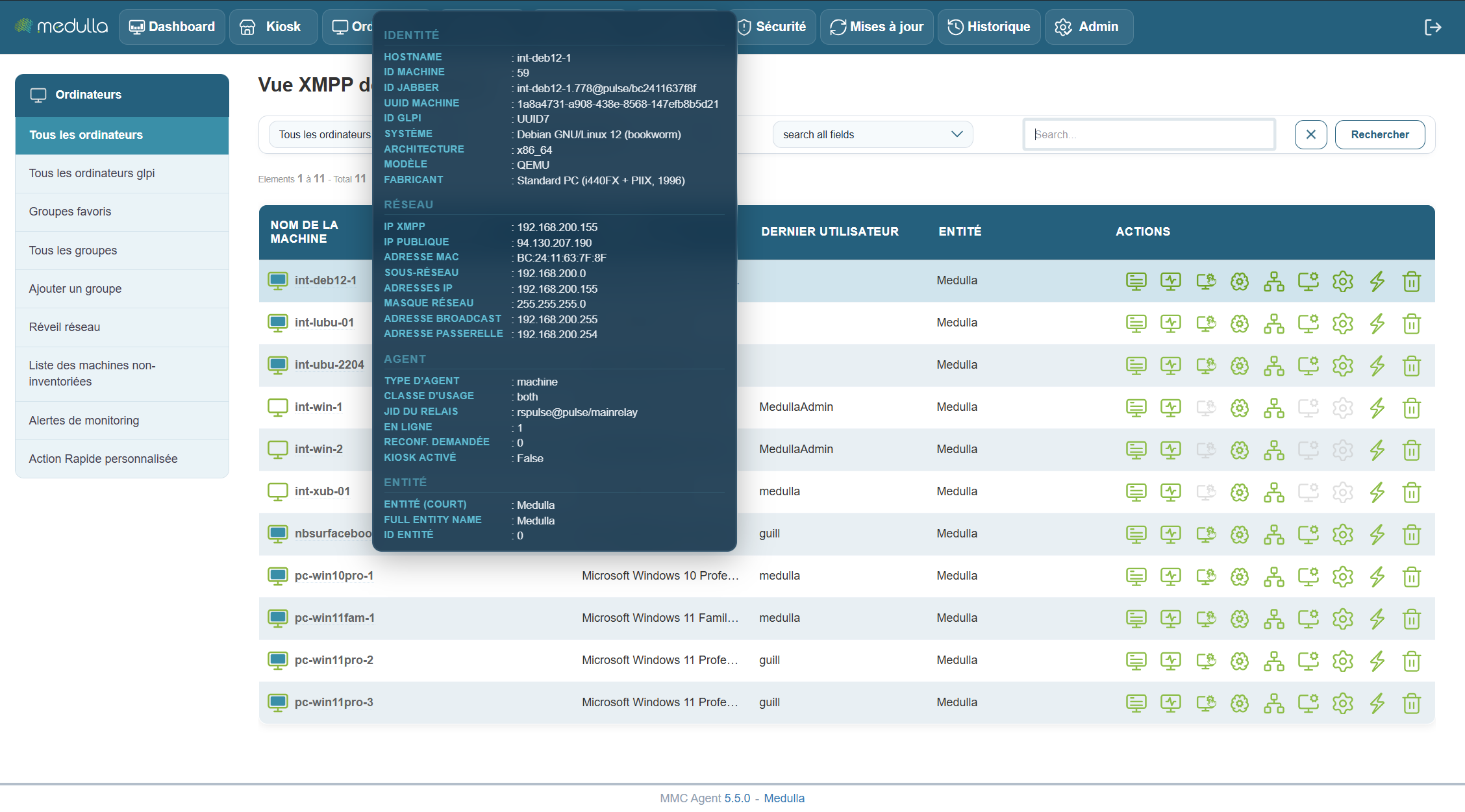
Machine presence test:
Information window appears when hovering over a machine.