Updates (WSUS)
Select the types of updates you want:
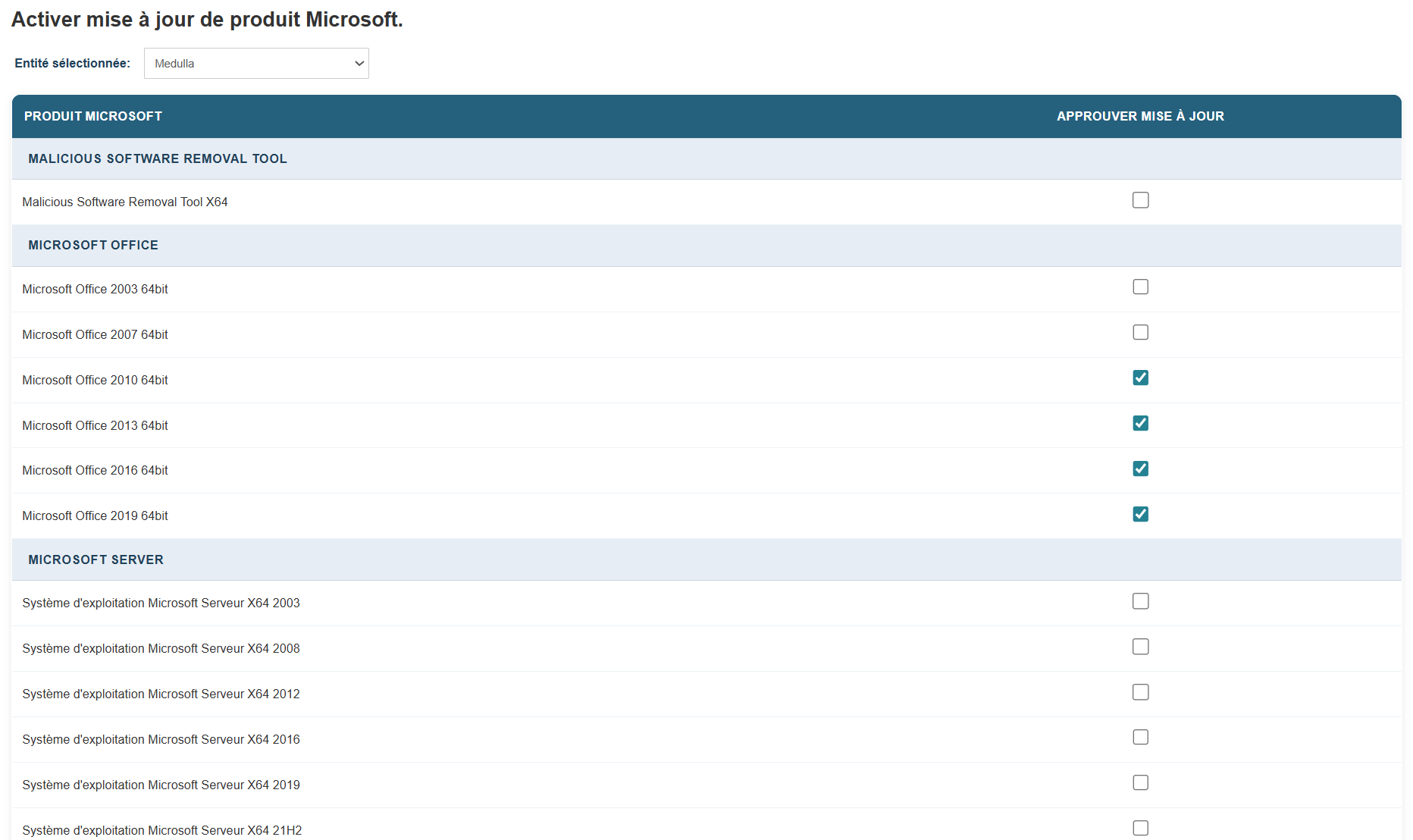
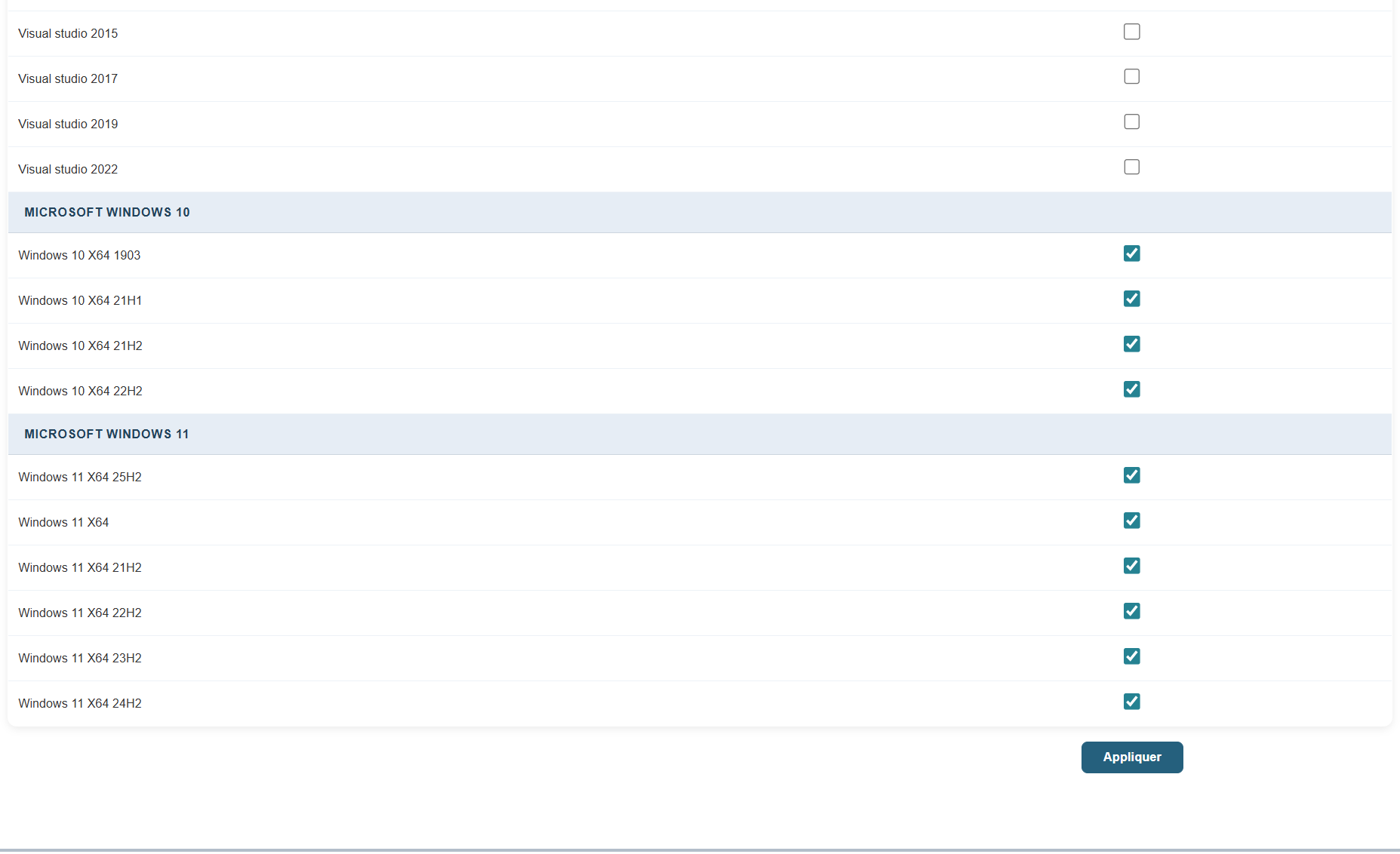
Click the corresponding checkbox and the Apply button.
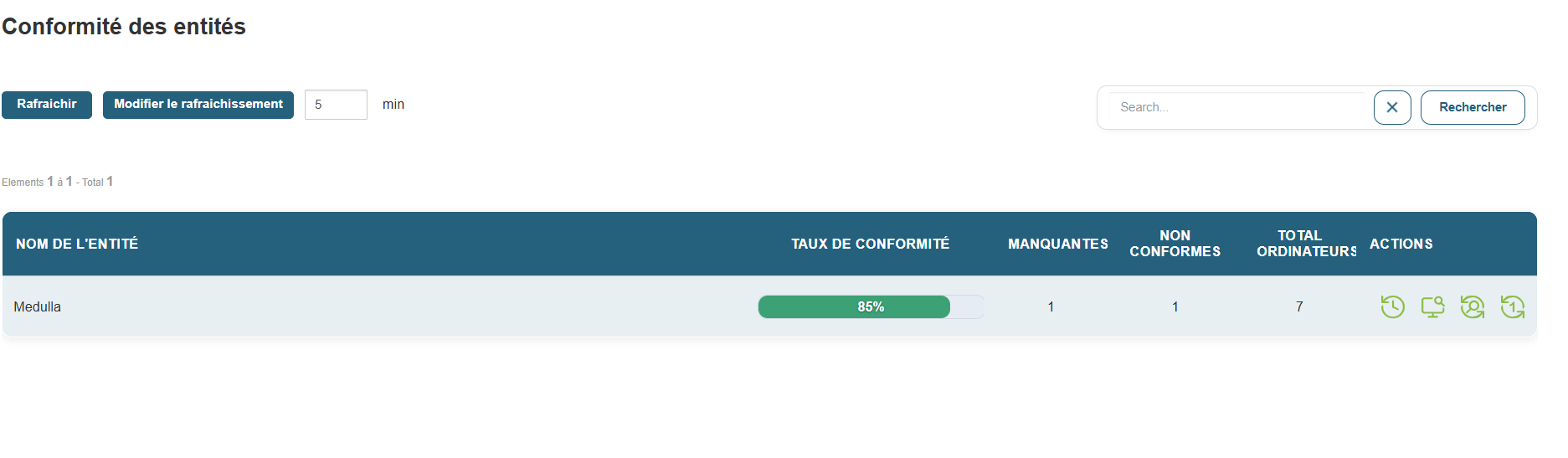
Once in the Update module, you should see all your Entities under "Entity Compliance." You can also view compliance by group by switching to the Group view.
In "Manage Update Lists," you should see the missing updates for all machines in the fleet that meet the criteria.
All updates are placed in the "Grey list" by default.
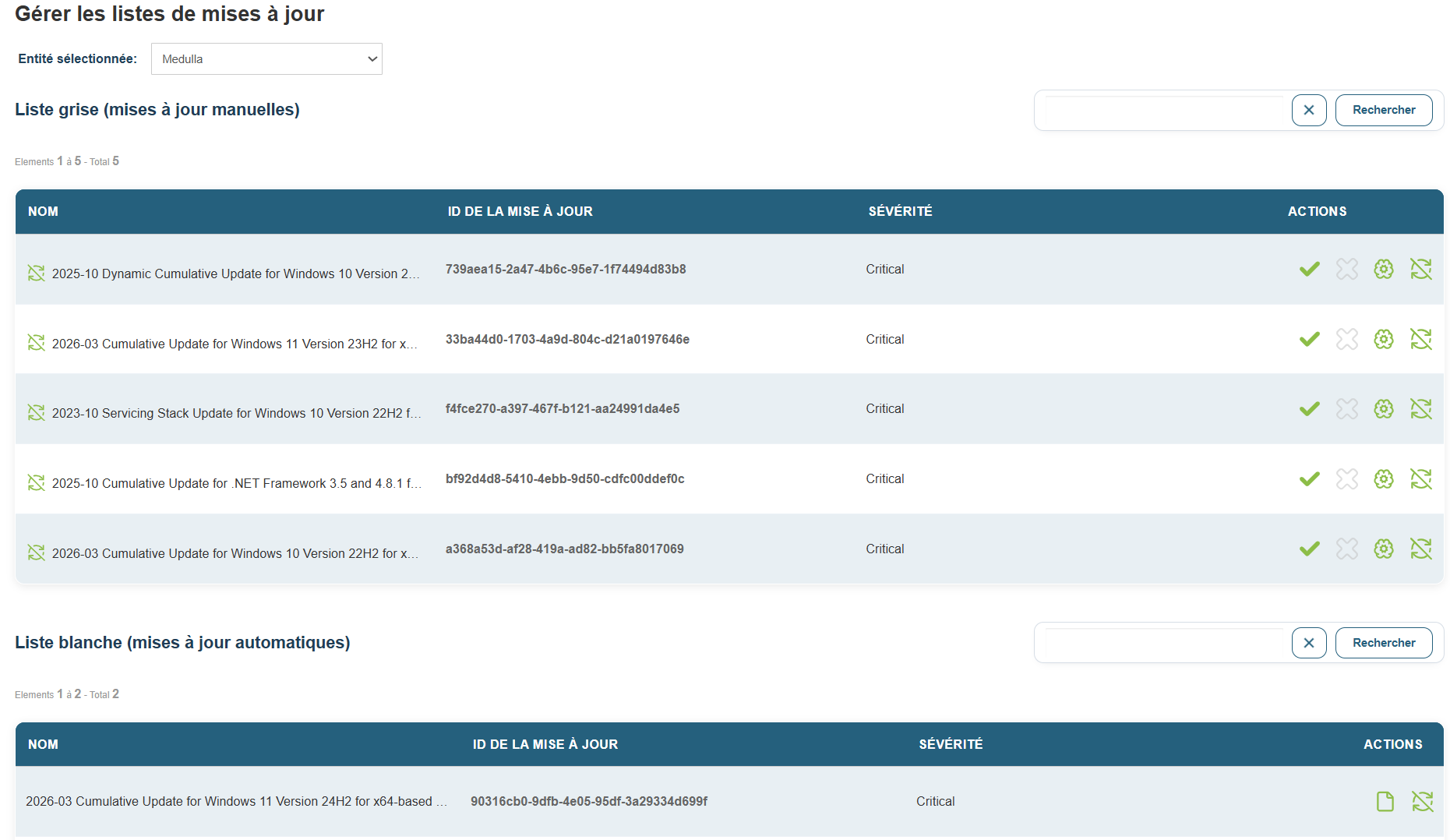
Confirm the desired updates
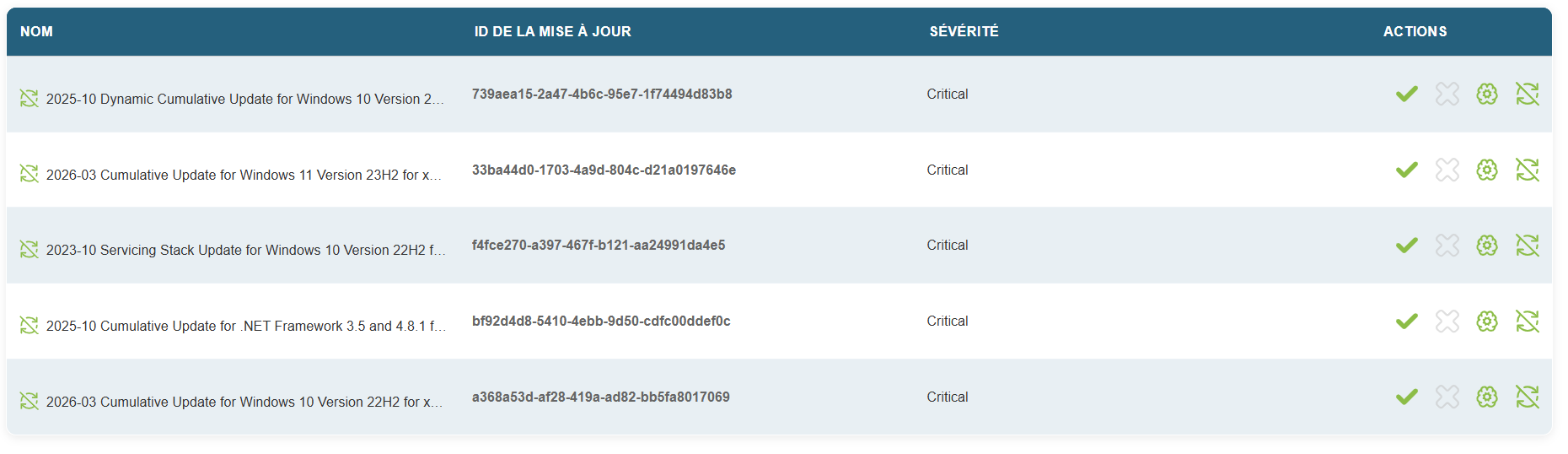
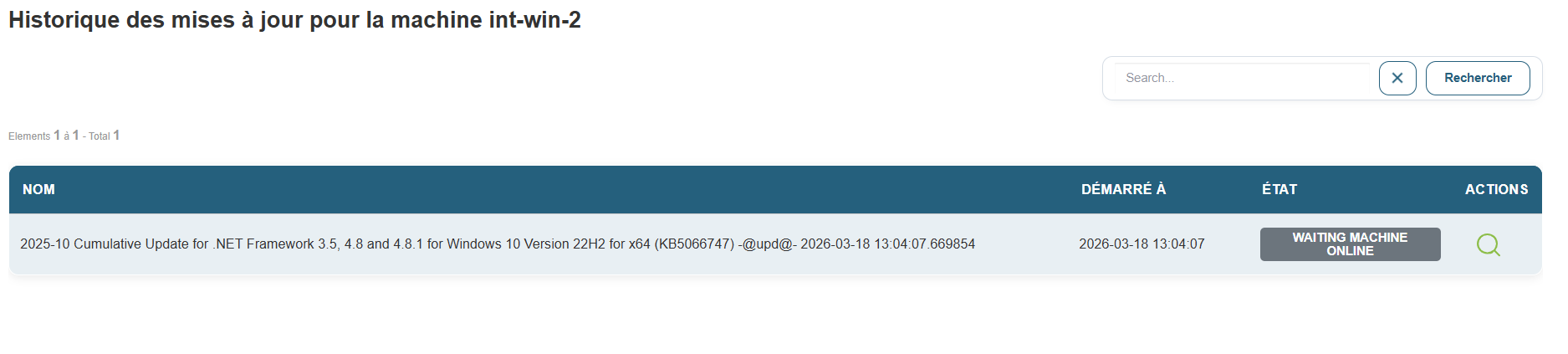
Then locate the missing updates in the details view for each machine.
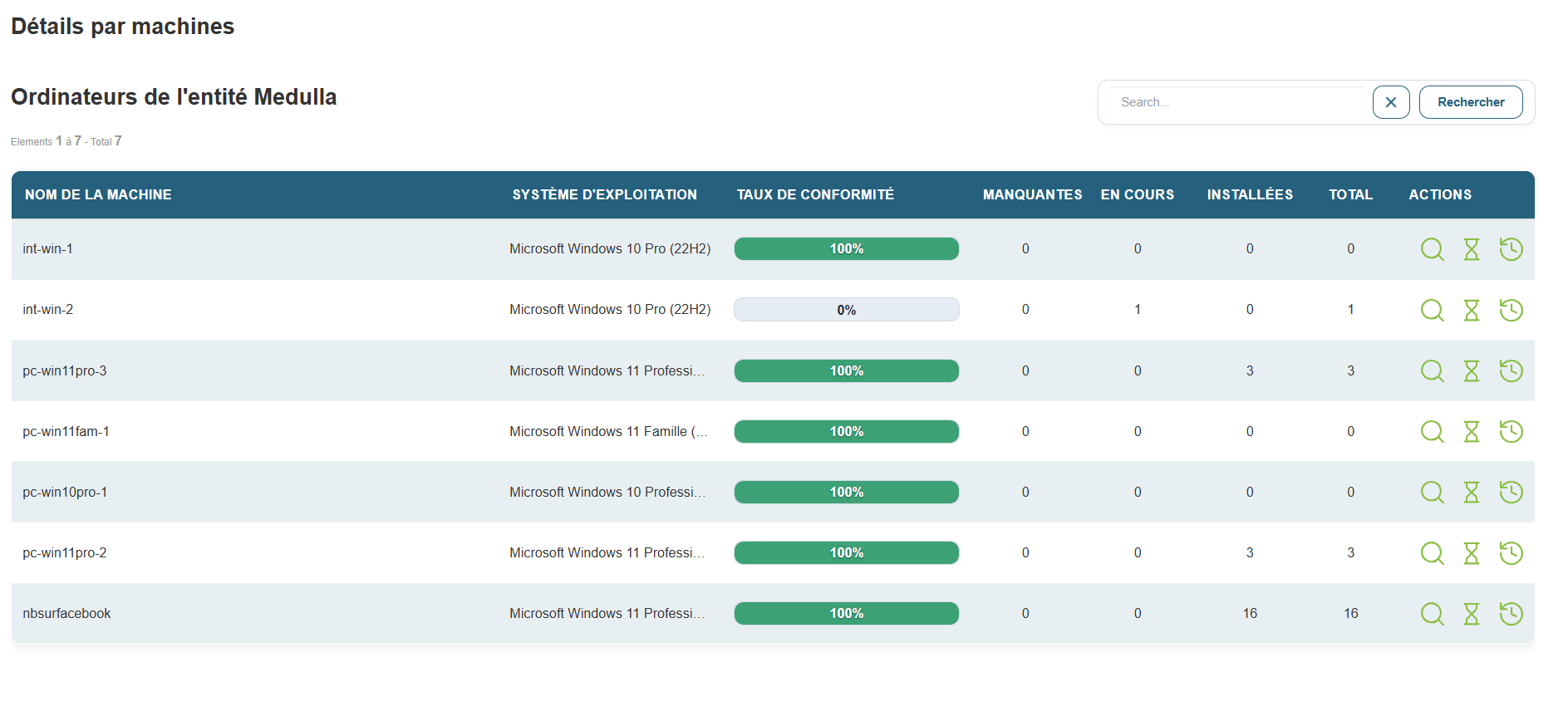
Click the magnifying glass icon labeled "Details" on a machine, then click the "Deploy this update" icon.
A few seconds later, you’ll see the update audit in the “Audit” view.