Reverse SSH Verification
Logs
- /var/log/pulse/xmpp-agent-relay.log
- /var/log/mmc/master-mast.log
- C:\Program Files\Medulla\var\log\xmpp-agent-machine.log
Debugging operations
On the client
Reverse SSH connections from clients are established via the following scripts
- Linux: /var/lib/pulse2/reversessh.sh
- Windows: c:\Program Files\Medulla\bin\reversessh.ps1
On Linux, you can run these scripts manually to test the tunnel setup. Refer to these scripts to find the port number being used. e.g.:
/usr/bin/ssh -t -t -R 51891:localhost:22 -o StrictHostKeyChecking=no -i "/var/li
b/pulse2/.ssh/id_rsa" -l reversessh 192.168.2.15 -p 22
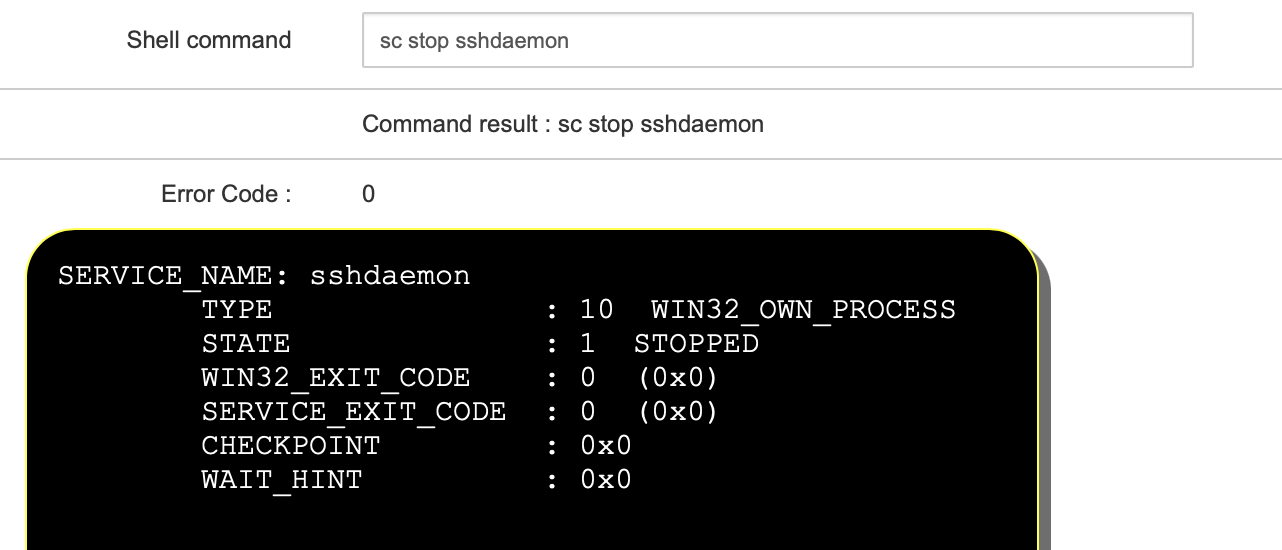
On Windows, you must use the MMC console to enable debugging during deployment. To do this, stop the OpenSSH service from an XMPP console to force the reverse SSH connection:
sc stop sshdaemon
Start a deployment. In the audit view, the result of the reverse SSH connection will be displayed:
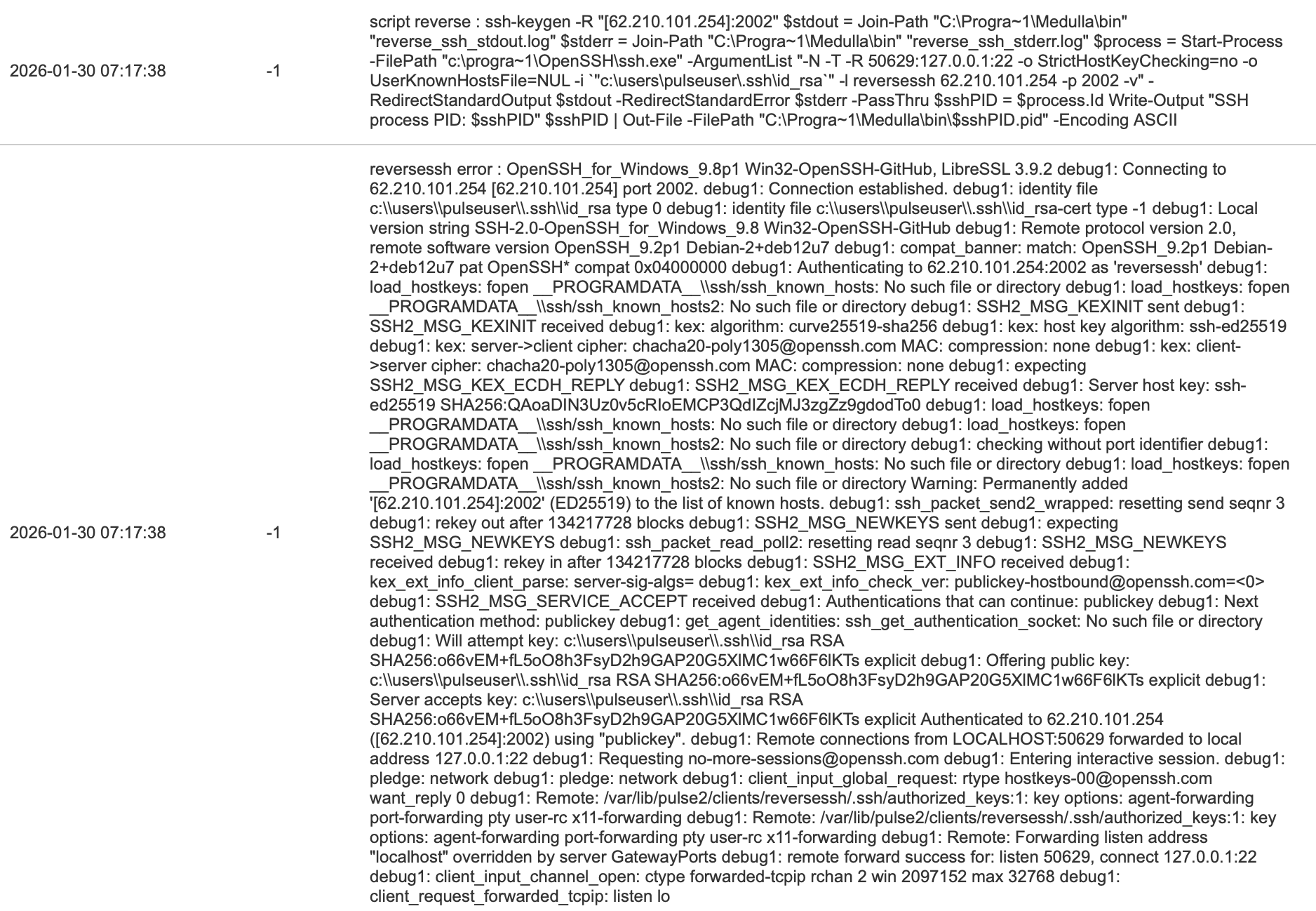
If the tunnel does not establish, it is either a port issue or a key issue
On the relay
The following script allows you to test the establishment of the reverse connection on the ARSs on the defined port (see above):
#!/bin/bash
echo "port $1"
echo "reverse exists"
netstat -an | egrep "tcp.*:$1.*LISTEN"
echo "reverse in use"
netstat -an | egrep "tcp.*:$1.*ESTABLISHED"
echo "reverse PID"
lsof -t -i :$1 -s tcp:LISTEN
You can view the reverse SSH processes with:
ps aux | grep ssh
root 2267 0.0 0.1 95184 6860 ? Ss 15:26 0:00 sshd: reversessh [priv]
reverse+ 2280 0.0 0.0 95184 3868 ? S 15:26 0:00 sshd: reversessh@pts/7
on Windows:
reverse+ 2280 0.0 0.0 95184 3868 ? S 15:26 0:00 sshd: reversessh@pts/7
on Windows:
tasklist | findstr ssh