To discover all the features and to deepen your knowledge, download our additional documentation by clicking here. Click on the link to see the full documentation.[User Guide](https://wva.siveo.net/books/guide-utilisateur "Guide utilisateur")
[](https://medulla-tech.io/) [For more information, visit our website :](https://medulla-tech.io/)www.medulla.fr # Who is this manual for? Public This manual is intended for anyone involved in the management of a computer park and the administration of information systems, including: - System and Network Administrators - Computer Support Technicians - Managers of the IT fleet - DSI (Directors of Information Systems) - IT Project Managers - Deployment operators [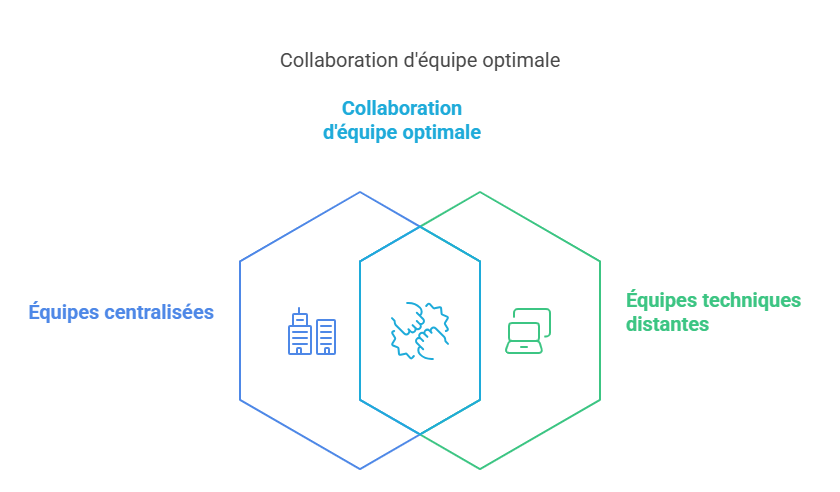](https://docs.medulla-tech.io/uploads/images/gallery/2025-05/scaled-1680-/cLFimage-png.png)It is intended for both centralized teams and technical teams working remotely or in multisite.
### Objectives of the manual The purpose of this manual is to guide you step by step in: - Taking charge of the Medulla interface - Understanding its functional modules - The configuration, use and automation of tasks - Use of support, monitoring and audit tools - Secure management of local and remote postsThis manual takes an approach **progressive and modular** : you can read it in order or directly access the sections that concern you.
#### Recommended prerequisites In order to make the most of Medulla and this guide, it is recommended to have: - Basic knowledge of Windows/Linux systems - Concepts in network and security management - A familiarity with the ITSM tools (optional but useful) - An experience in teledeployment or imaginingNo need to be an expert to start. The Medulla interface is designed to be intuitive, with integrated assistants to accompany you.
[](https://medulla-tech.io/) [For more information, visit our website :](https://medulla-tech.io/)www.medulla.fr # Glossary ##### **ARS** Automatic Relay Selector is a mechanism that automatically selects the best relay to get a message or connection through. ##### **Cluster** Server group that works together to distribute load, high availability and resilience. ##### **Imagine** Here we talk about a system image or snapshot (disk image) of a workstation or server containing OS and software. It's used for quick deployments or restorations. ##### **Logs** It's also called Journalization, it's a mechanism that records system events, errors, access, user actions. Very useful for audits and security. ##### **OR** Organizational unit is a hierarchical structure in a directory (e.g. LDAP) that is used to organize machines and users. ##### **Package** It is a set of files and resources that contain an application ready to be installed and configured on a computer or server. Packages are in deposits and are managed by package managers. ##### **P.M.A.D.** Remote control ##### **Relay** The relay is a component that allows messages to be passed between different points of the network. ##### **Rules** A rule is a set of criteria to determine which relay or server should be used. ##### **XMPP** XMPP means Extensible Messaging and Presence Protocol and is used for instant messaging, presence and real-time communication. ##### **Conditional Grafcet** GRAFCET-based planning method (Step/Transition Functional Command Graph), used to automate action sequences (such as software deployment or script execution) according to specific conditions. Each step only executes if defined conditions are met, allowing dynamic and intelligent process management. ##### **Unicast** Network communication mode where only one source sends data to a single destination. Used for point-to-point transmissions. ##### **Multicast** Network communication mode where only one source sends data simultaneously to several specific destinations, without sending separate copies to each receiver. ##### **VPN (Virtual Private Network)** Virtual private network to create a secure and encrypted connection between a user and a network, often via the Internet. It protects the data, hides the IP address and guarantees confidentiality. ##### **SSH (Security Shell)** Secure communication protocol to establish a remote encrypted and authenticated connection to access a system and execute commands. Used primarily for server administration and secure file transfer. ##### **Wake-on-LAN, WOL network alarm** Functionality allowing to start a remote computer via a network, sending a special package called**Magic Packet** containing the MAC address of the target machine. Used for remote administration and machine management without having to turn them on manually.