Section 9: Audit
Own and collective tasks
The ability to monitor and understand each action is crucial. The management system offers several views to explore in detail past operations, monitor ongoing tasks, identify errors, and collaborate effectively among teams.
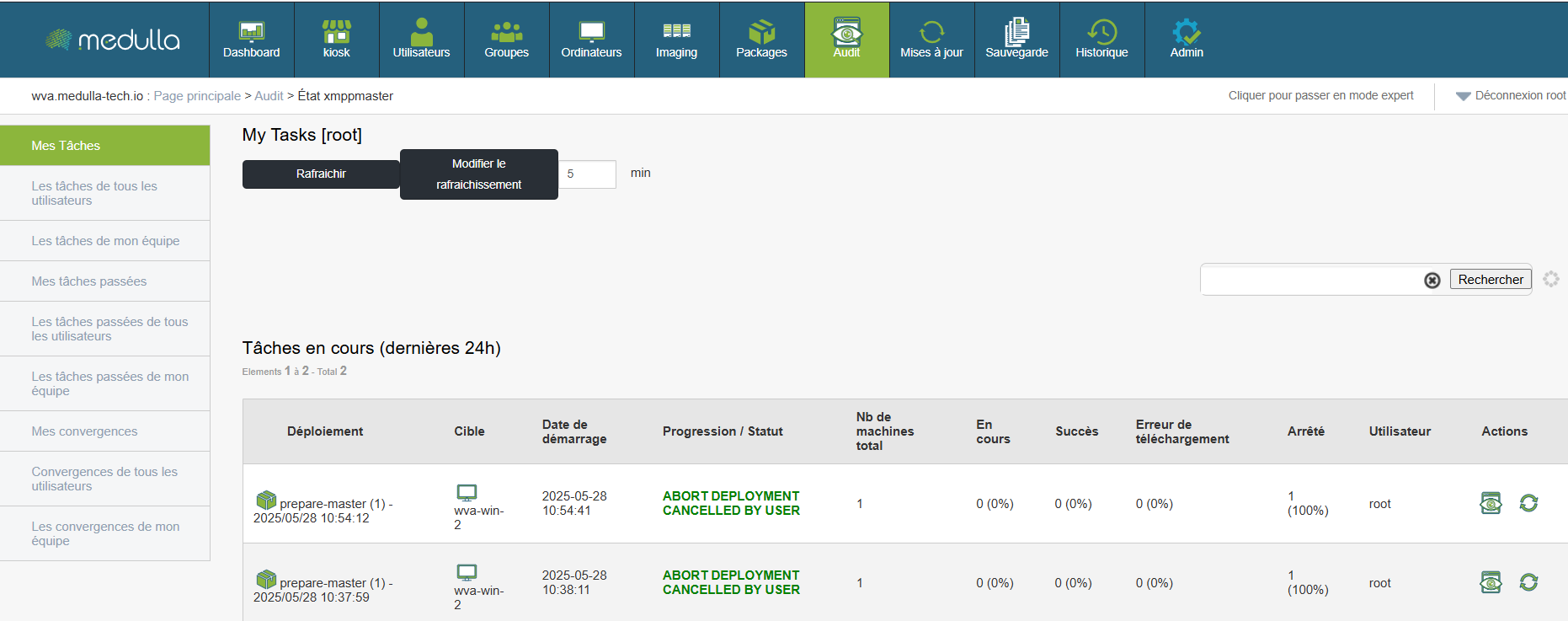
Section My Tasks allows you to visualize all the actions you have initiated, whether they are ongoing or completed.
Access:
Proposed View:
-
Ongoing tasks : displays current deployments over the last 24 hours.
-
Planned tasks : list the actions planned at a later date.
-
My Past Tasks : traces all your previous actions, with their results.
Available information:
For each task:
-
Type of deployment
-
Target (machine or group)
-
Start date
-
Progress status (success, failure, download error, shutdown)
-
User who initiated the action
Filters allow you to search for a task by name or user.
Task monitoring is not limited to your personal activity. Thanks to collective views, you can monitor your colleagues' operations, understand convergences, and avoid duplication.
Access:
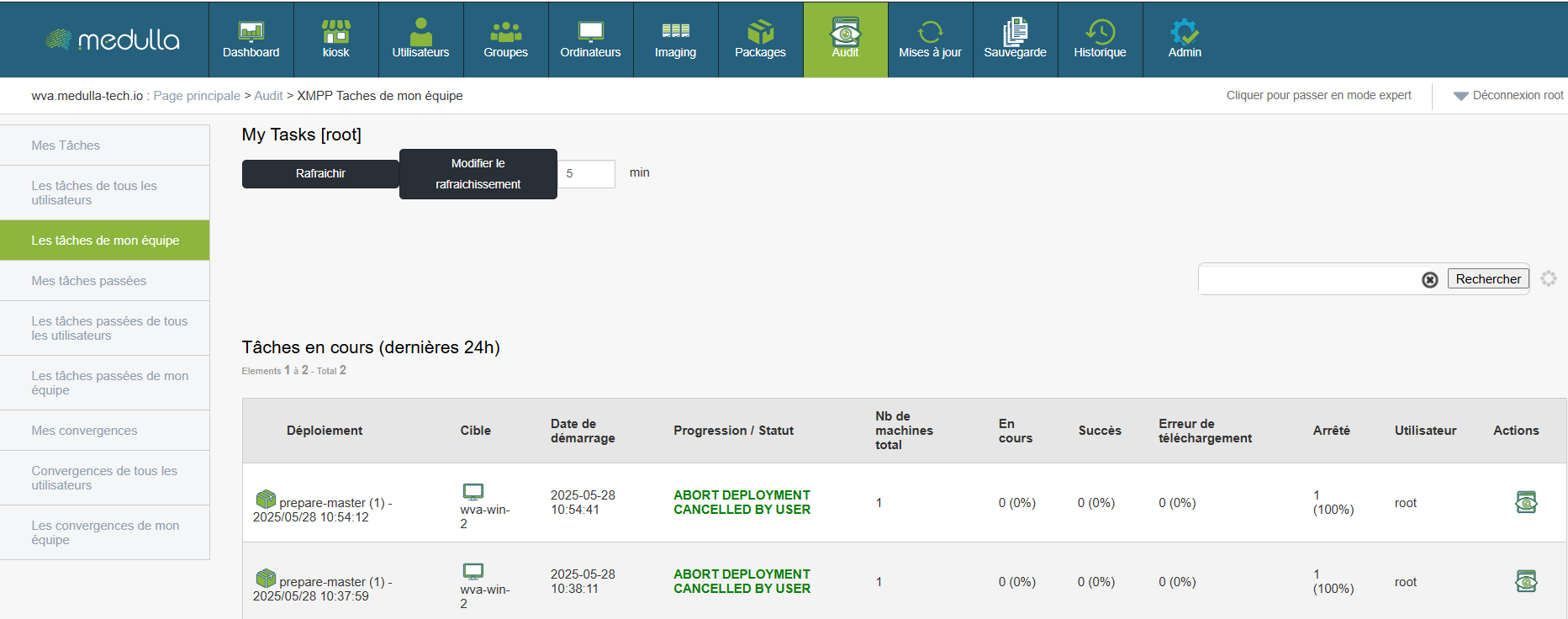
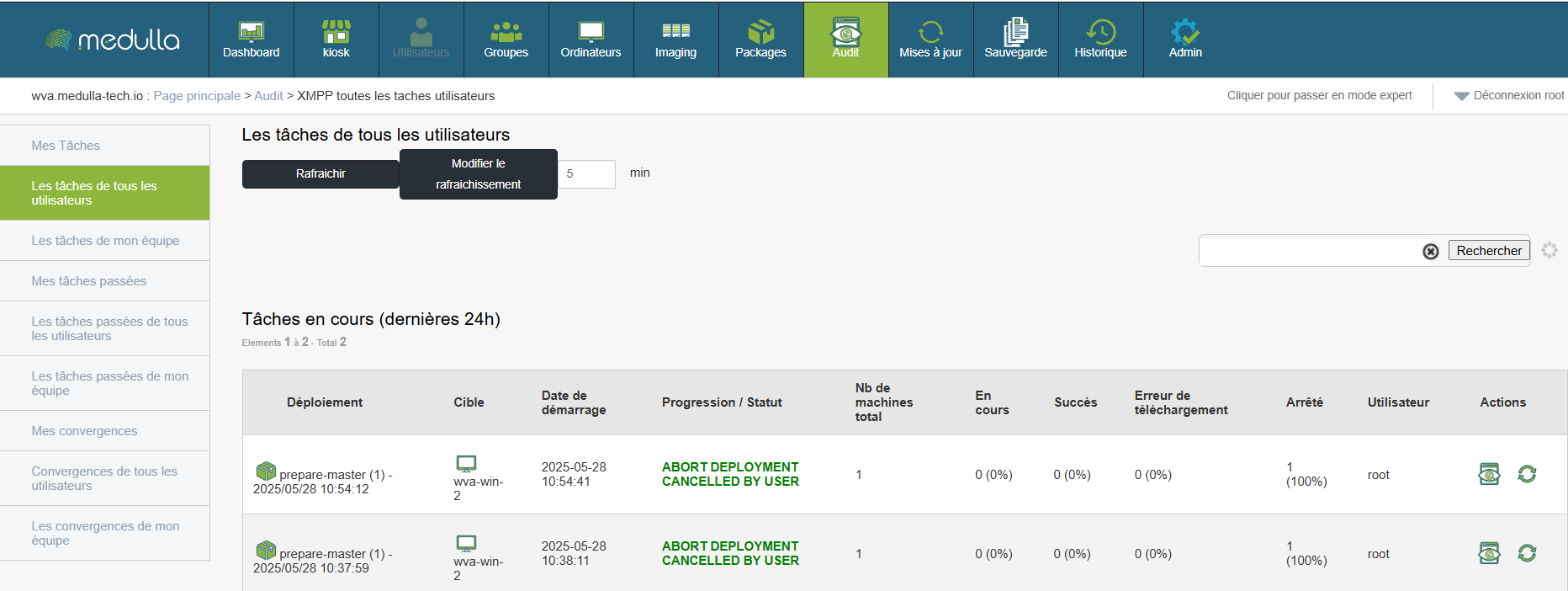
Available sections:
-
Past tasks of my team : global history of the actions launched by your team.
-
Past tasks of all users : comprehensive view of all recorded transactions.
-
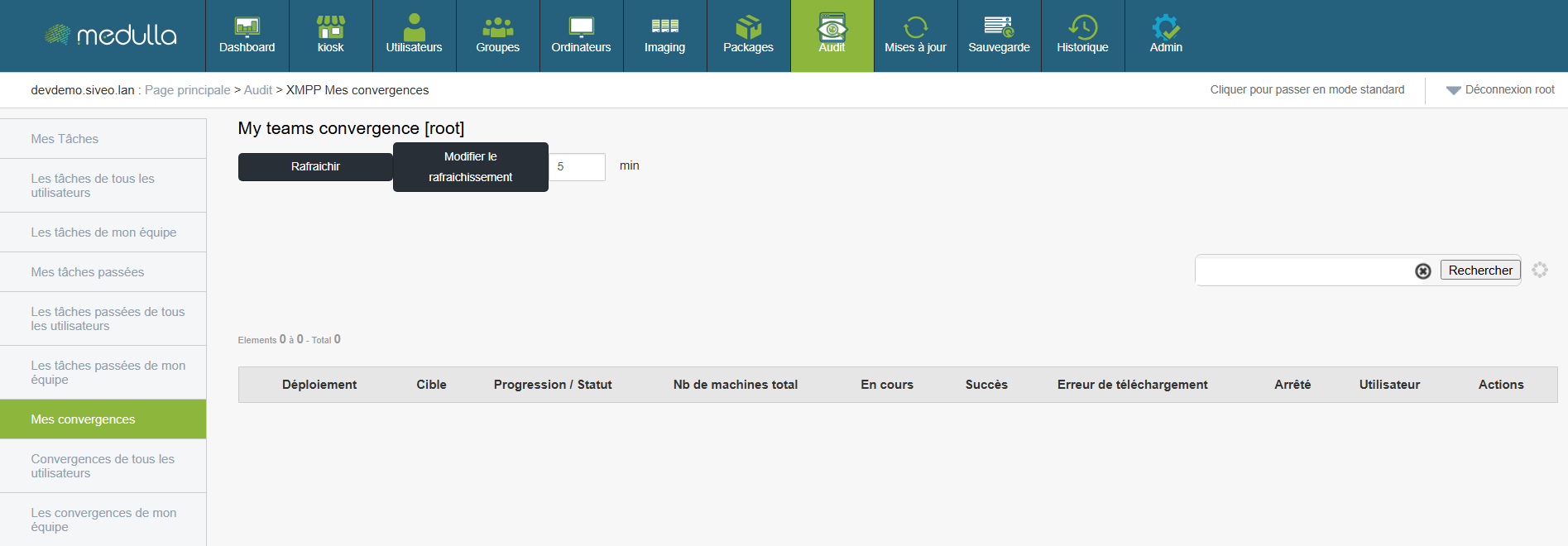
Convergences :
-
My convergences : tasks affecting several machines or groups at the time you initiated.
-
Convergences of my team or of All Users : collective visualisation of major operations.
-
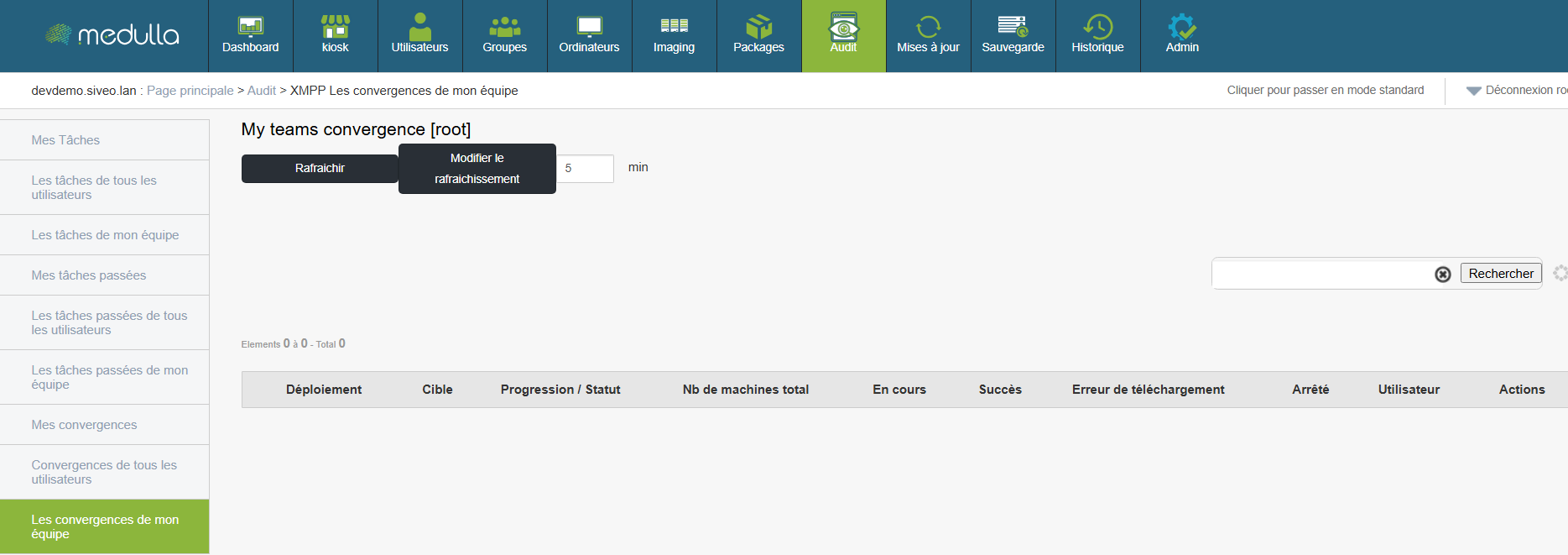
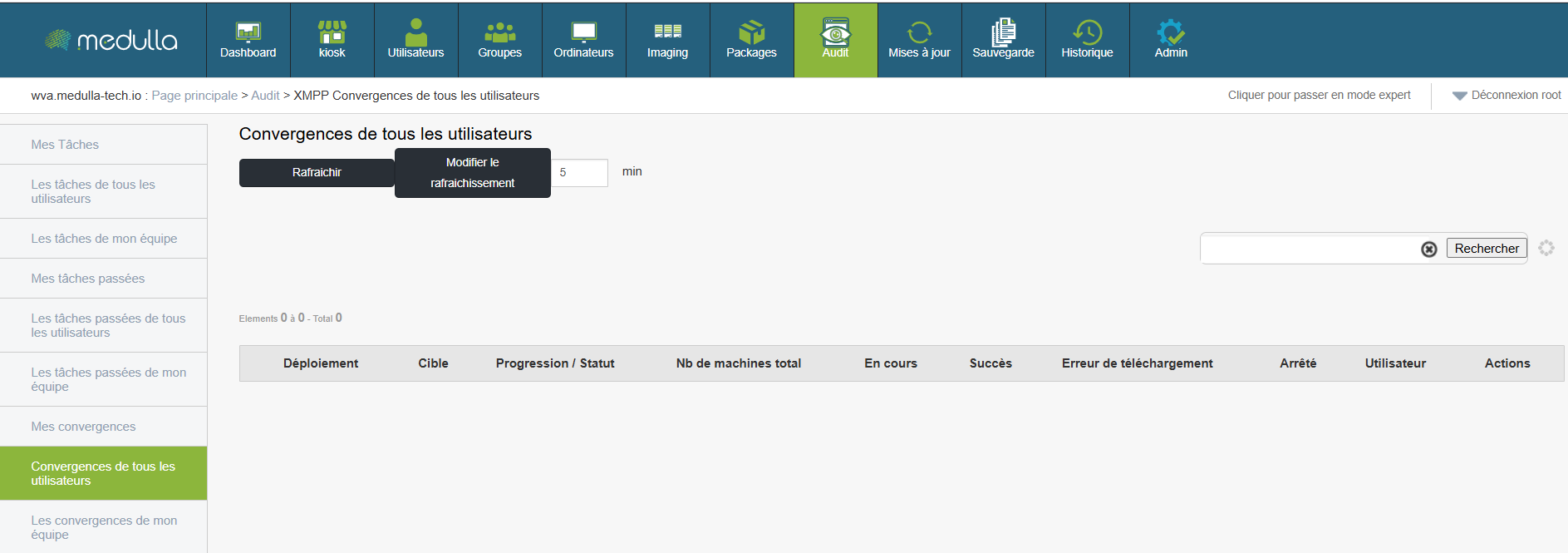
This information allows you to cross-check intervention data, identify recurring or critical operations, and act coherently within your department.
Analysis of tasks
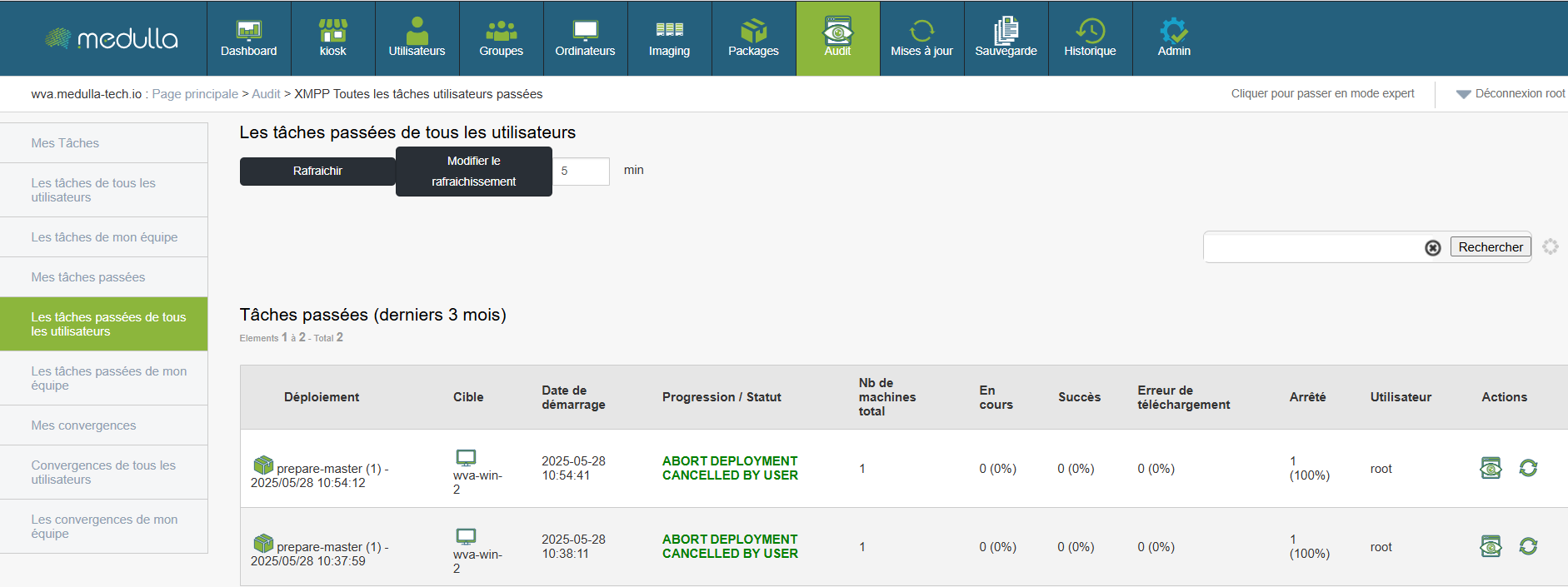
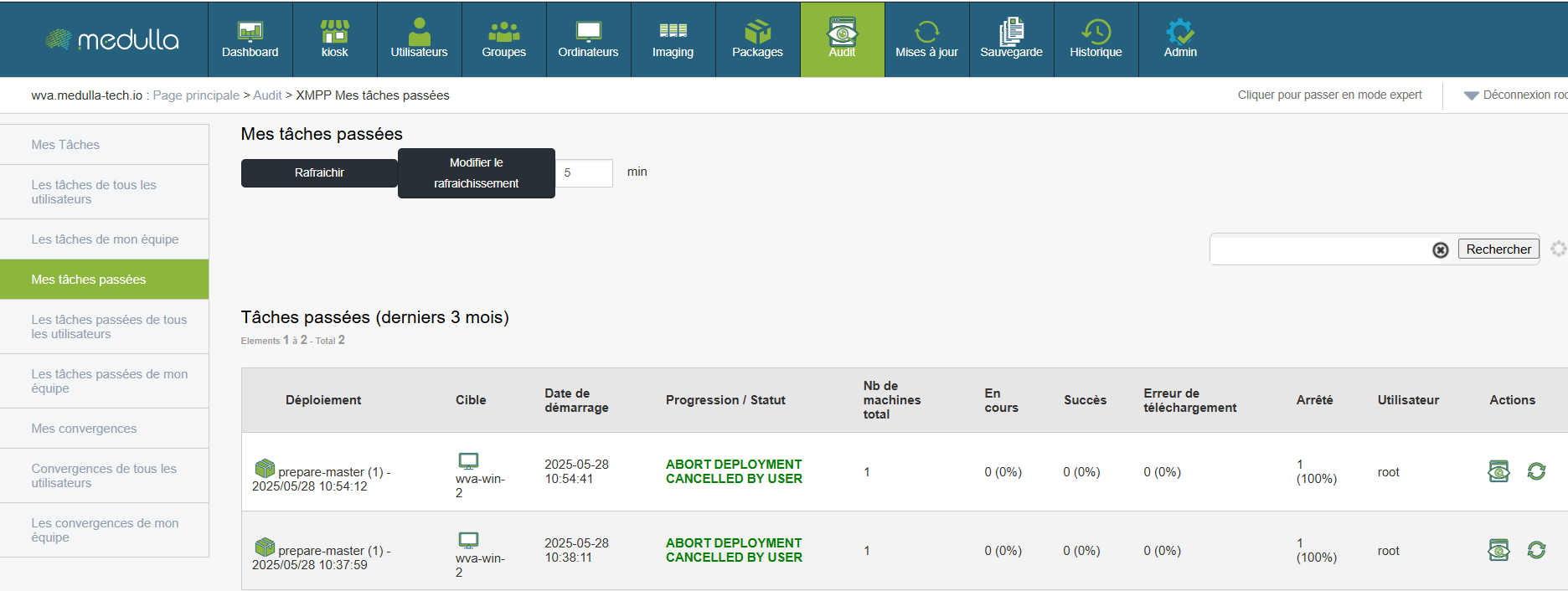
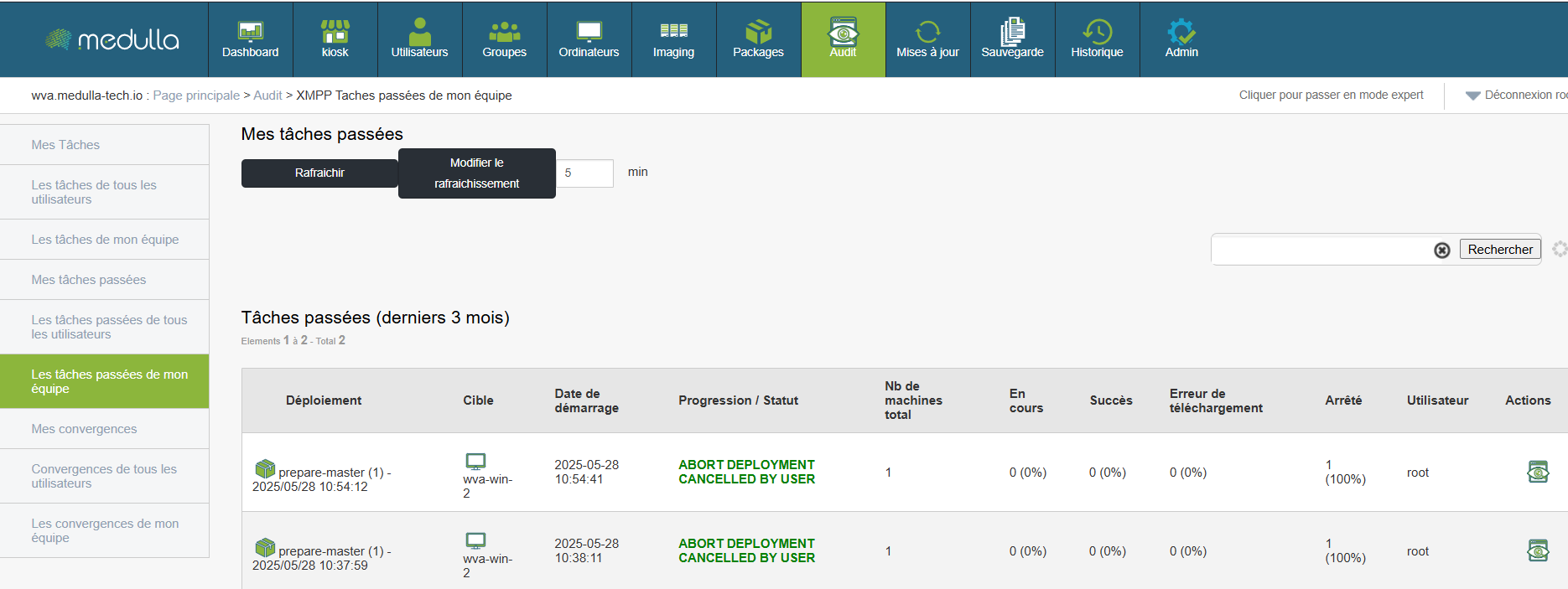
For each task listed, it is possible to access a full detail including:
-
The total number of machines concerned
-
The rate of progression (success, errors, stopped transfers)
-
Errors in downloading or permissions
-
The associated execution log
These data are essential for:
-
Diagnosis of incidents
-
Justify intervention
-
Verify deployment compliance
-
Documenting processes in an audit framework
One button Refresh (with configurable interval, default 5 minutes) allows you to maintain a constantly updated view.

This facilitates Active piloting, by allowing you to:
-
Respond quickly in case of failure or blocking
-
Identify abnormally long tasks
-
Follow accurate planning in real time
The audit and task management interface is a real retrospective and collaborative dashboard. It allows you to understand what was done, by whom, on which machine, and with what results. This traceability is essential to enhance security, improve internal procedures, and ensure reliable and controlled administration of your IT environment.