Access the logs
This chapter presents the various features related to system history via logs. Each section is described step by step to facilitate the viewing, analysis, and use of recorded events.
Objective: View the events recorded by each system component.
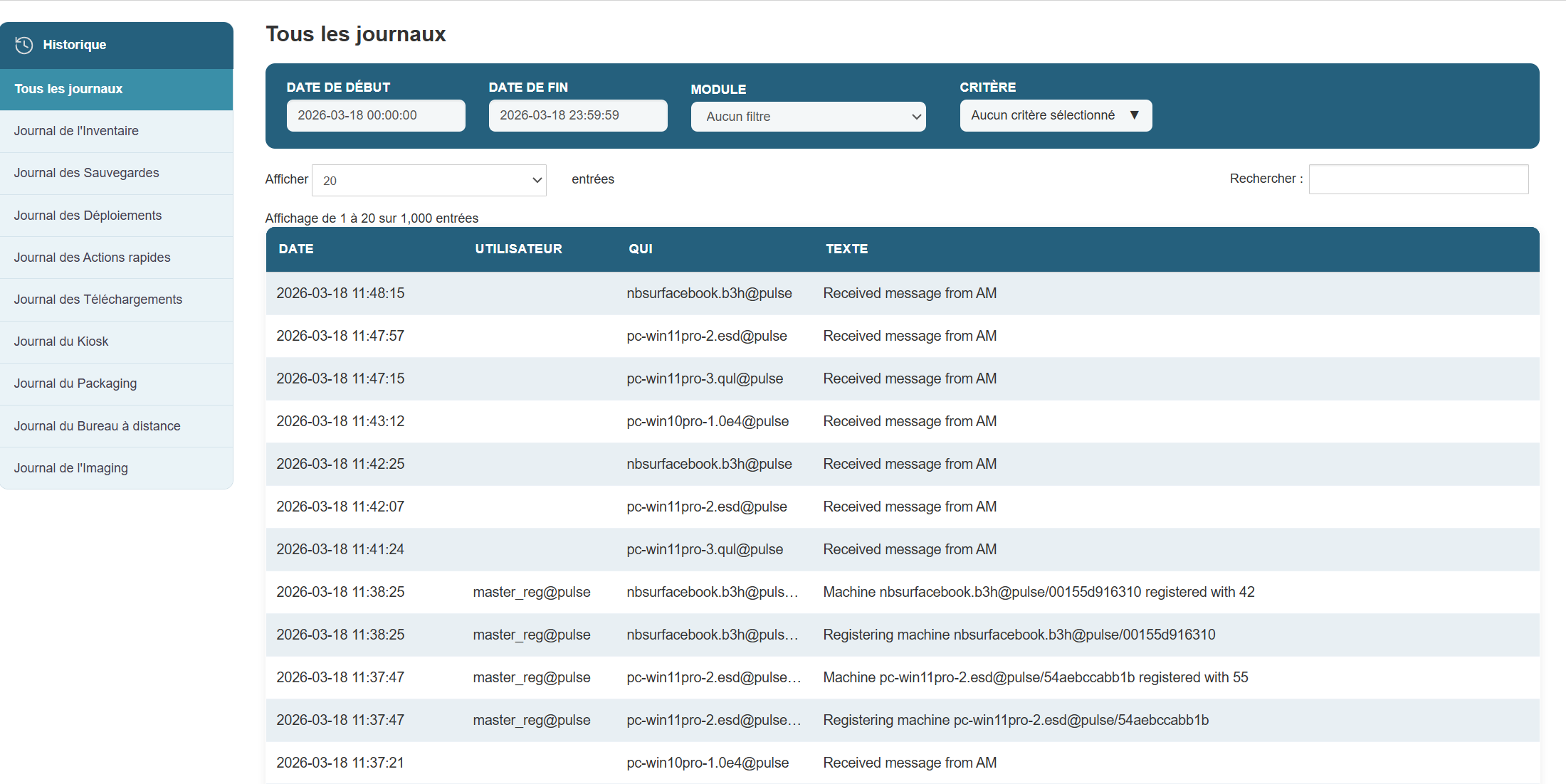
Steps:
-
Open the administration interface.
-
Click the Logs tab in the main menu.
-
A list of modules appears, including:
-
inventory logs -
backup logs -
deployment logs -
quick-action logs -
download logs -
kiosk logs -
packaging logs -
remote access logs -
imaging logs
-
-
Select the module whose logs you want to view.
-
The events appear immediately in the table located below the "Log" heading for the selected log.