Create a cluster
Creating acluster allows you to better organize your relays according to your needs (for example, separating testing from production). This is exactly the same form as the edit form.
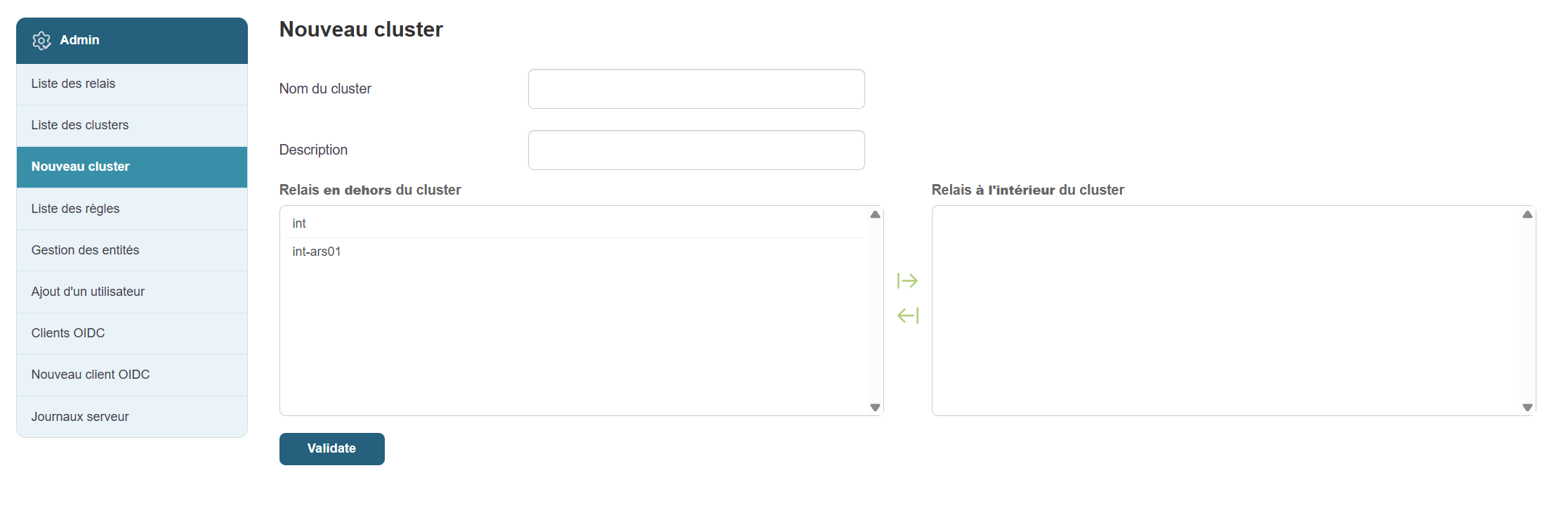
Steps:
-
Click “New Cluster” in the menu.
-
Click the “Add a new cluster” button .
-
Fill in the fields:
-
Clustername (e.g., "TestCluster")
-
Description (e.g., "Cluster for test relays")
-
-
Select the relays you want to associate with it (a list will appear).
-
Click “Confirm” to save.