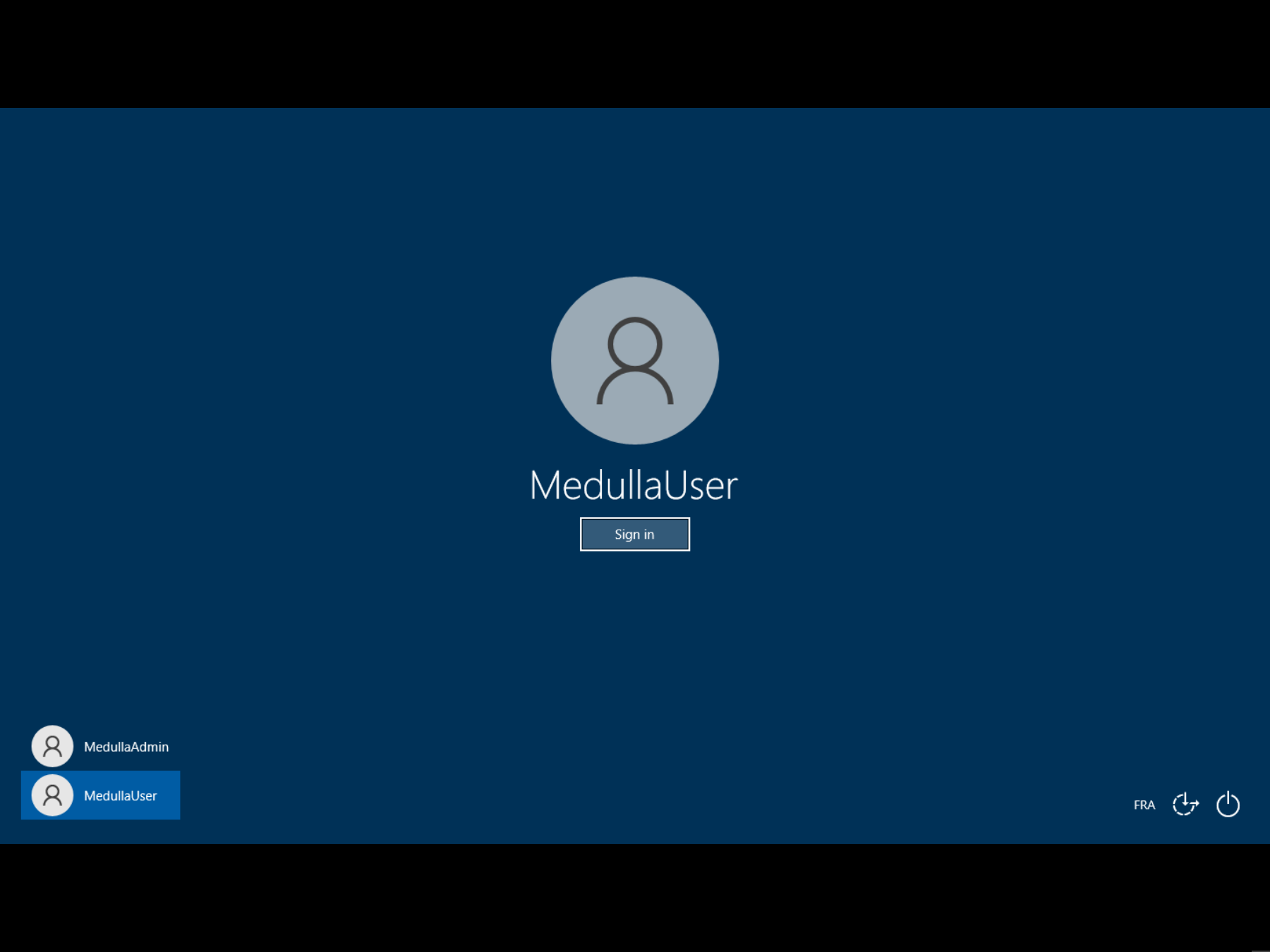
Getting Started with Remote Access
 Remote Access Direct access to machines to perform troubleshooting or maintenance tasks:
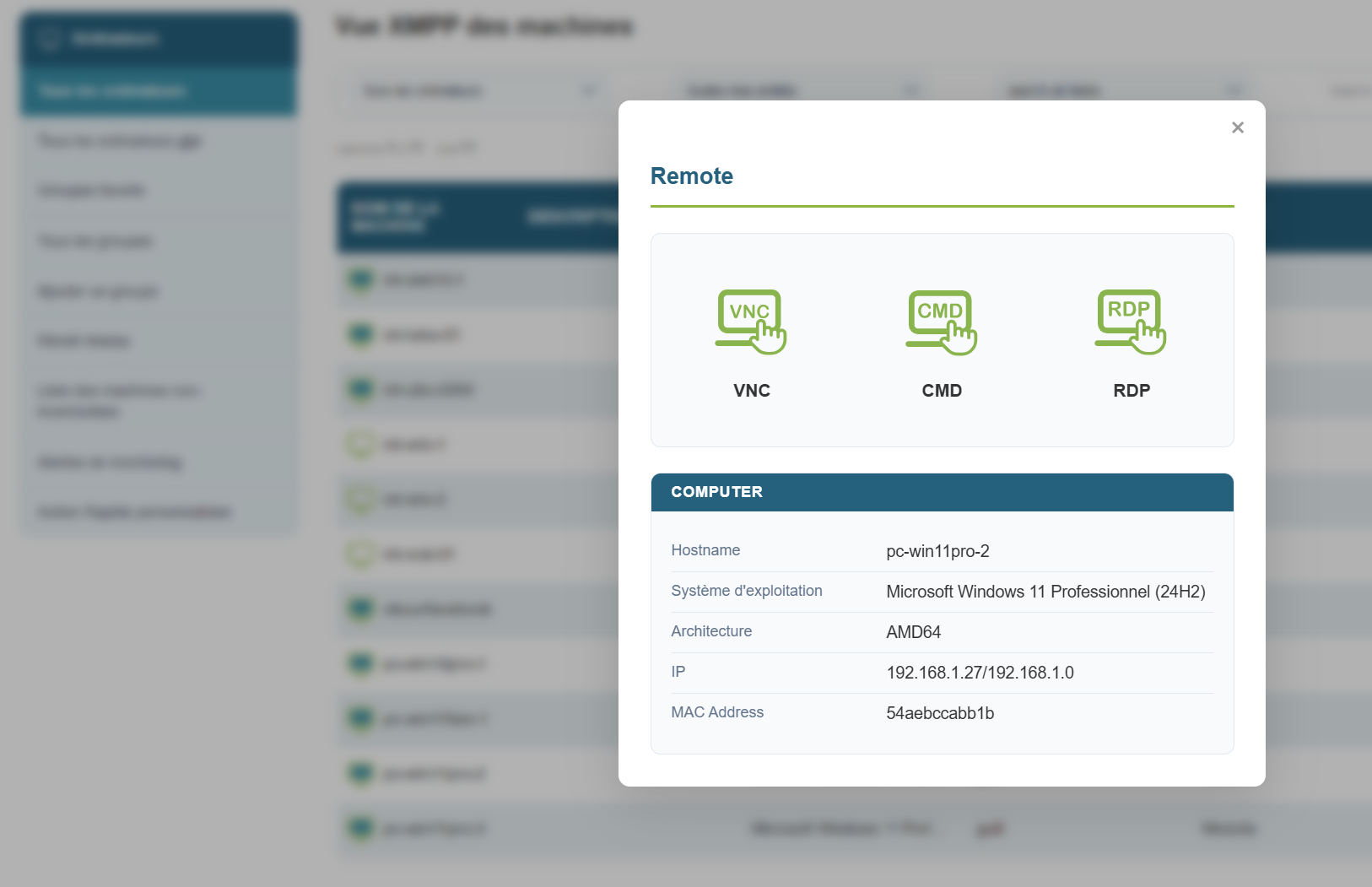
This allows you to take control of the remote machine in three possible ways:
Windows:
- CMD
- VNC
- RDP
When you click the button, a pop-up appears allowing you to choose which protocol you want to use:
For VNC, by default, an authorization request is sent to the user, and the user must grant you permission.
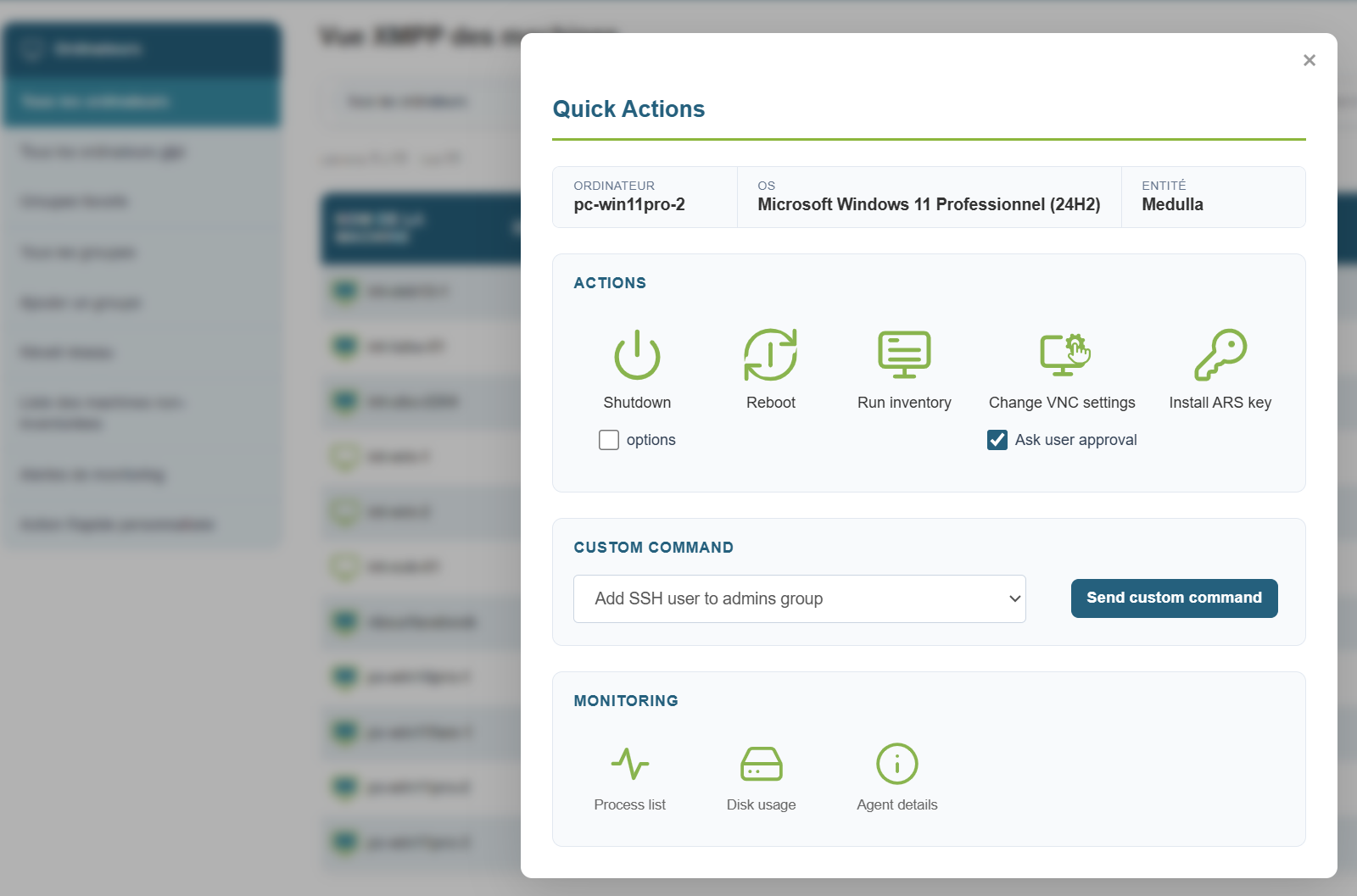
If you need to temporarily disable the authorization request for a maintenance operation while the user is away from their workstation, you can do so for the duration of the session:
Click the quick action button, uncheck the " Ask user approval " box, then click the take control button.
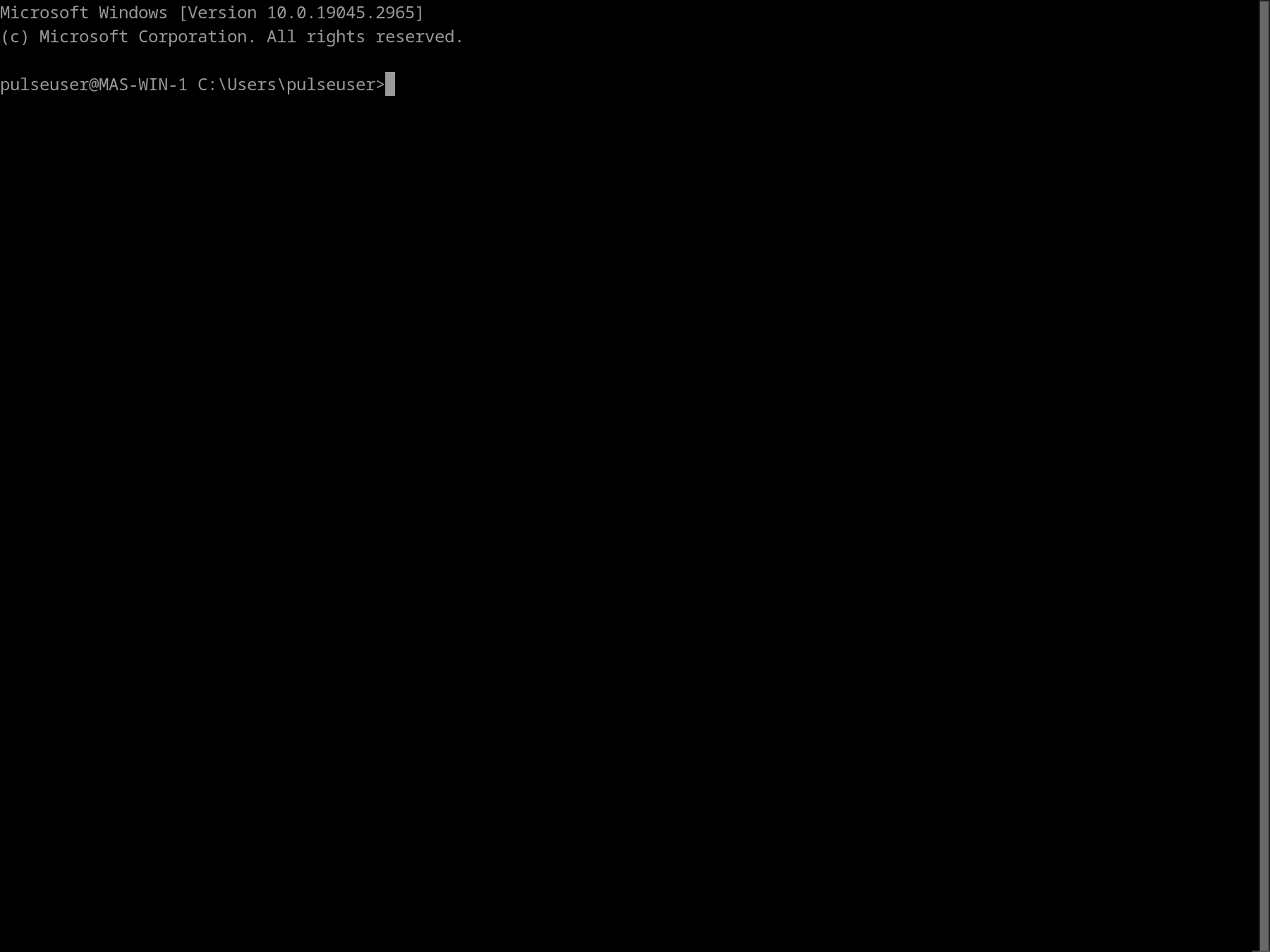
Remote access via CMD:
Remote access via VNC:
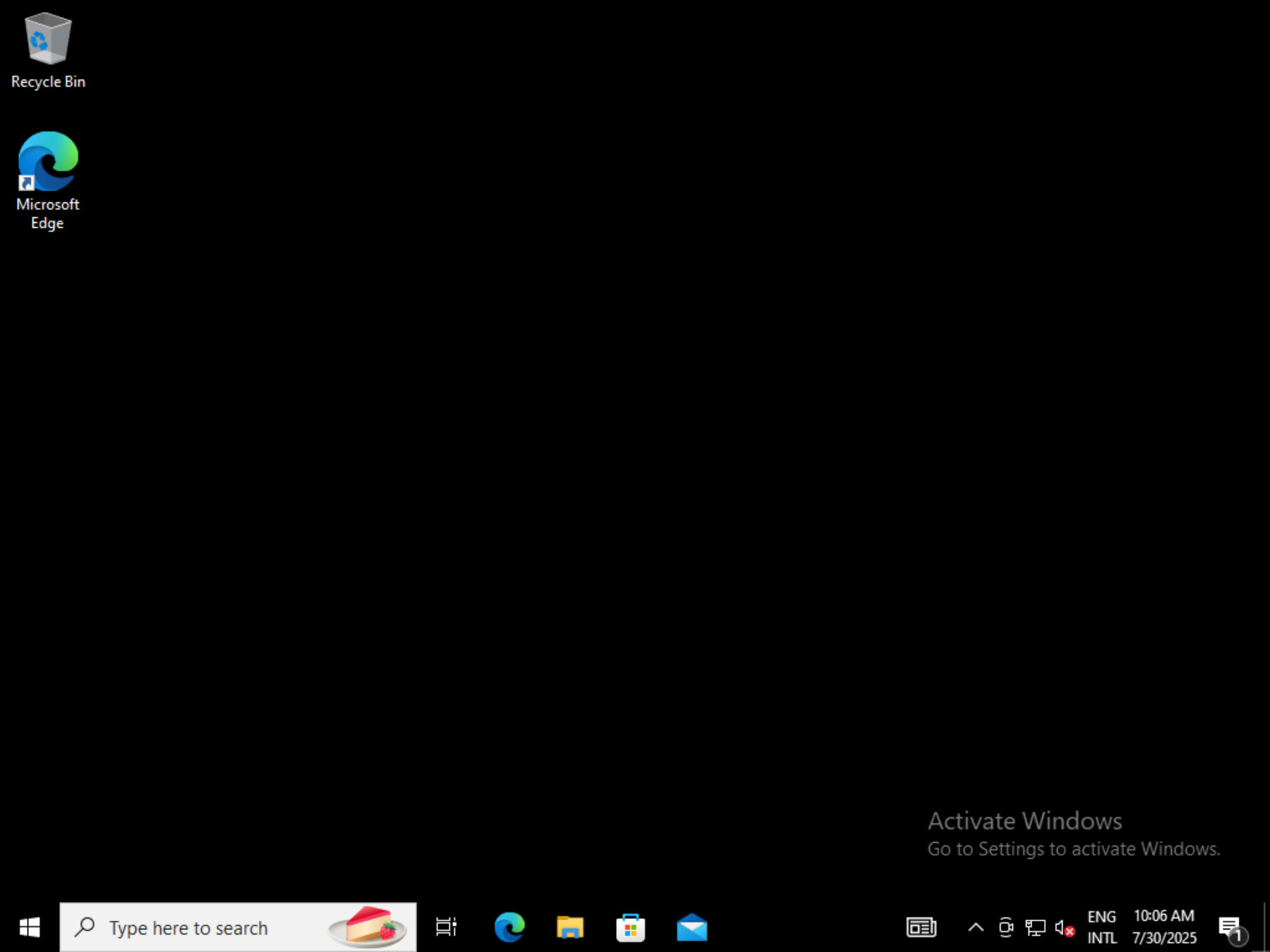
Remote access via RDP: