# Updating Medulla via the interface
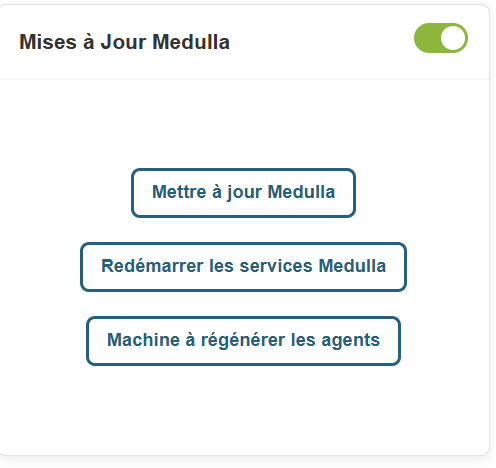
In the Medulla dashboard, an "Update Medulla" widget is available:
This widget allows you to:
- Check for Medulla version updates
- View Medulla version updates;
- Install Medulla version updates
- Restart Medulla services after updates
- Restart Medulla agents after updates
On the widget, click the Check for Updates button.
[](https://docs.medulla-tech.io/uploads/images/gallery/2026-03/1z4tew0gFz51skot-image.png)
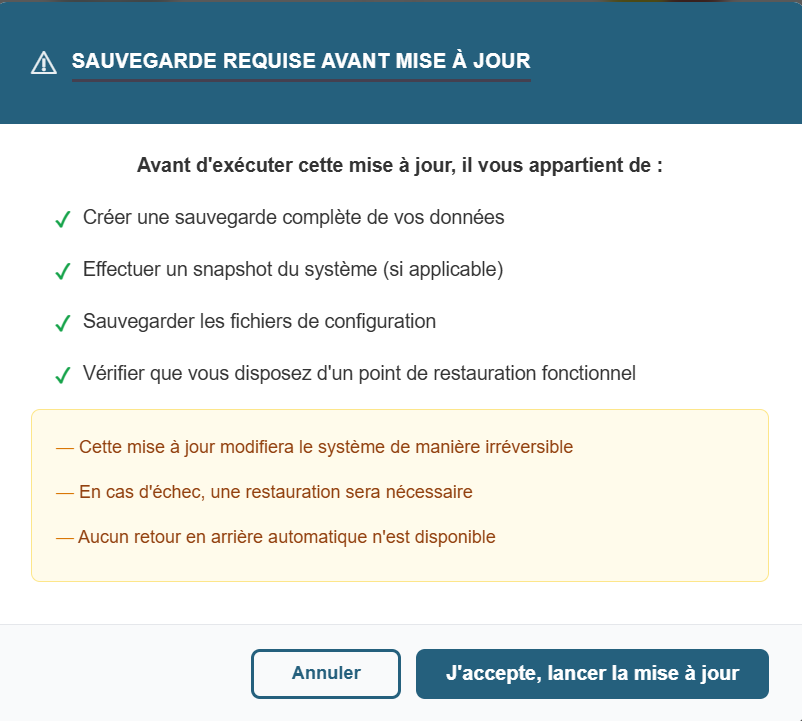
A popup will appear asking you to confirm the update, with backup requirements.
[](https://docs.medulla-tech.io/uploads/images/gallery/2026-03/vhPsl2LL3XMH6BvE-image.png)
There are 2 buttons on the popup
- Cancel
- I Accept, Start Update.
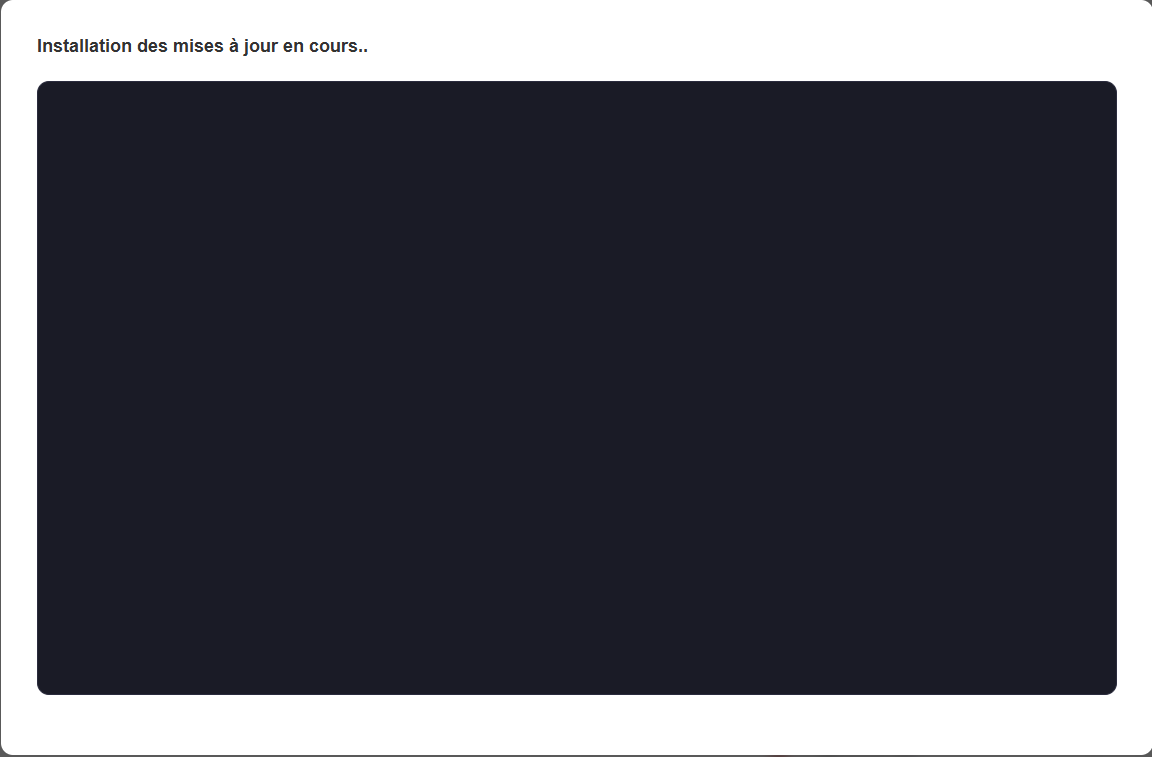
When you click Start Update, the pop-up displays:
[](https://docs.medulla-tech.io/uploads/images/gallery/2026-03/heduiHtHgioDUUTd-image.png)
Once the update is complete, Medulla will force a logout from the interface.
Once you reconnect to Medulla, still within the Updates widget, please click the "Restart Medulla Services" button.
[](https://docs.medulla-tech.io/uploads/images/gallery/2026-03/zT62gIEFMMHttyEl-image.png)
The session will be terminated; you will then need to reconnect to the interface.
Click the "Regenerate Agents" button.
[](https://docs.medulla-tech.io/uploads/images/gallery/2026-03/OBA8xx1SLBqkKSEp-image.png)
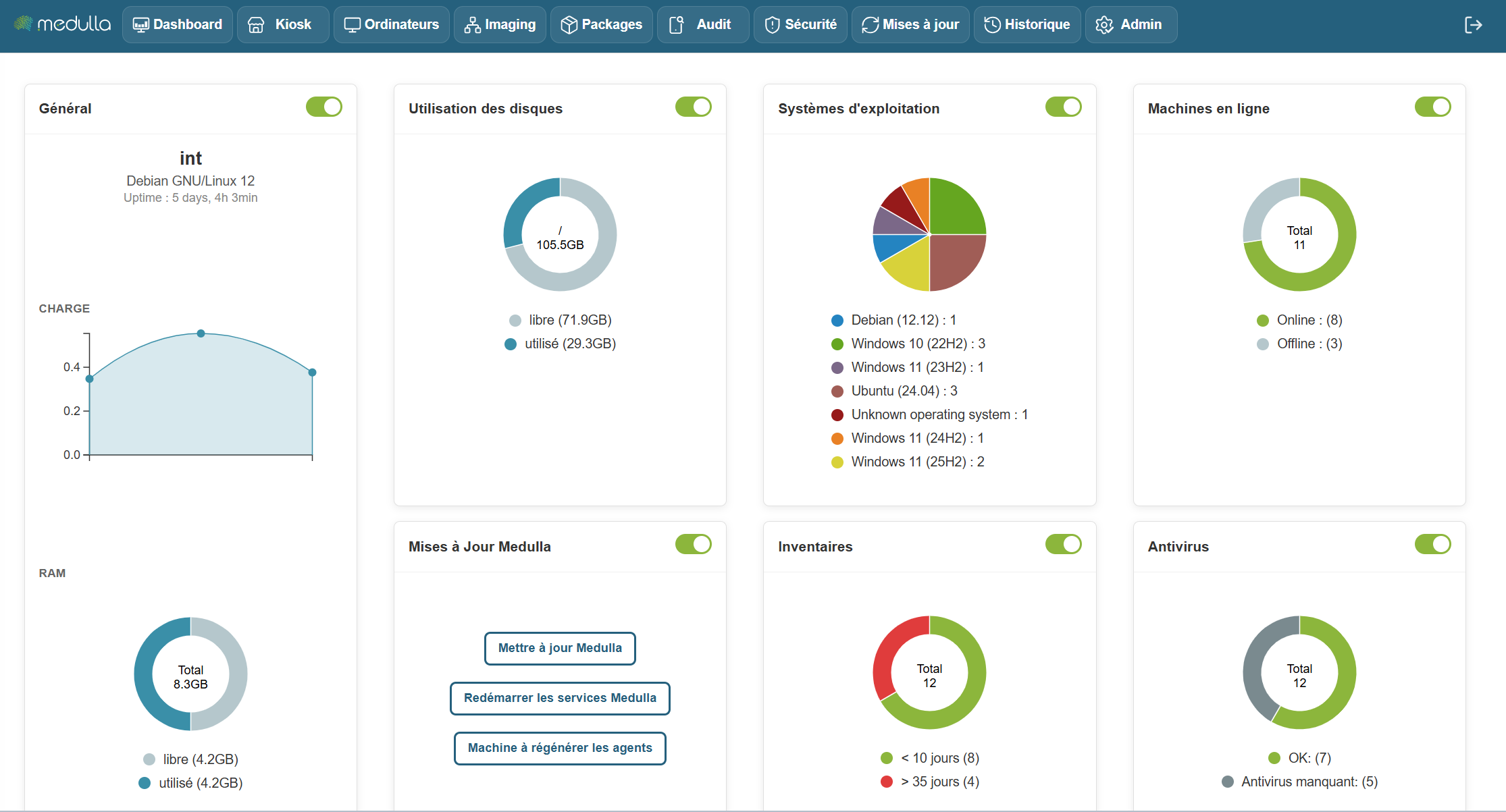
The page will then display the following screen:
[](https://docs.medulla-tech.io/uploads/images/gallery/2026-03/LXXU1abATrFFARV6-image.png)