Track the audit of a deployment
Would you like to view the audit of a deployment? Go to the Audit view in the navigation bar.
Search for your deployment by name, which includes the deployment start date and time as well as other useful information.
On the row for your deployment’s audit, on the far right, you’ll find the button that lets you view the full deployment audit: 
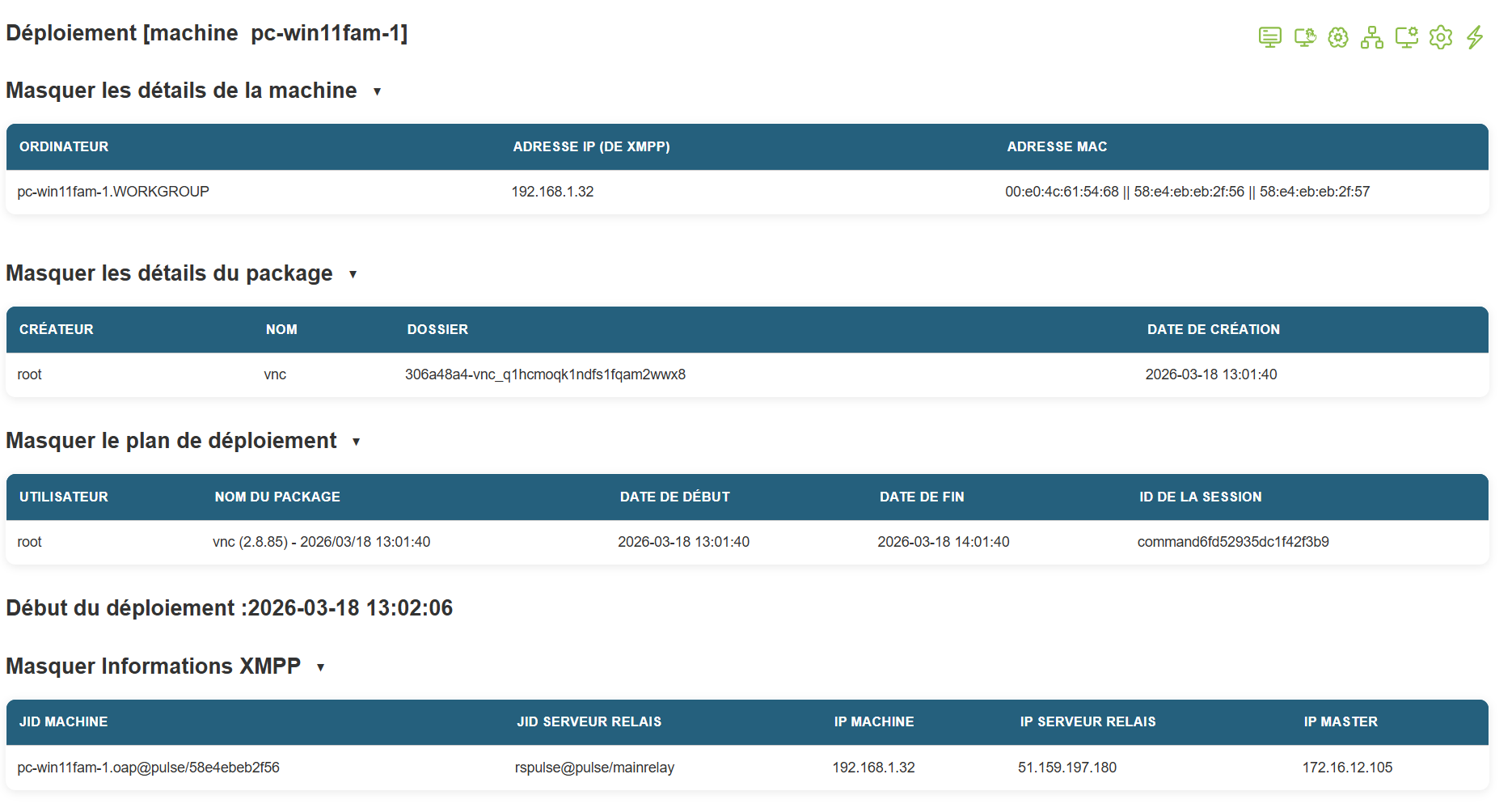
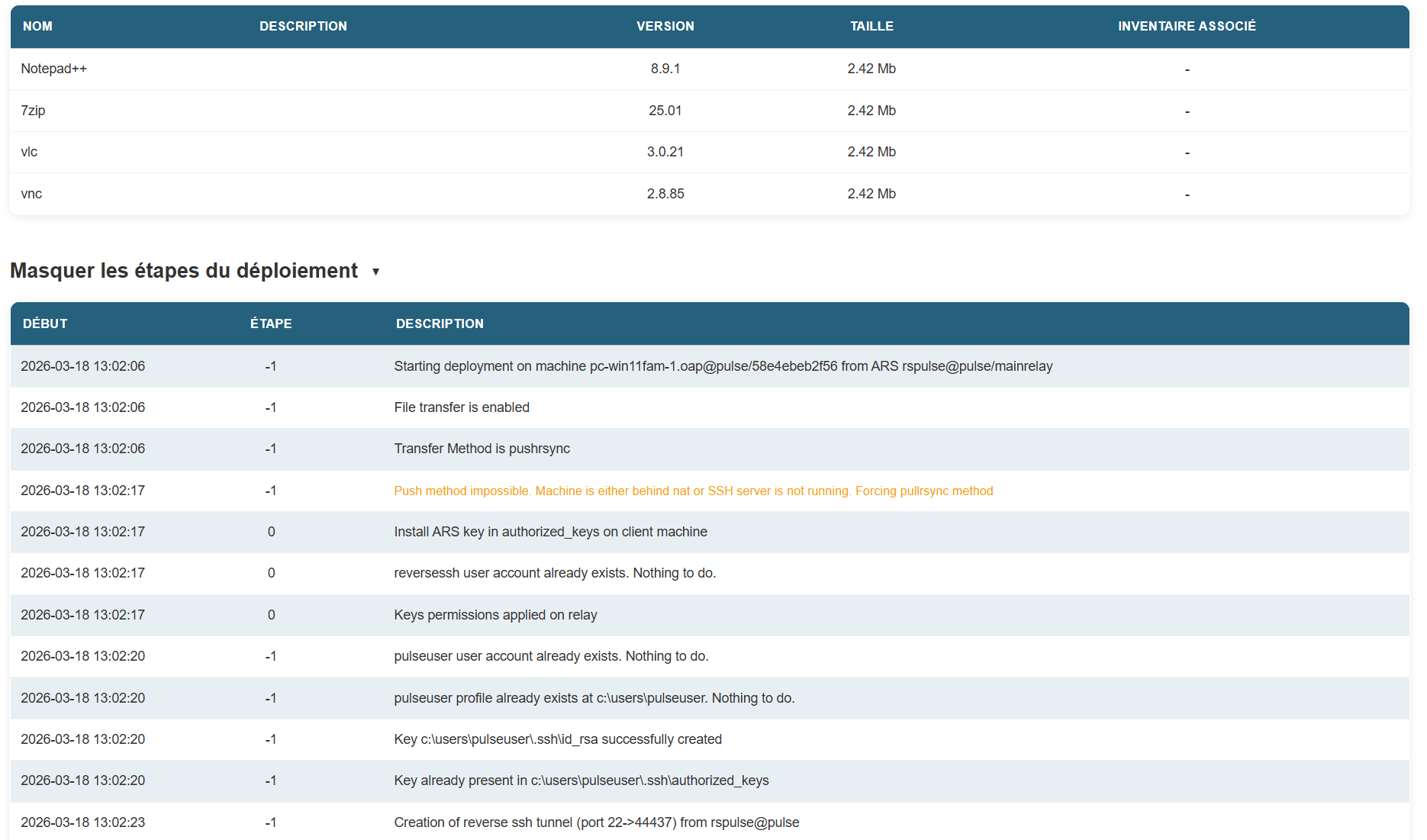
You will then be redirected to a new page that includes all the details of the deployment: