Actions
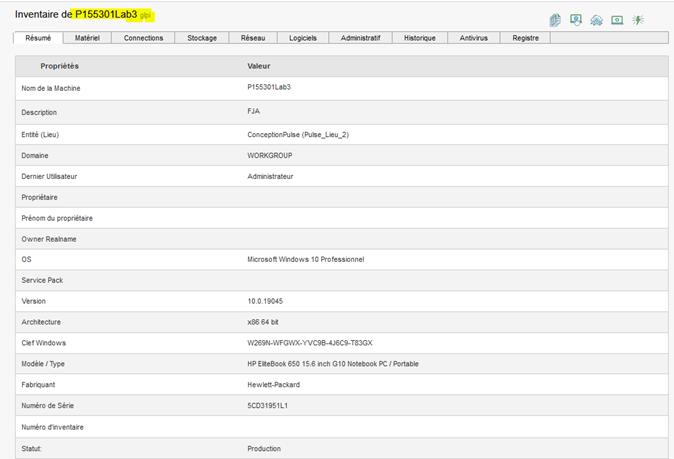
Machine Inventory (GLPI or ITSMNG):
Click the Inventory button on the right in the actions menu, and verify the information displayed.
Remote Access.
Click the Remote Access button; a pop-up window will open showing the different types of remote access available:
Click the "Remote Control" button; a pop-up will open showing the different types of remote control available:
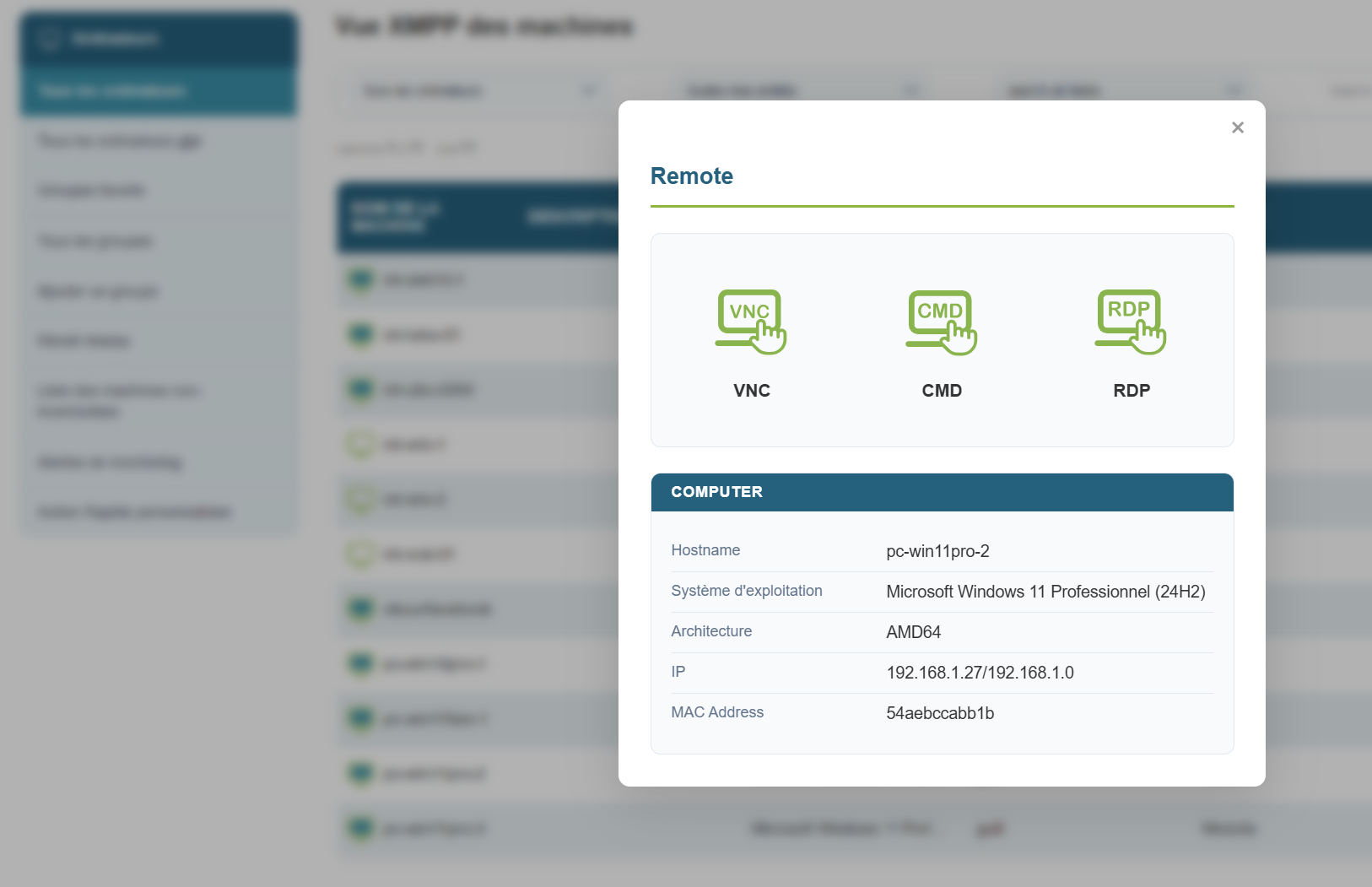
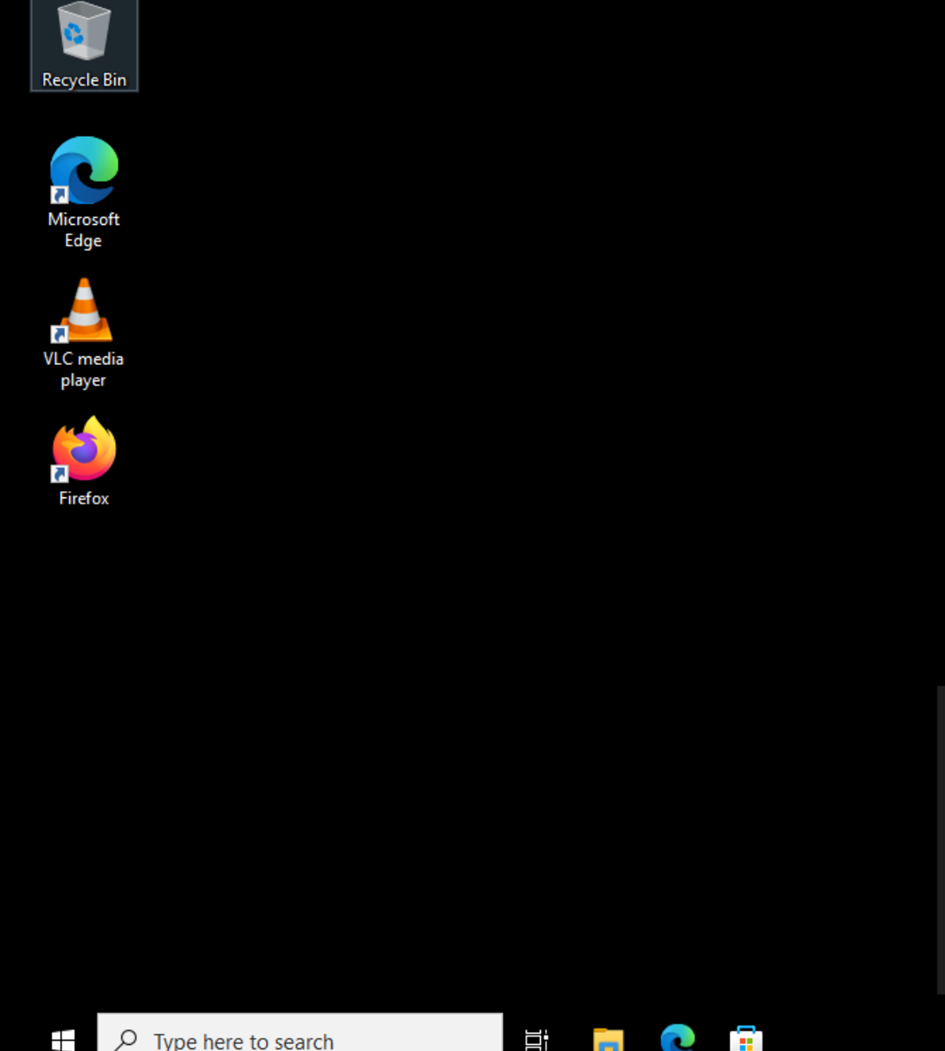
Click one of the buttons to open a tab with the remote access session.
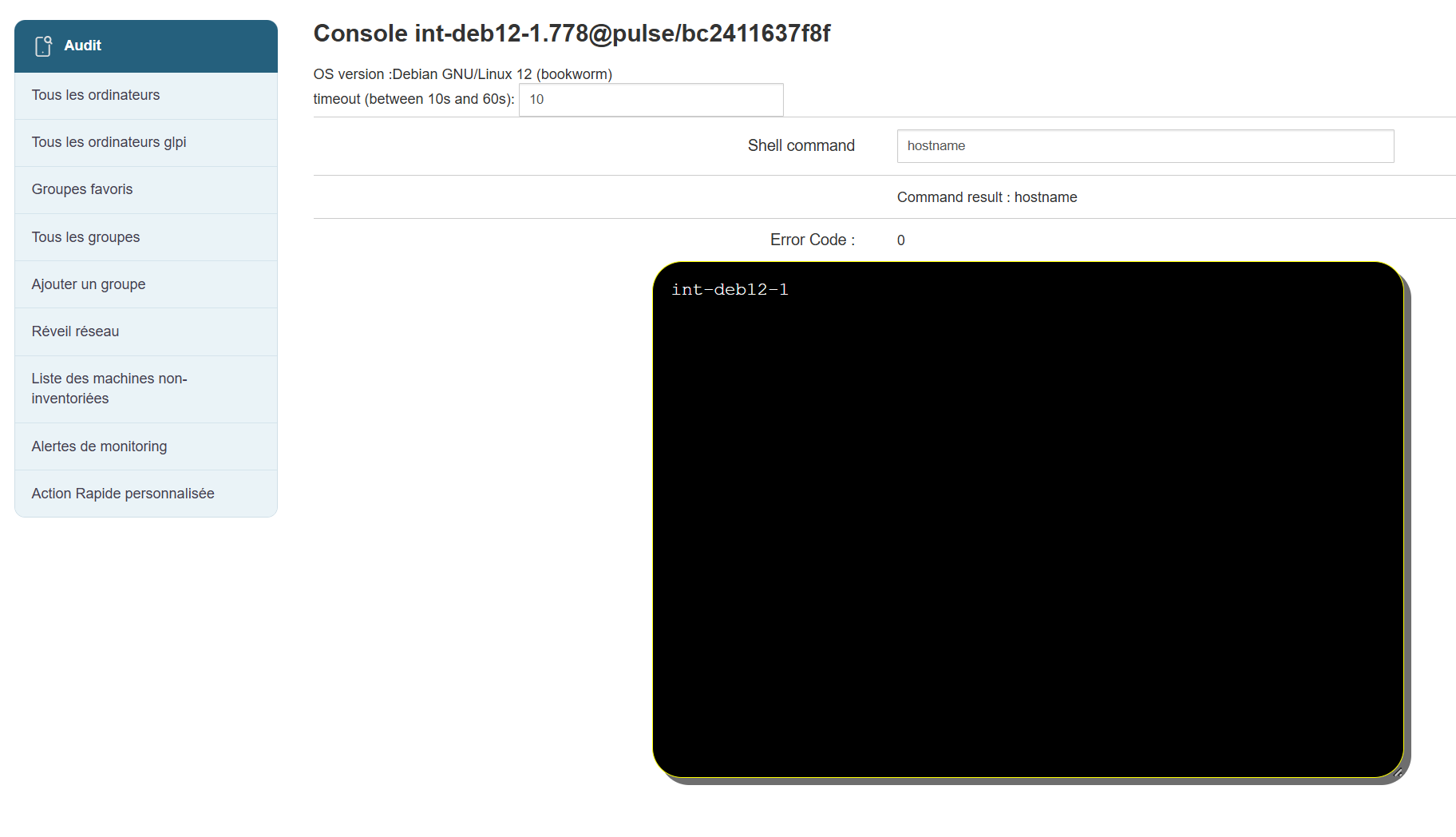
XMPP Console:
Click the XMPP Console button on the right in the quick actions panel.
Run a command in the console and check the result.
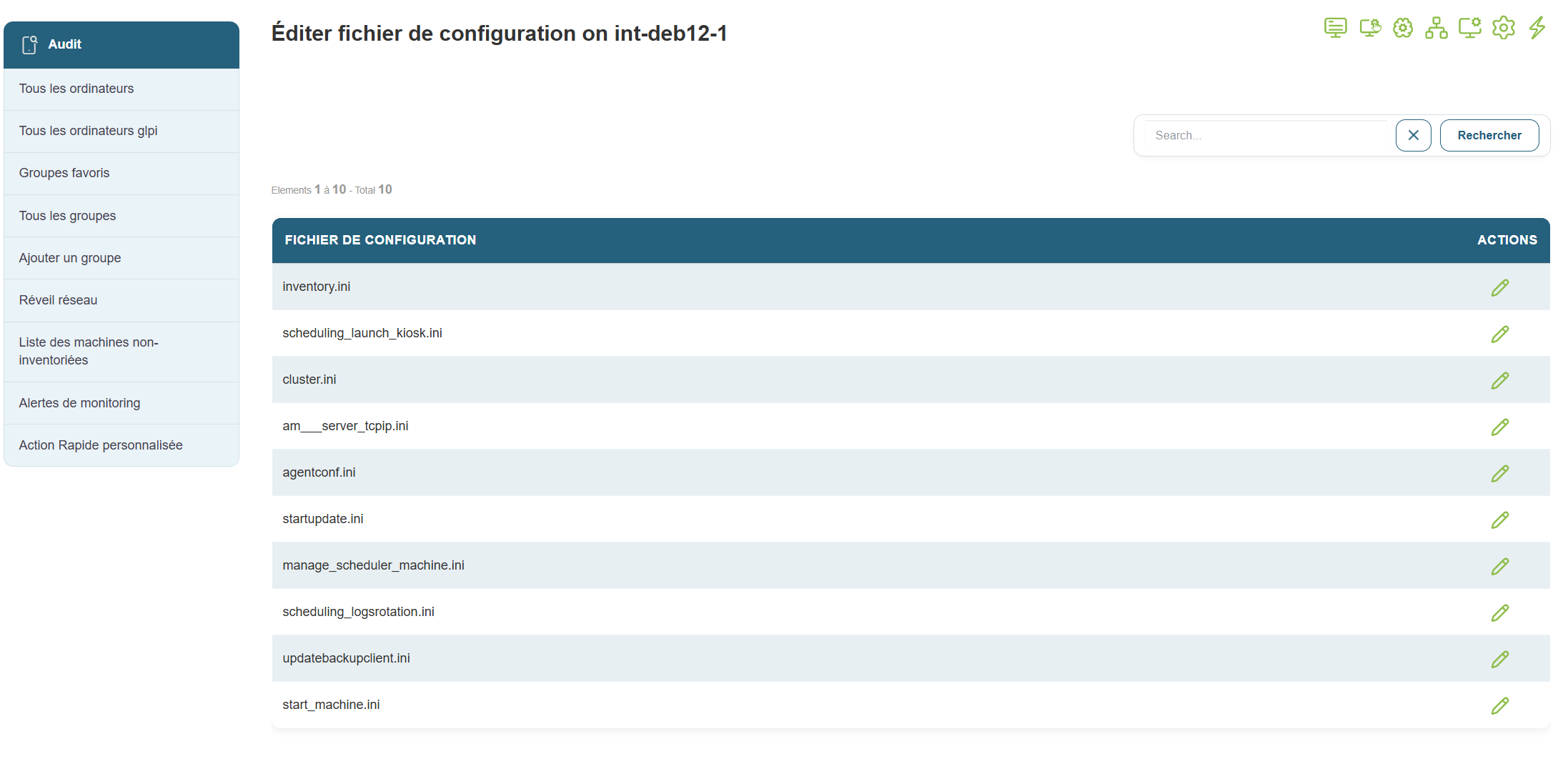
Edit Configuration Files
Click the Edit Configuration Files button on the right in the quick actions panel; you should be able to edit the configuration files.