Packages
Add a package:
To add a package, go to the "Package" tab and click "Add a Package":
Upload your binary and fill in the fields.
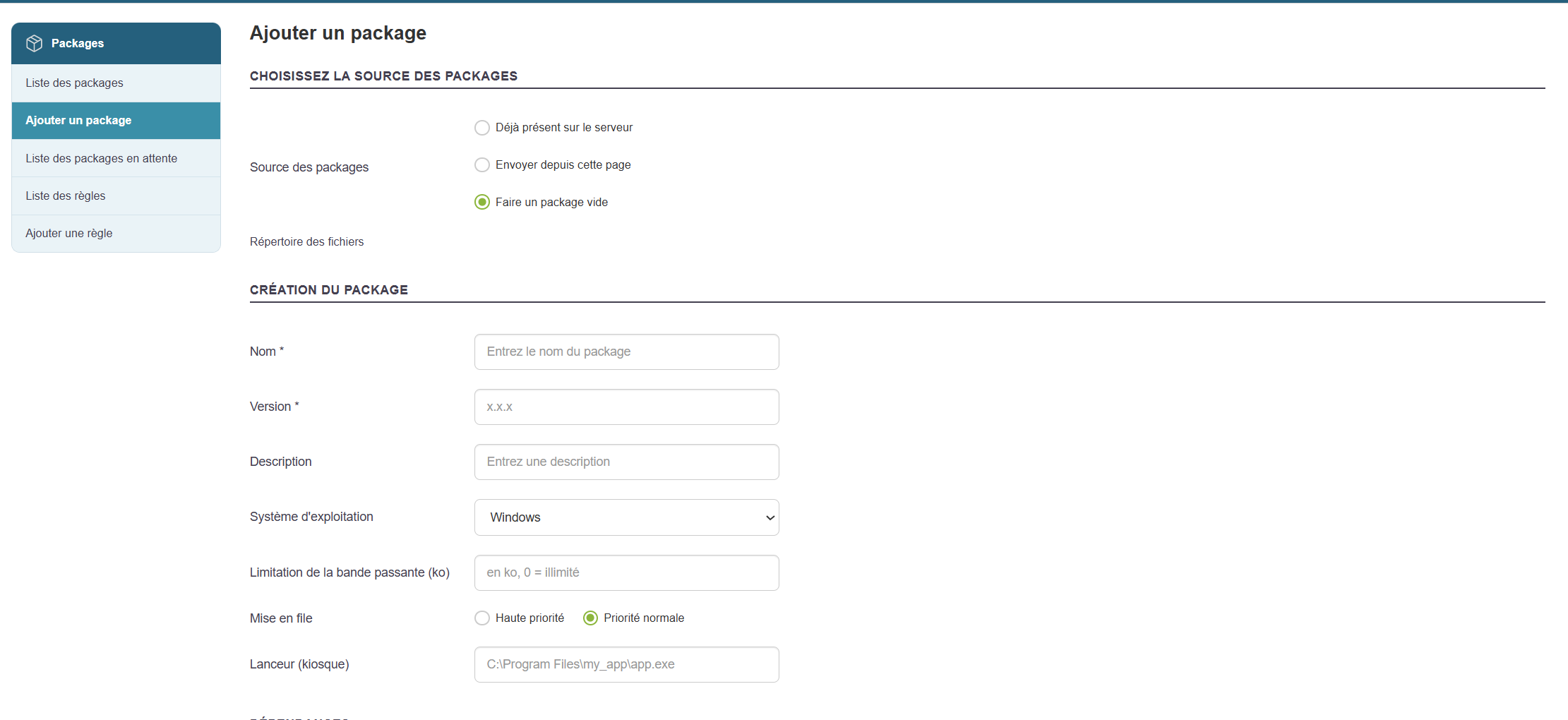
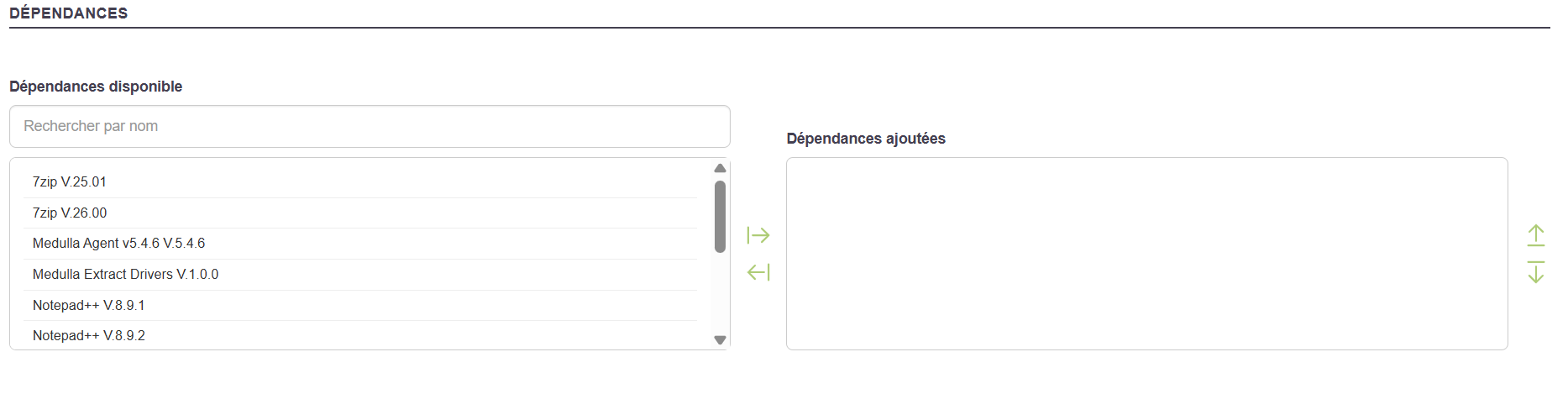
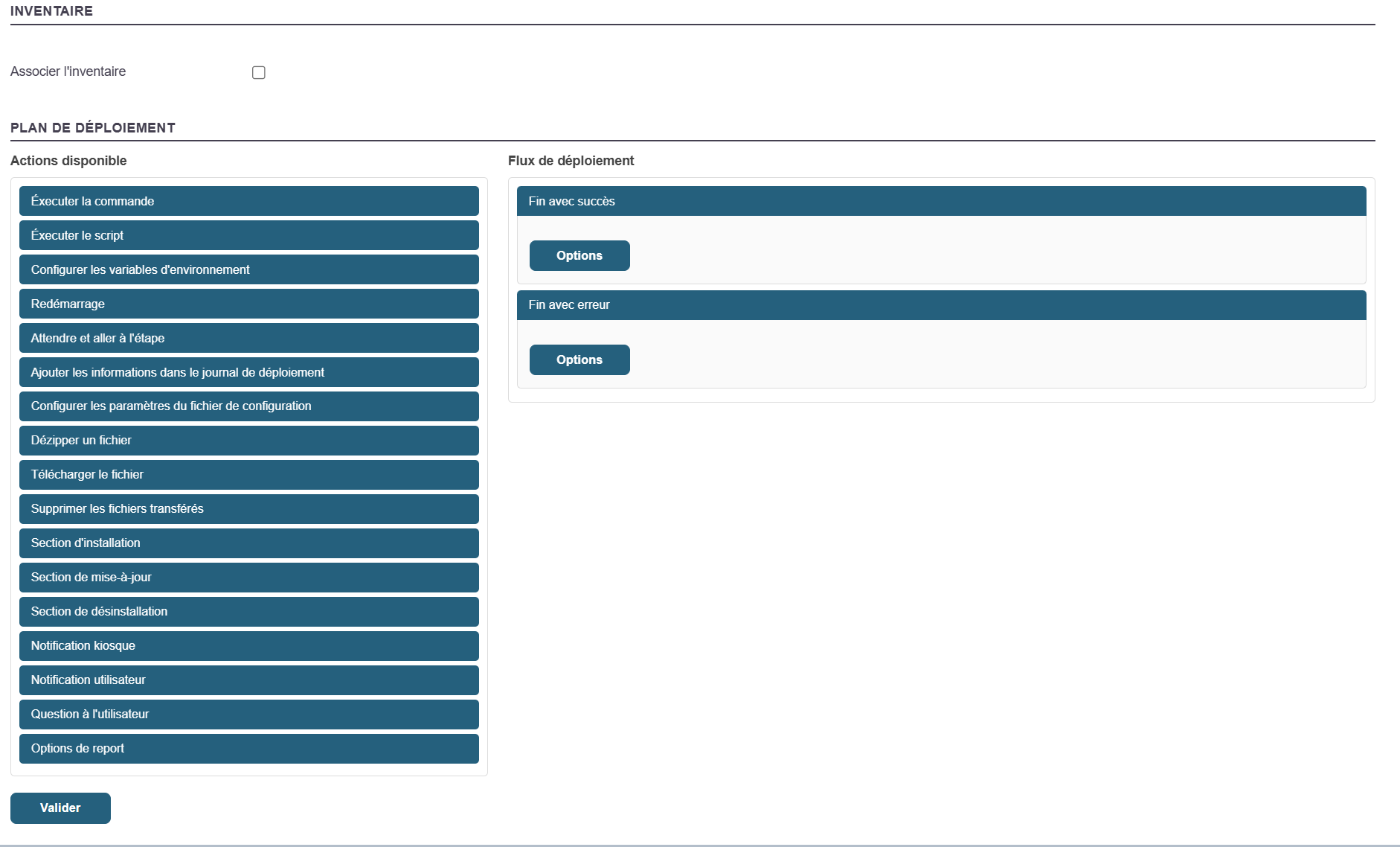
Then click “Validate.”
You will be redirected to the package list page, where you should see your newly created package.

Updating a package:
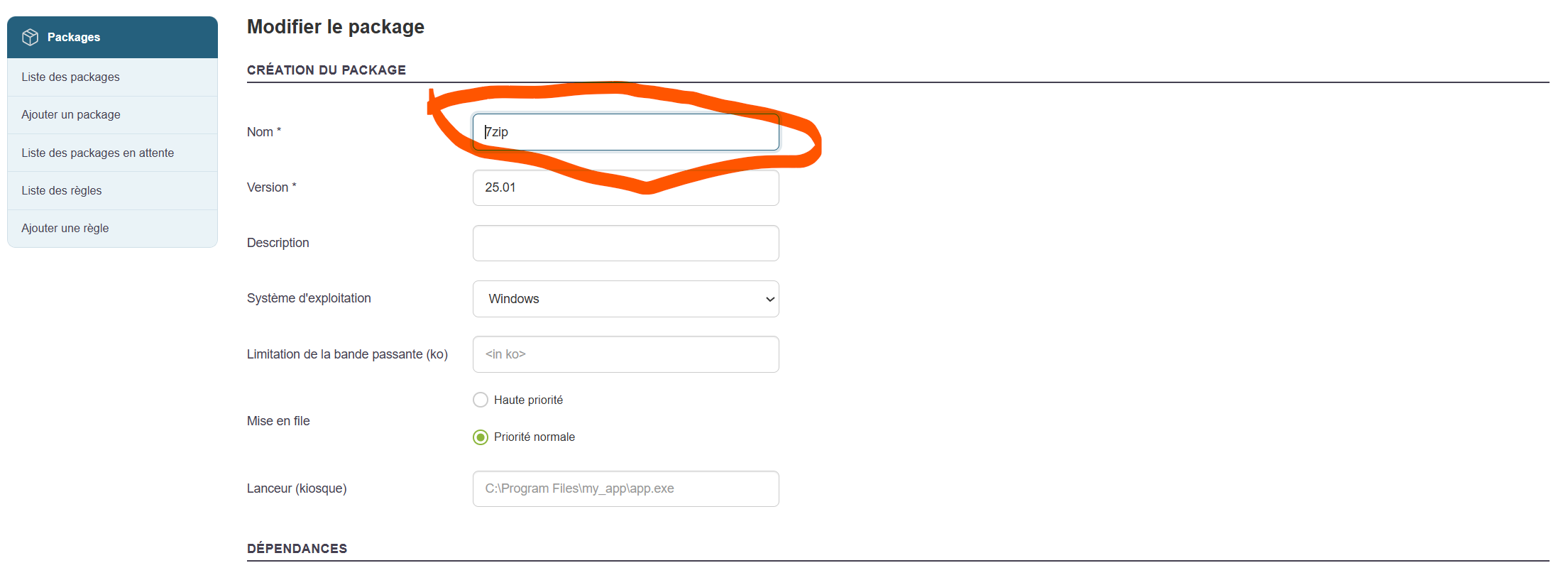
Edit the title.
Add a file to the package.
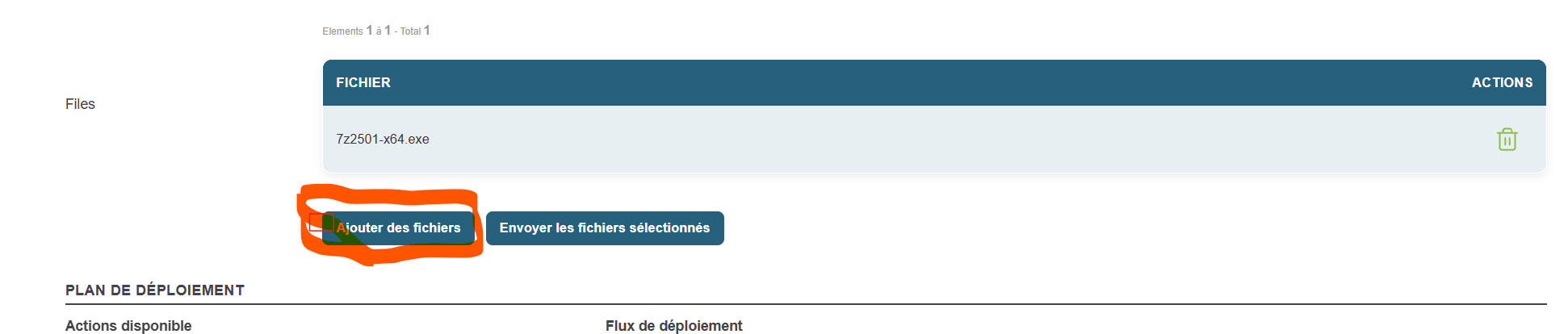
Click "Upload Selected Files."

Click the "Validate" button.
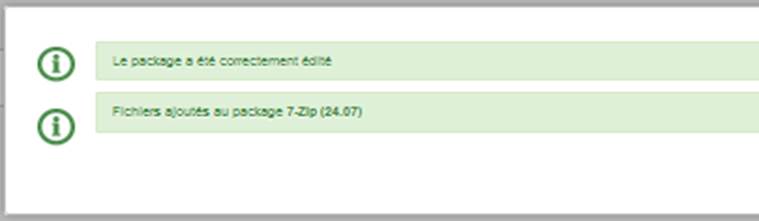
Review the package contents again to see the changes.
Packages for Convergence or Kiosk:
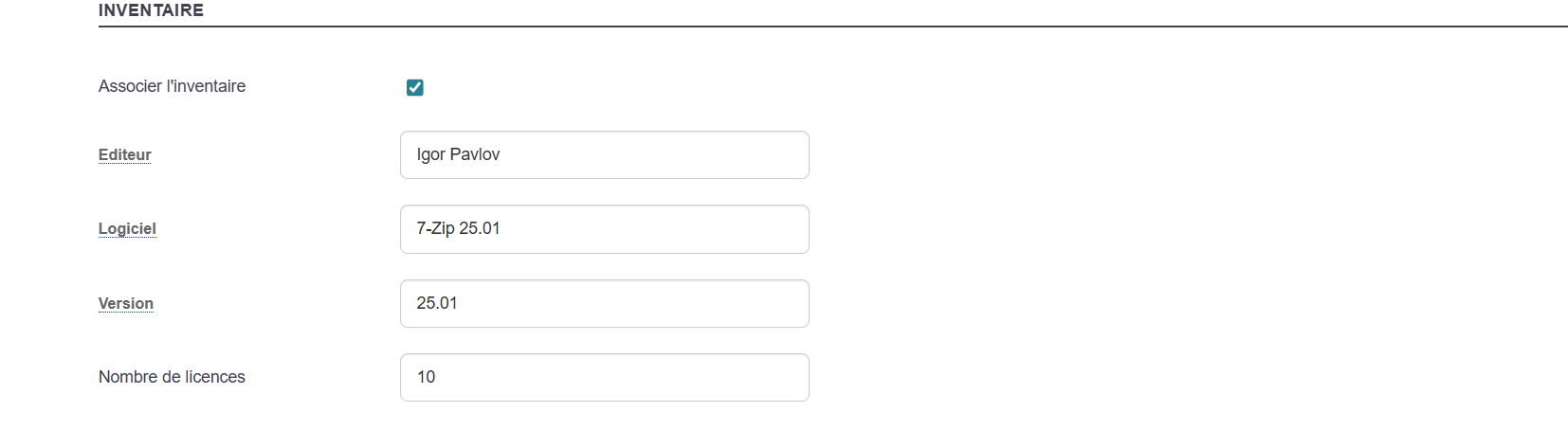
The package you want to make available to the Kiosk must be associated with its inventory report.
This information will determine its behavior (installation/removal).
Create a package by associating it with an inventory.