Kiosk
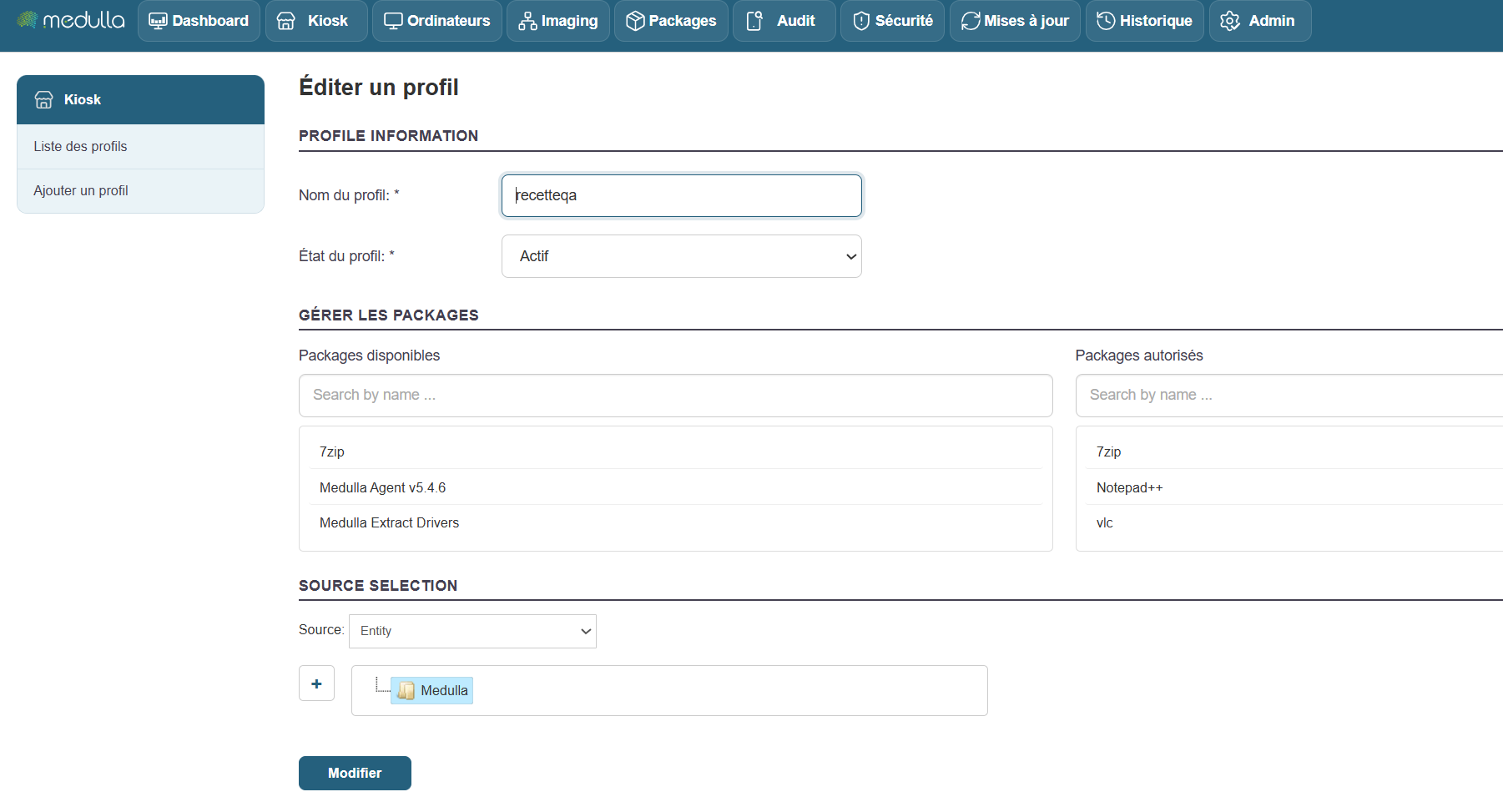
Go to the Kiosk page.
Add or edit a profile.
Drag the package(s) from the left pane to the right pane to add them to the Kiosk profile.
Set permissions on the entities, OUs, and groups as desired.
Installing the package from the Kiosk:
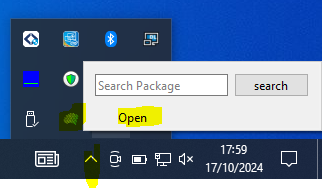
Open the Kiosk by clicking the “Medulla kiosk” button on the Windows taskbar, then click “Open.”
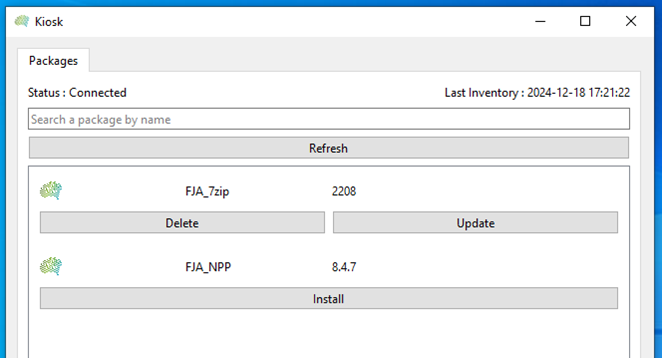
Click the “Install” button for the package.

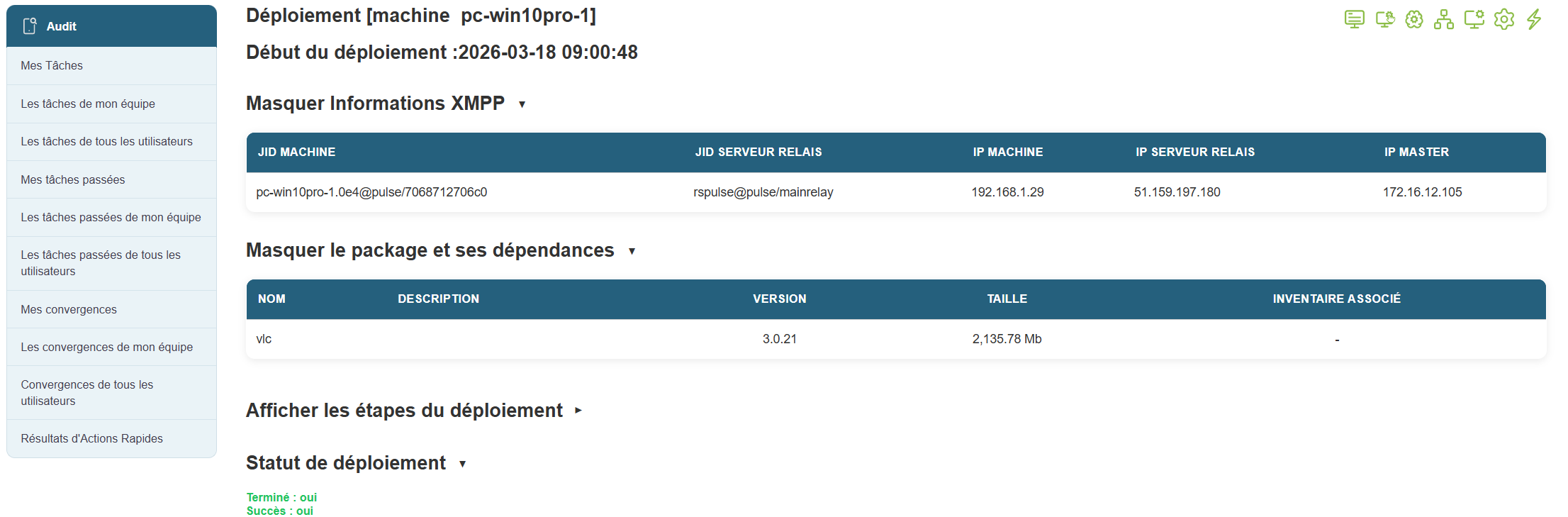
In the Medulla Audit view, find the installation audit under “Deployment to All Users.”
Look for the audit line labeled “@kiosk […]”

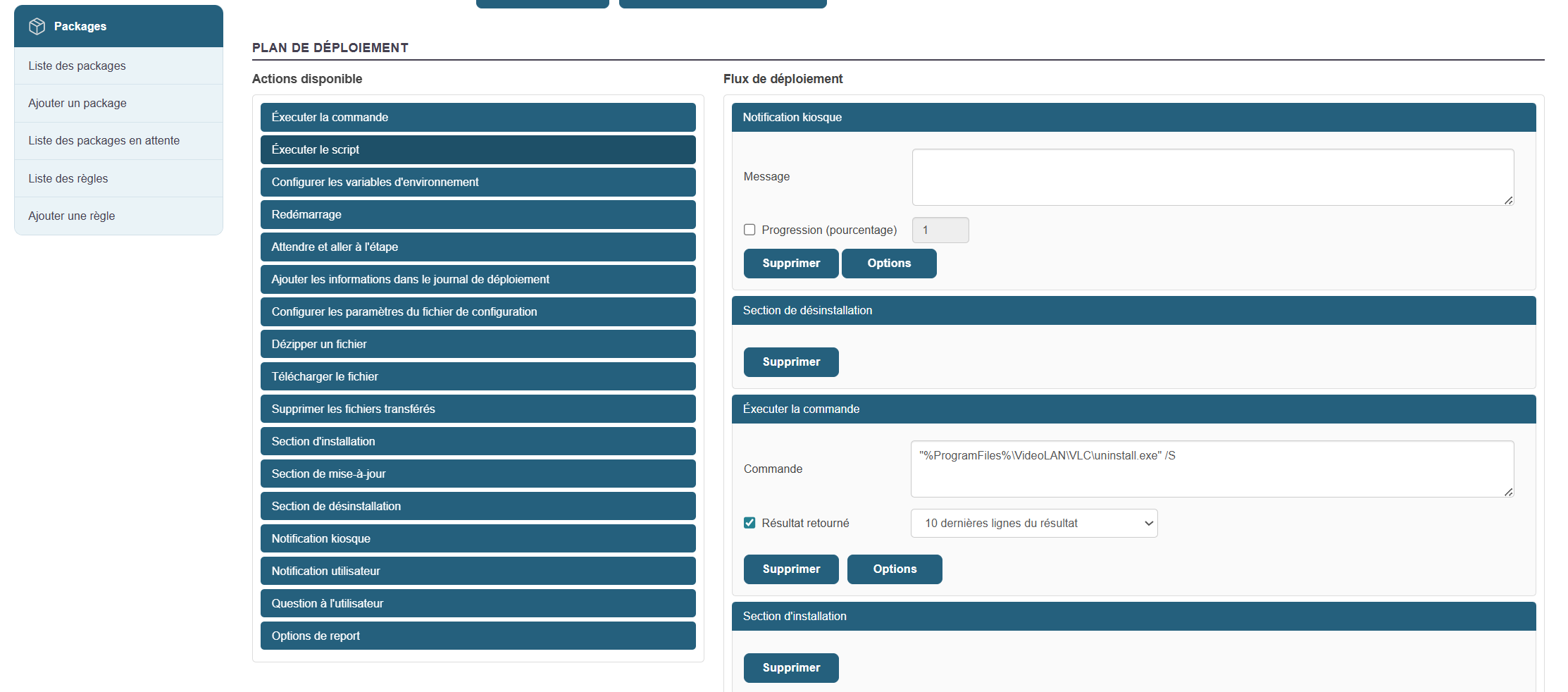
Kiosk Notification:
In a package’s workflow, add a “Kiosk Notification” action.