
Package Deployment
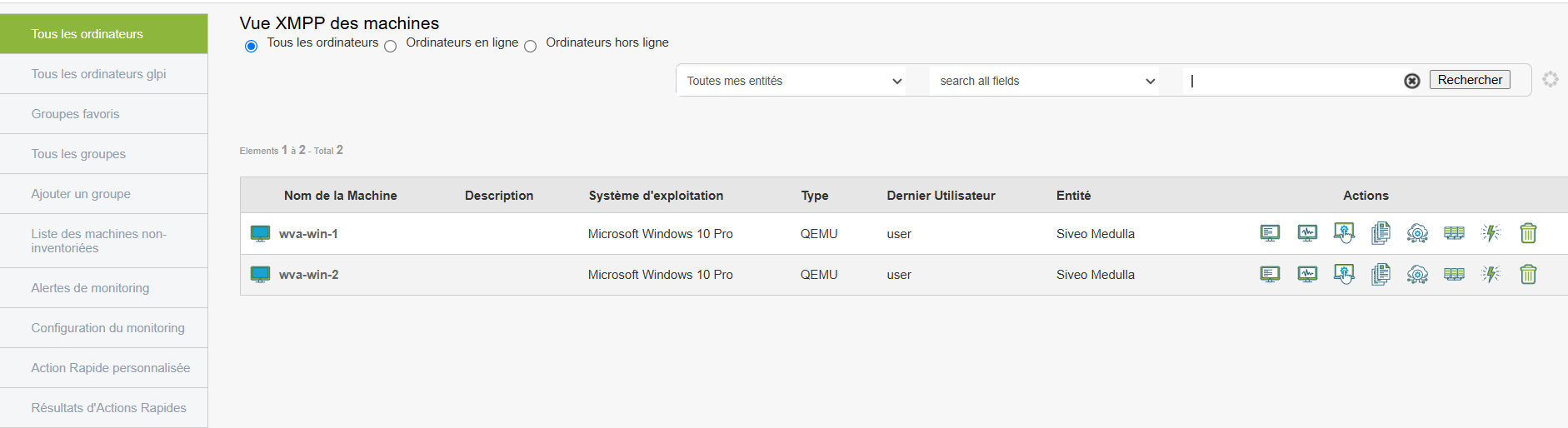
Here, we will perform the deployment of the package we created earlier.
Go to the Computers view and select a workstation. Click the deployment button:
 Software Deployment - Remote software installation or update.
In the list of packages, locate the new package you created earlier and click the instant deployment icon:

 Start Action - Deploys the package to the previously selected workstation.
Go to the "Audit" view; a new row will appear.
A new row appears, allowing you to track the progress of the deployment you just performed.