
OIDC
List my OIDC configurations
Go to the Admin > Manage Providers view.
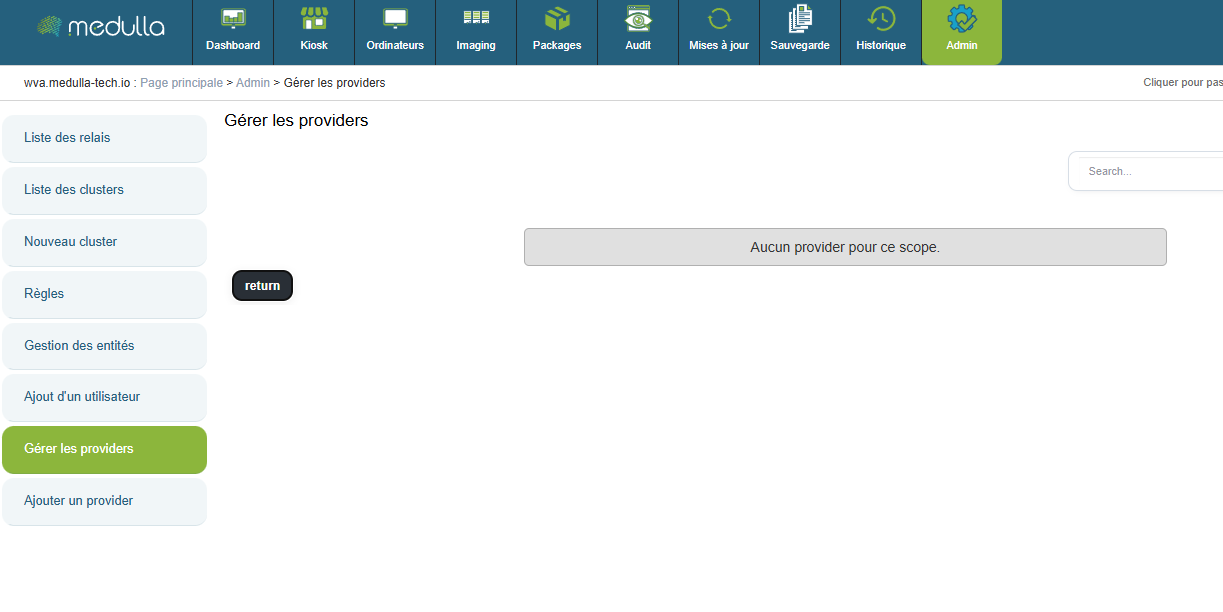
Here you will find a list of already configured OIDC providers that can be modified.
Create an OIDC configuration
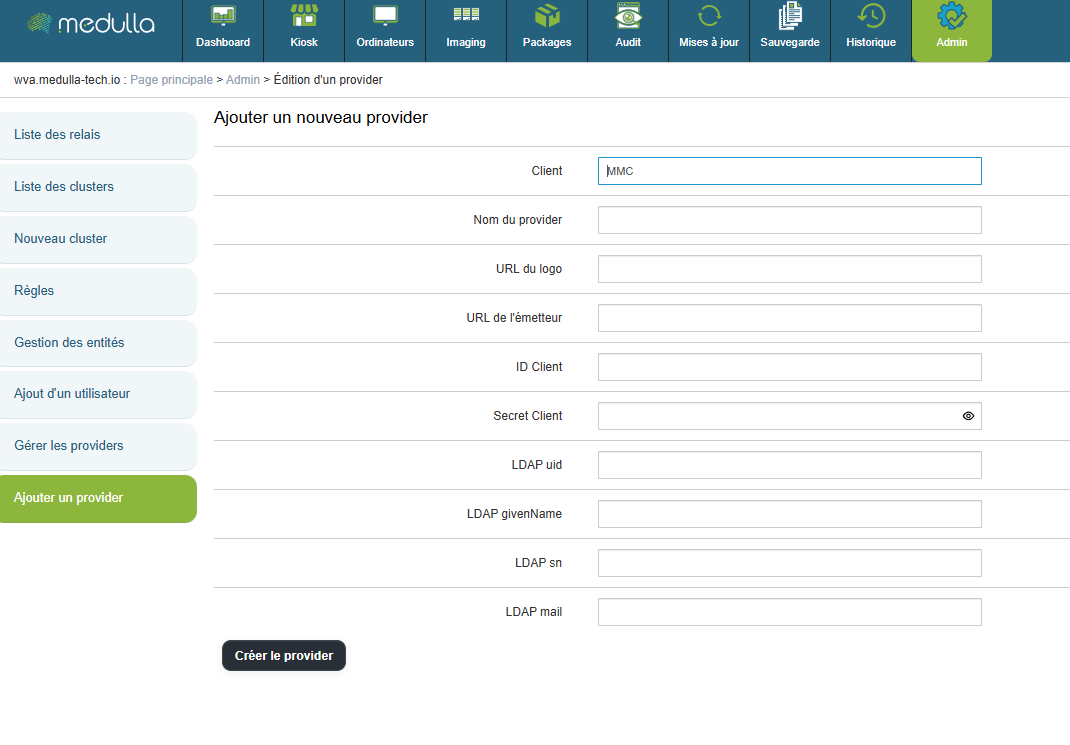
"Provider Name" will be the title displayed on the home page.
"Logo URL" is the web link used to set a logo for the OIDC login button.
"Issuer URL" is the web link that redirects to your OIDC.
"Client ID" is your OIDC's identifier.
"Client Secret" is the password for your OIDC.
- (Optional)
"LDAP uid" corresponds to the mapping of the uid by your OIDC
"LDAP givenName" corresponds to the mapping of the givenName in your OIDC
"LDAP sn" corresponds to the mapping of the sn in your OIDC
"LDAP mail" corresponds to the mapping of the email address in your OIDC
Then click the "Create Provider" button to enable logging in via an OIDC on your platform.