
Uninstalling the Medulla Agent (Versions prior to 5.5.2)
Applies to: Medulla – Agent
Version: lower than 5.5.2
Environment: On-Premise / Private SaaS / Shared SaaS
Category: Medulla Agent
To uninstall the Medulla agent:
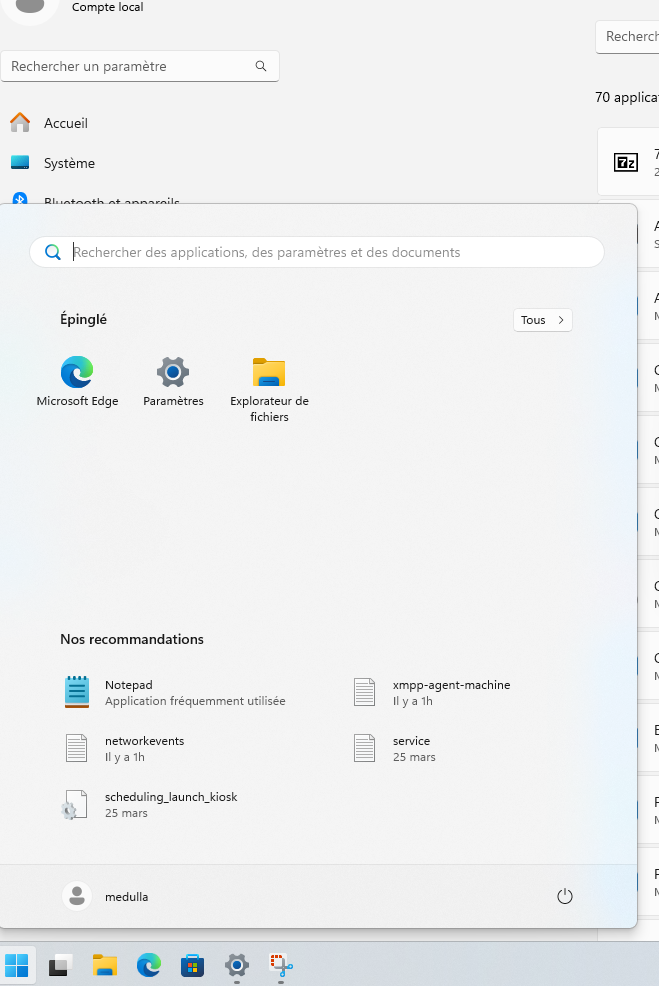
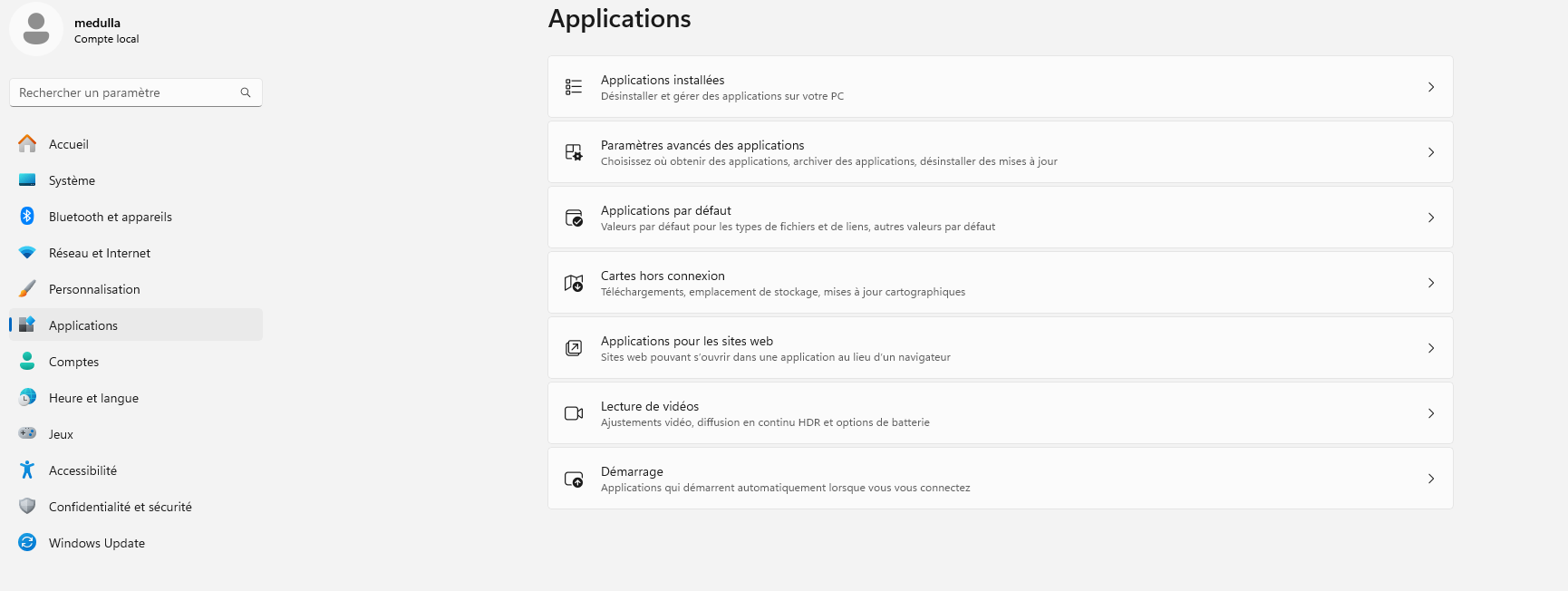
Then go to the left-hand menu in Settings and click on Apps:
Scroll down through your apps to find the Medulla Agent entry.
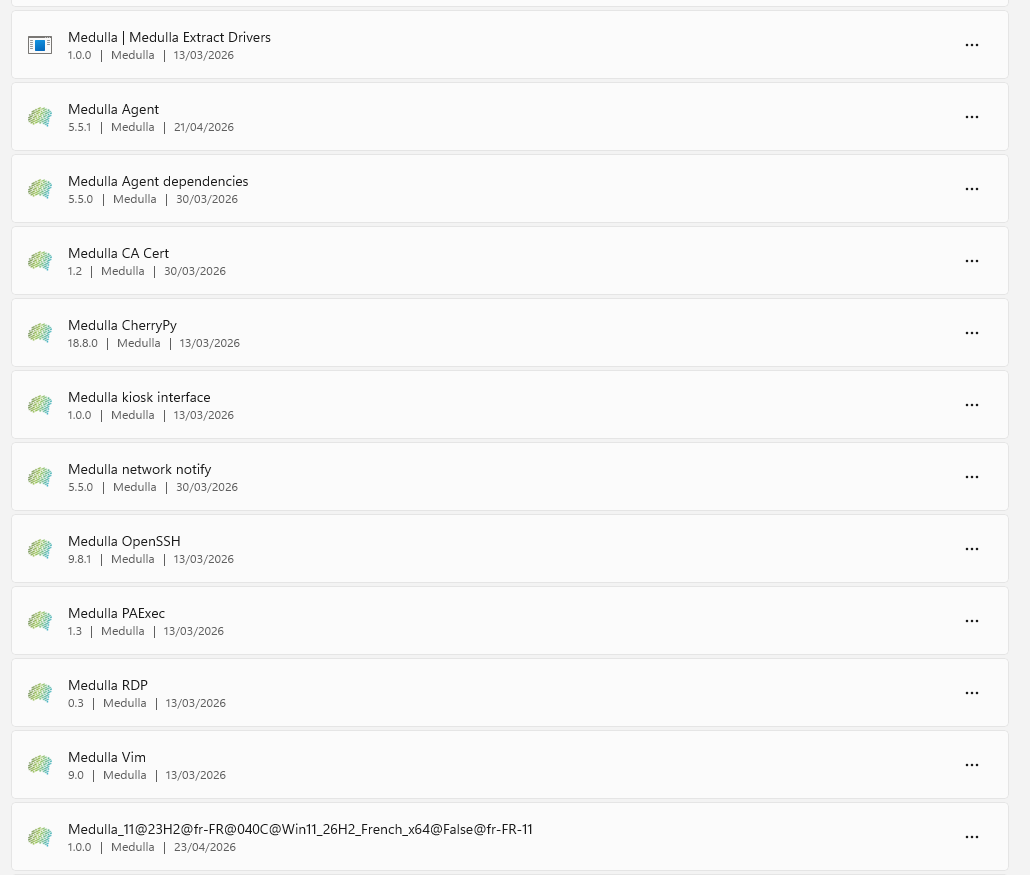
Click on  A drop-down menu opens with Edit / Uninstall.
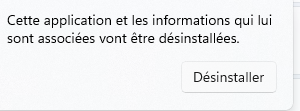
Click on Uninstall
You will be asked to confirm; click the Uninstall button again
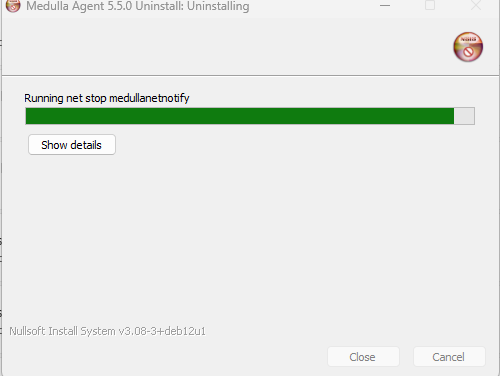
The Medulla Agent will uninstall its components via an executable that will appear on your screen:
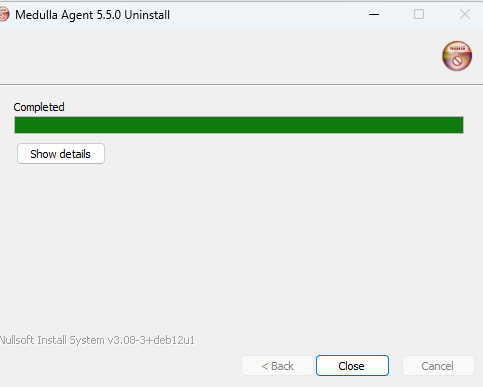
Once uninstallation is complete, click the Close button

These are two registry entries. To remove them:
Return to the Windows Start menu.
Type " regedit " in the search bar and press Enter
Navigate down the tree:
HKEY_LOCAL_MACHINE\SOFTWARE\Microsoft\Windows\CurrentVersion\Uninstall
Look for the first registry key, "Medulla Extract Drivers." Right-click on the folder icon for this key, click "Delete," and then confirm.
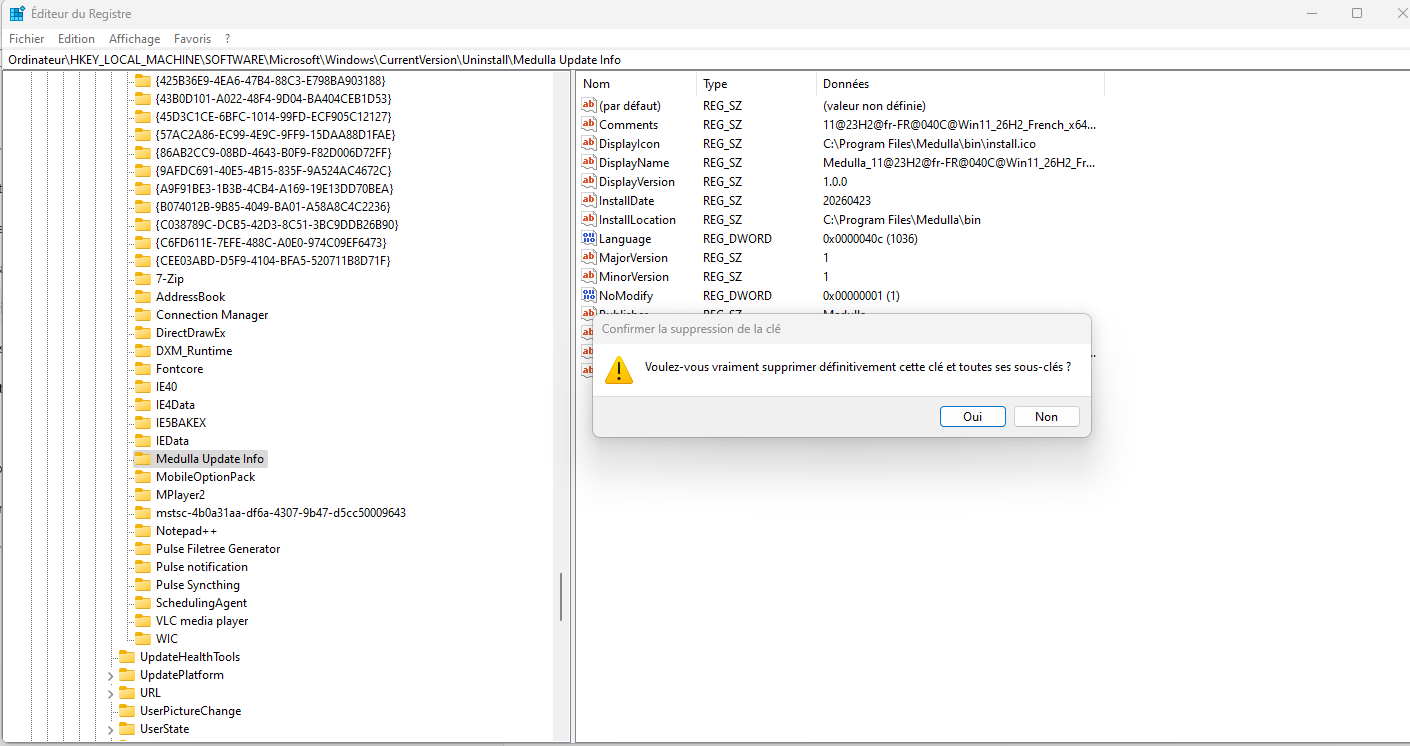
Do the same for "Medulla Update Info."