
Reverse SSH Verification
Logs
- /var/log/pulse/xmpp-agent-relay.log
- /var/log/mmc/master-mast.log
- C:\Program Files\Medulla\var\log\xmpp-agent-machine.log
Debugging Operations
On the client
Reverse SSH connections from clients are established using the following scripts
- Linux: /var/lib/pulse2/reversessh.sh
- Windows: c:\Program Files\Medulla\bin\reversessh.ps1
On Linux, you can run these scripts manually to test the tunnel connection. Refer to these scripts to find the port number being used. For example:
/usr/bin/ssh -t -t -R 51891:localhost:22 -o StrictHostKeyChecking=no -i "/var/li
b/pulse2/.ssh/id_rsa" -l reversessh 192.168.2.15 -p 22
On Windows, you must use the MMC console to enable debugging during deployment. To do this, stop the OpenSSH service from an XMPP console to force the reverse SSH connection to be established:
sc stop sshdaemon
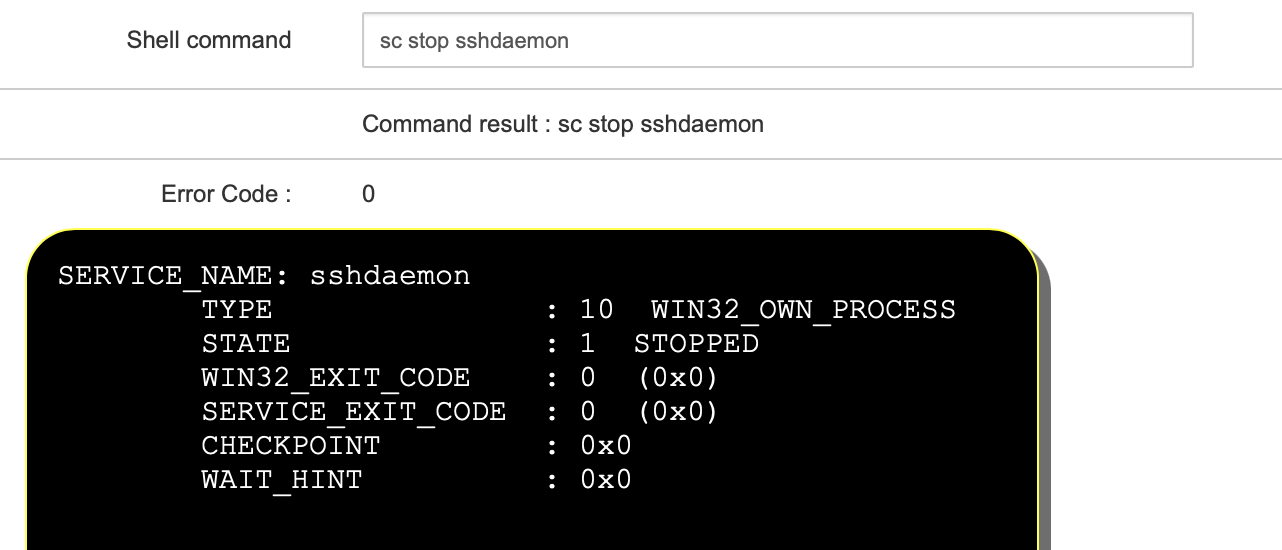
Start a deployment. In the audit view, the result of establishing the reverse SSH connection will be displayed:
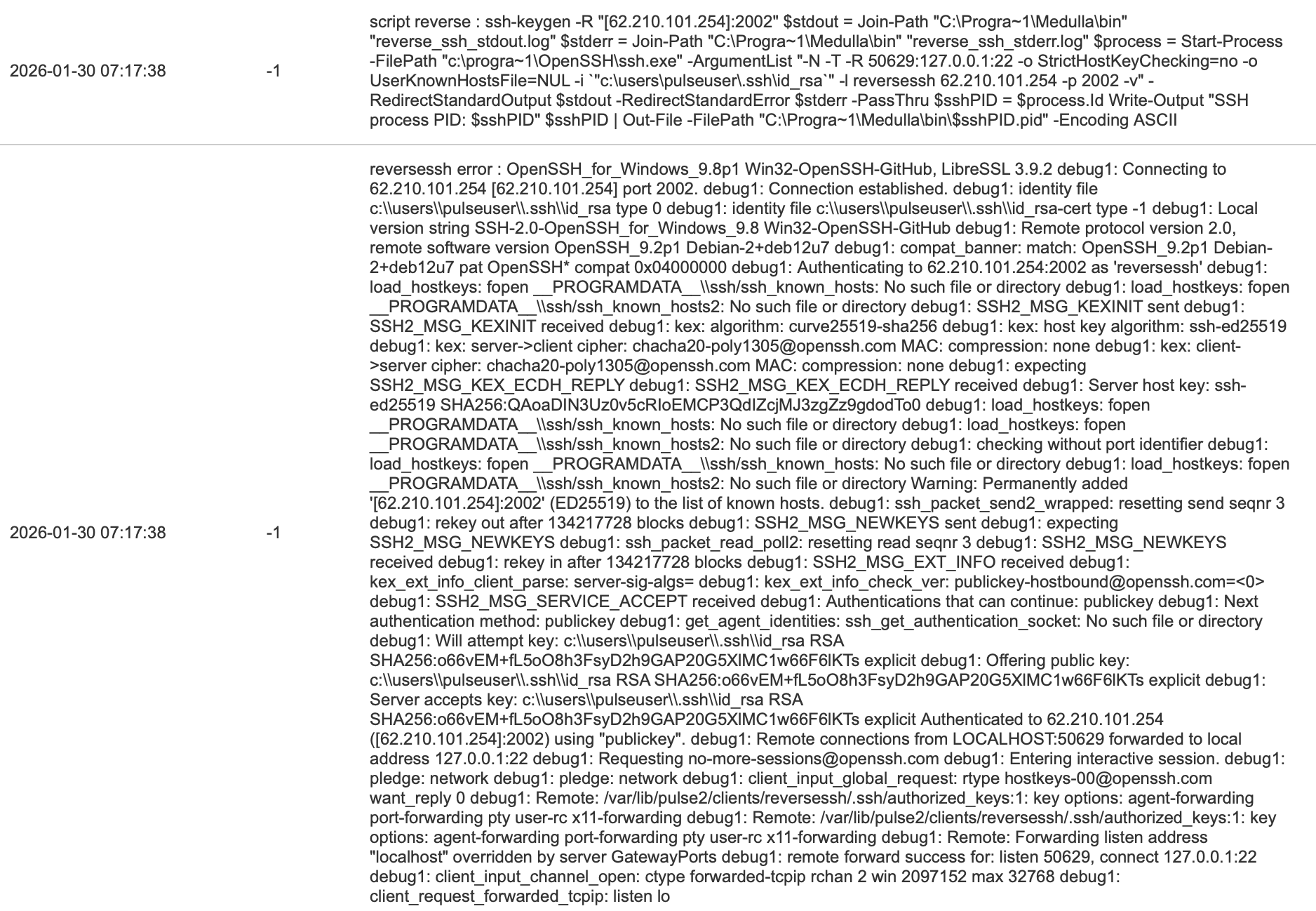
If the tunnel does not establish, it is either a port issue or a key issue
On the relay
The following script allows you to test whether the reverse SSH connection is established on the ARSs on the specified port (see above):
#!/bin/bash
echo "port $1"
echo "reverse exist"
netstat -an | egrep "tcp.*:$1.*LISTEN"
echo "reverse using"
netstat -an | egrep "tcp.*:$1.*ESTABLISHED"
echo "reverse pid"
lsof -t -i :$1 -s tcp:LISTEN
You can view the reverse SSH processes with:
ps aux | grep ssh
root 2267 0.0 0.1 95184 6860 ? Ss 15:26 0:00 sshd: reversessh [priv]
reverse+ 2280 0.0 0.0 95184 3868 ? S 15:26 0:00 sshd: reversessh@pts/7
On Windows:
reverse+ 2280 0.0 0.0 95184 3868 ? S 15:26 0:00 sshd: reversessh@pts/7
On Windows:
tasklist | findstr ssh