
Access Sysprep logs
Applies to: Medulla – Imaging
Version: All versions
Environment: On-Premise
Category: Imaging / Masters / Administration
Deployment of sysprep on a Windows image may fail. You can access these logs by performing the following steps.
Prerequisites:
A master creation that fails during the sysprep phase:
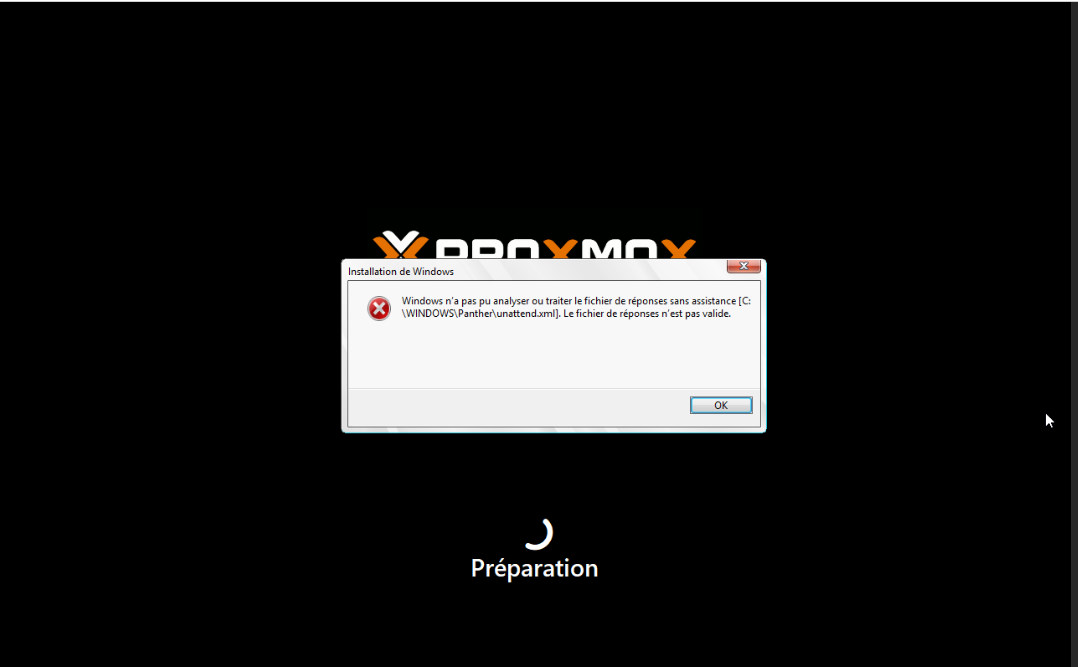
Do not click OK immediately, as this will restart the computer.
When this happens, follow these steps:
Open a console by pressing Shift+F10
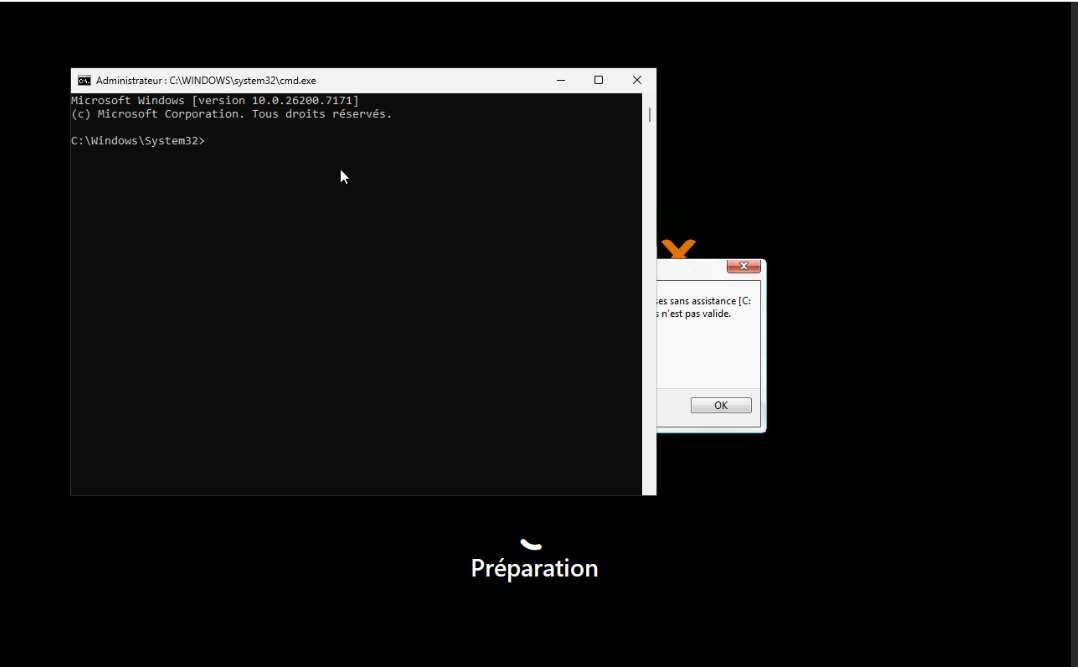
In this console, type: notepad.exe; this opens Notepad.
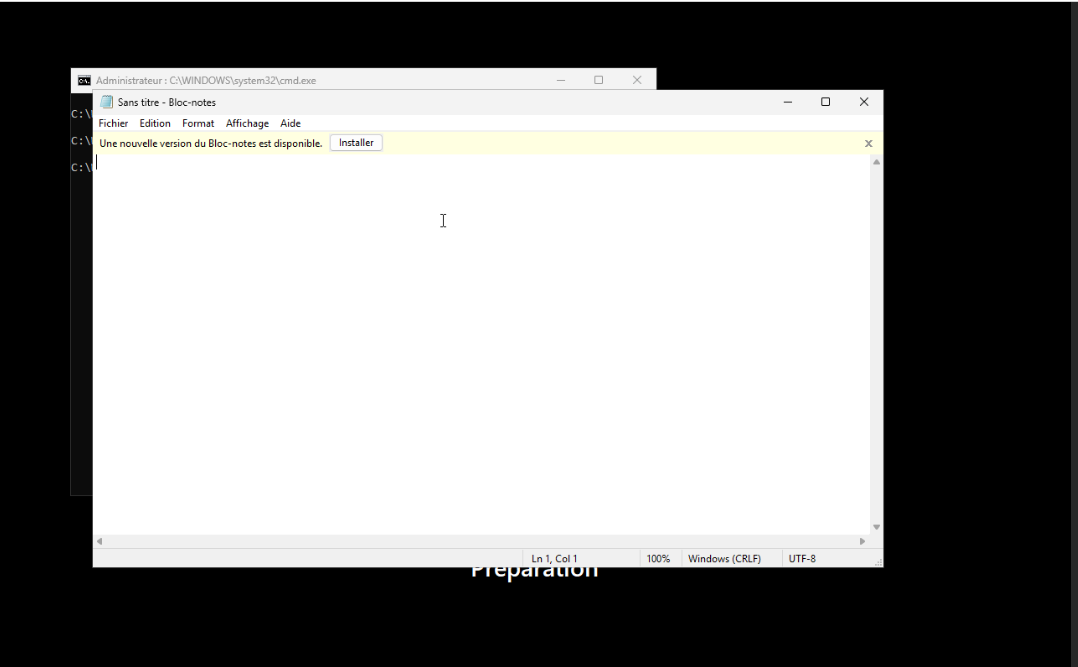
From there, you can access and read the contents of the following log files:
- C:\Windows\Panther\setupact.log
- C:\Windows\Panther\setuperr.log
- You can also access the sysprep file that was copied to C:\Windows\Panther\unattend.xml