
Application Convergence (Negative Convergence)
Negative convergence allows you to uninstall packages that have been installed in dynamic groups.
For a dynamic group, you can enable negative convergence
What is negative convergence? :
Negative convergence is an uninstallation task that repeats every 24 hours to verify that the package(s) you have defined for negative convergence are not deployed; if a new workstation or an existing workstation in the group has the package installed, it will uninstall that package.
In summary, negative convergence allows you to maintain application compliance across your fleet.
How does it work? :
First, once in the Médulla interface, go to the Computers tab. In the left-hand menu, select the group for which you want to enable negative convergence.
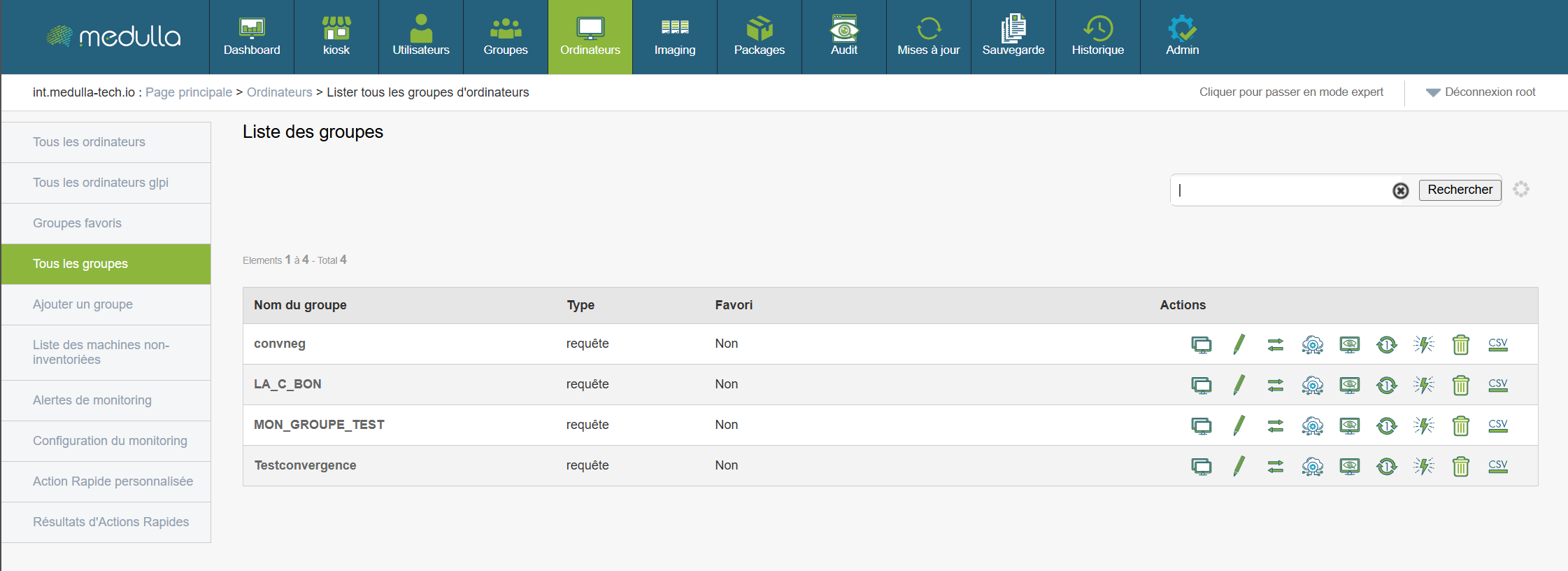
Click the Deployment button: 
You will then be taken to the menu where you can select the package you want to apply negative convergence to:
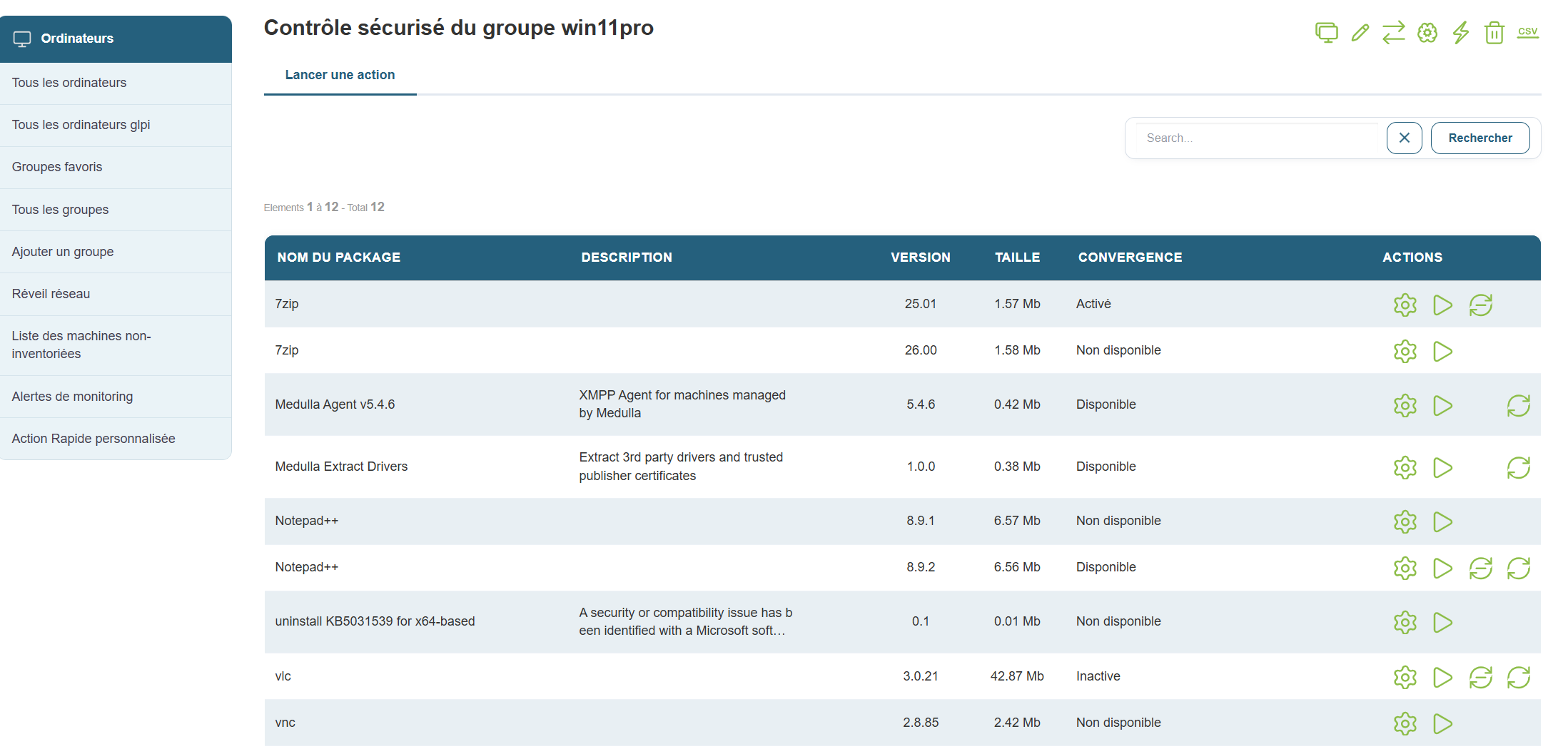
Click the “Negative Convergence” button 
You will then enter the convergence configuration menu:
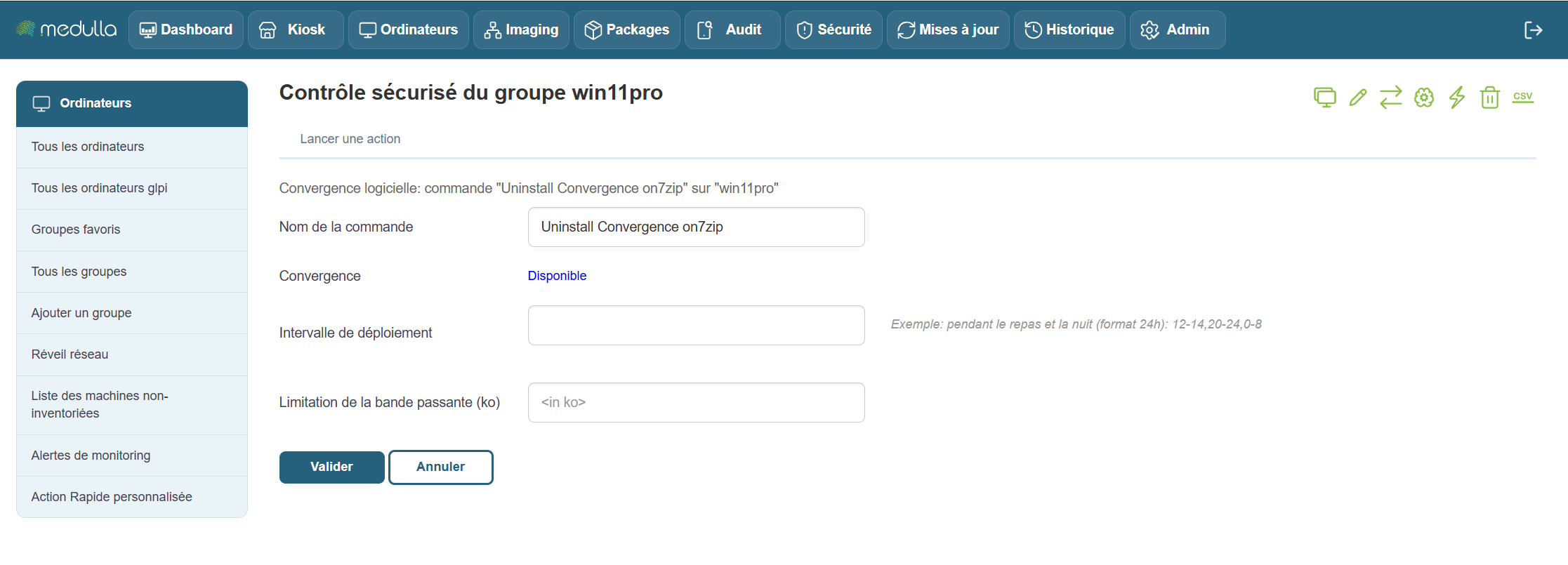
You can use the following available options:
Command Name:
Deployment interval:
Then click "Confirm," and negative convergence will be enabled.
Once enabled, negative convergence begins.

Three entries in the left-hand menu allow you to track your convergences:
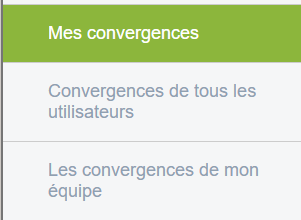
My Convergences:
Allows you to view the convergences scheduled by the current user of the session.
All Users' Convergences:
If you have administrator privileges, you can view all the convergences that have been scheduled by Medulla users.
My Team's Convergences:
Allows you to view the meetings scheduled by users who are in the same group as you.