CVE Settings.
- Display filters
- Software filters
- CVE filters
- Vendor filters
- Machine filters
- Group filters.
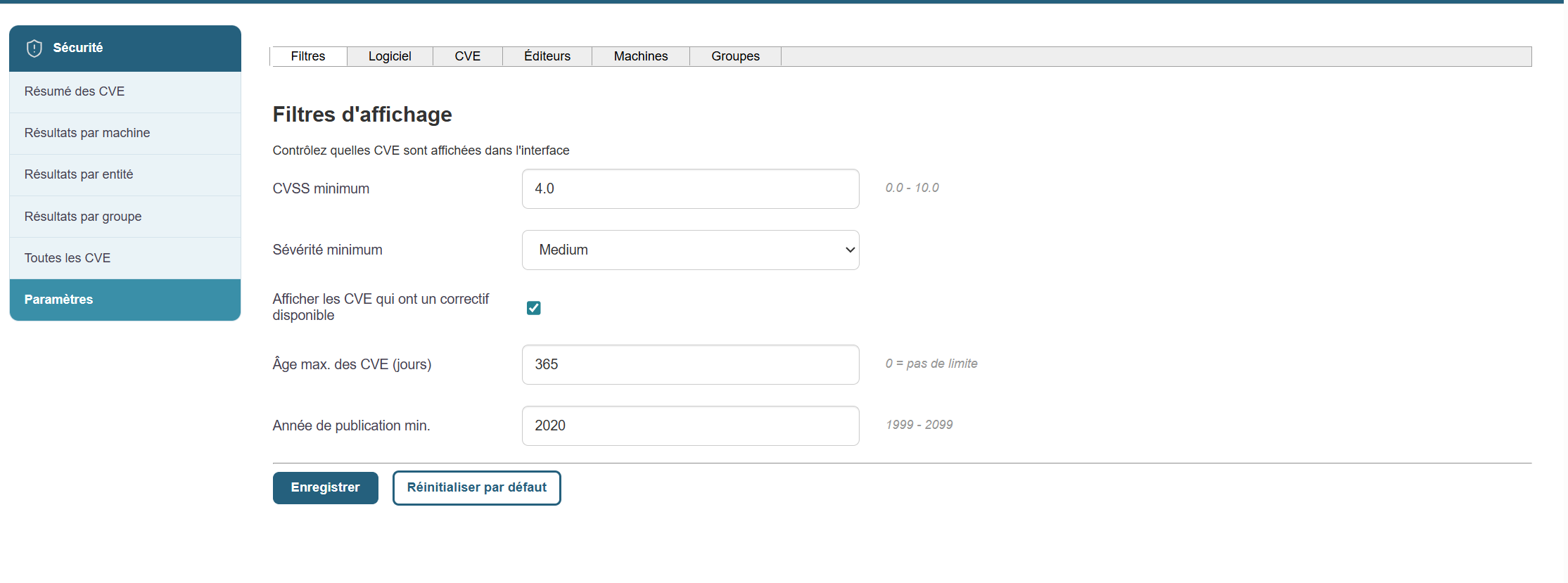
Display filters:
You can select display filters based on the following options:
- Minimum CVSS Score
- Minimum Severity
- Maximum Age of CVEs
- Minimum CVE Publication Year
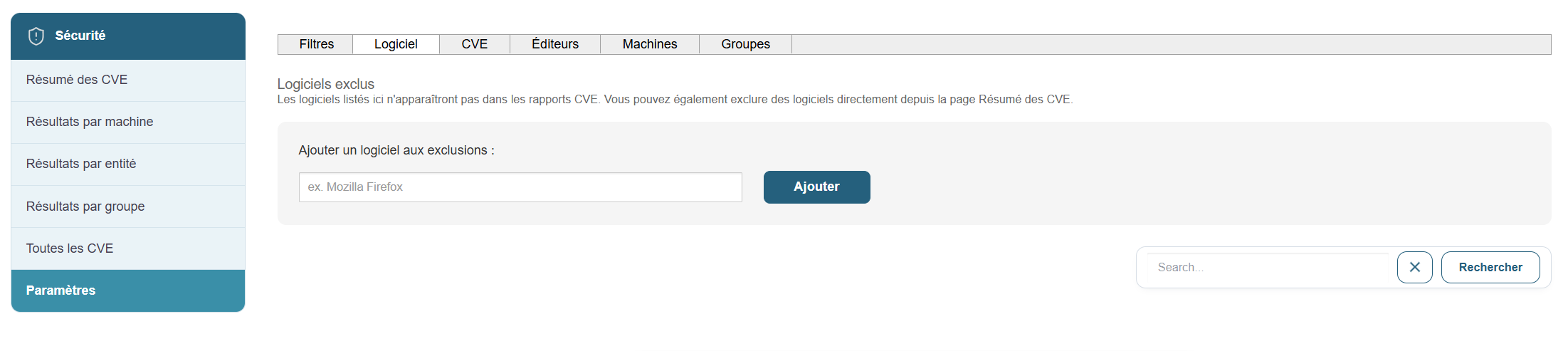
Software Filters:
You can apply filters to exclude specific software from the list of CVEs:
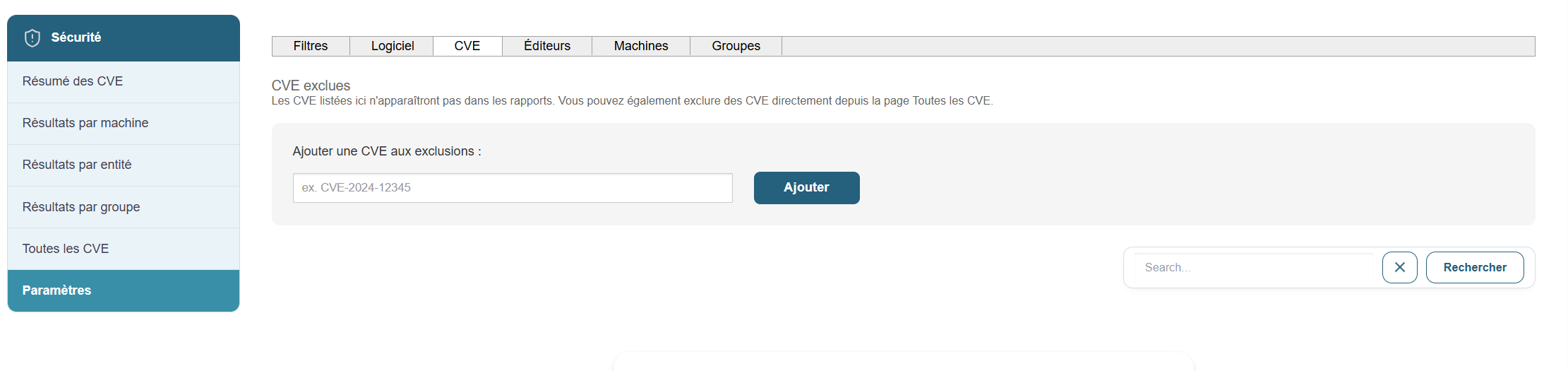
CVE Filters:
We will apply filters to the CVEs we want to exclude from the list:
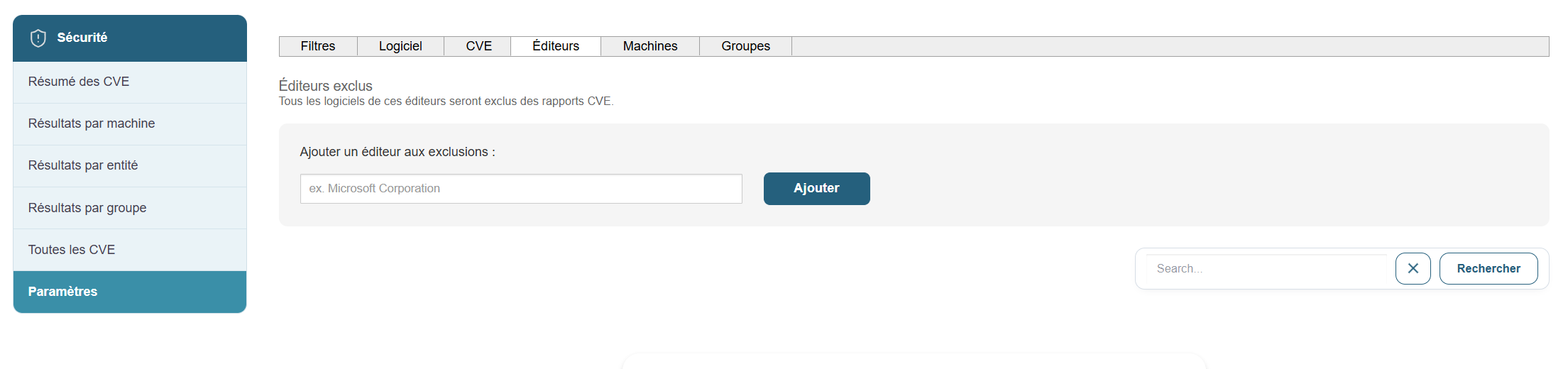
Vendor Filters:
We will apply filters to the vendors we want to exclude from the list of CVEs.
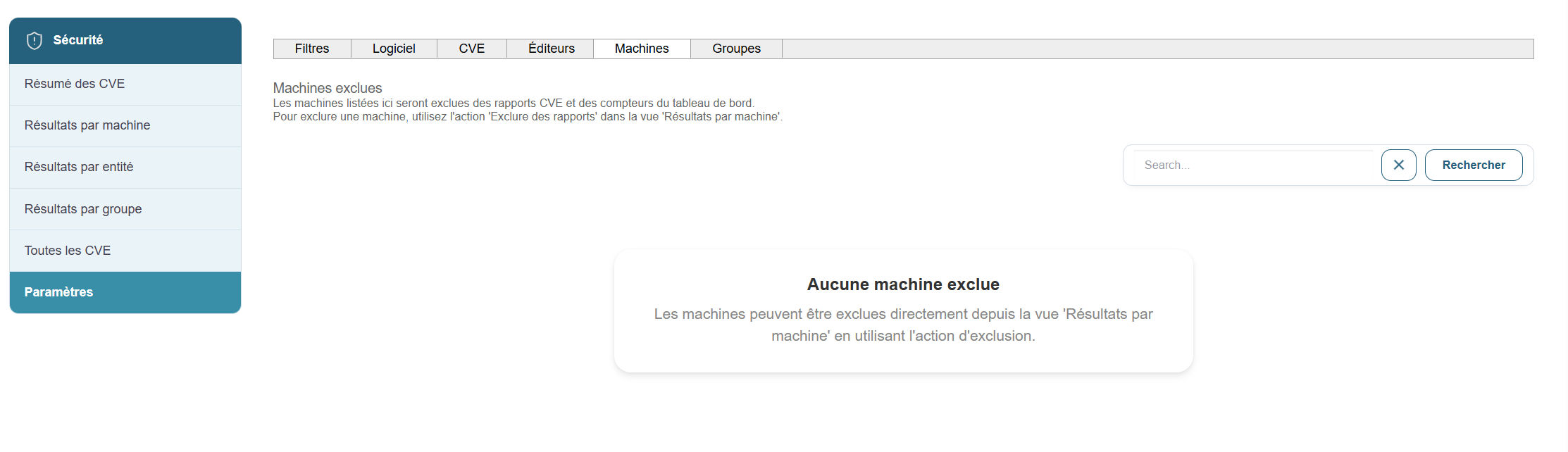
Machine Filters:
We’ll set exclusions for the machines we want to exclude. To do this, simply click the button  in the list of machines.
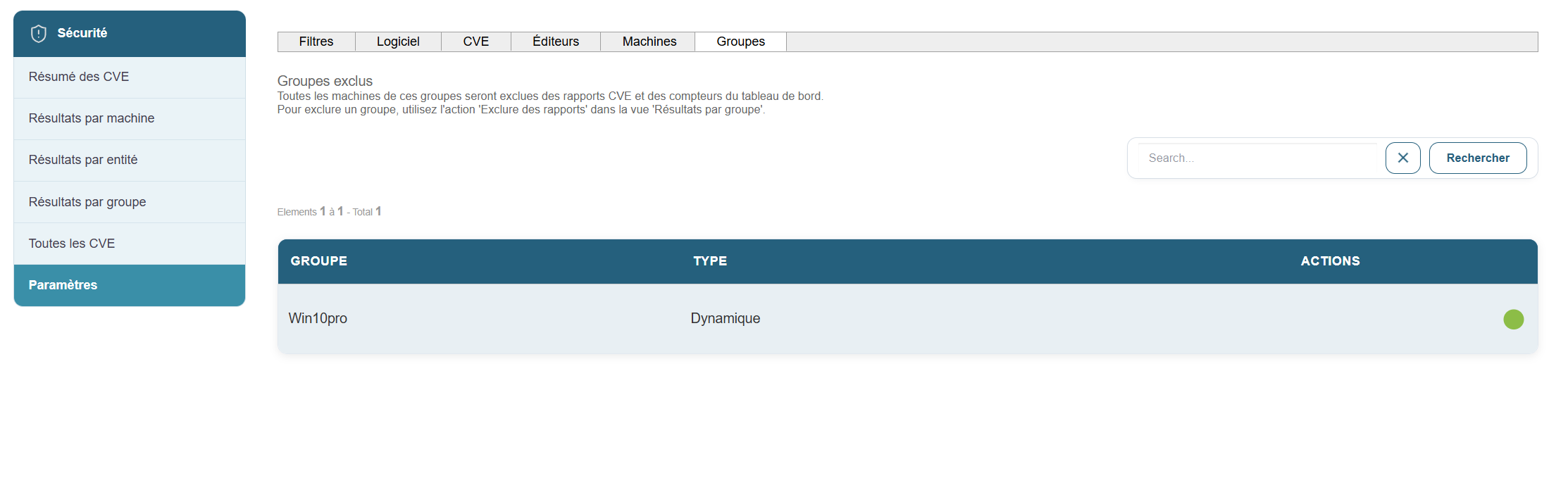
Group filters:
We will set up group exclusions. To do this, simply click the button in the list of groups .