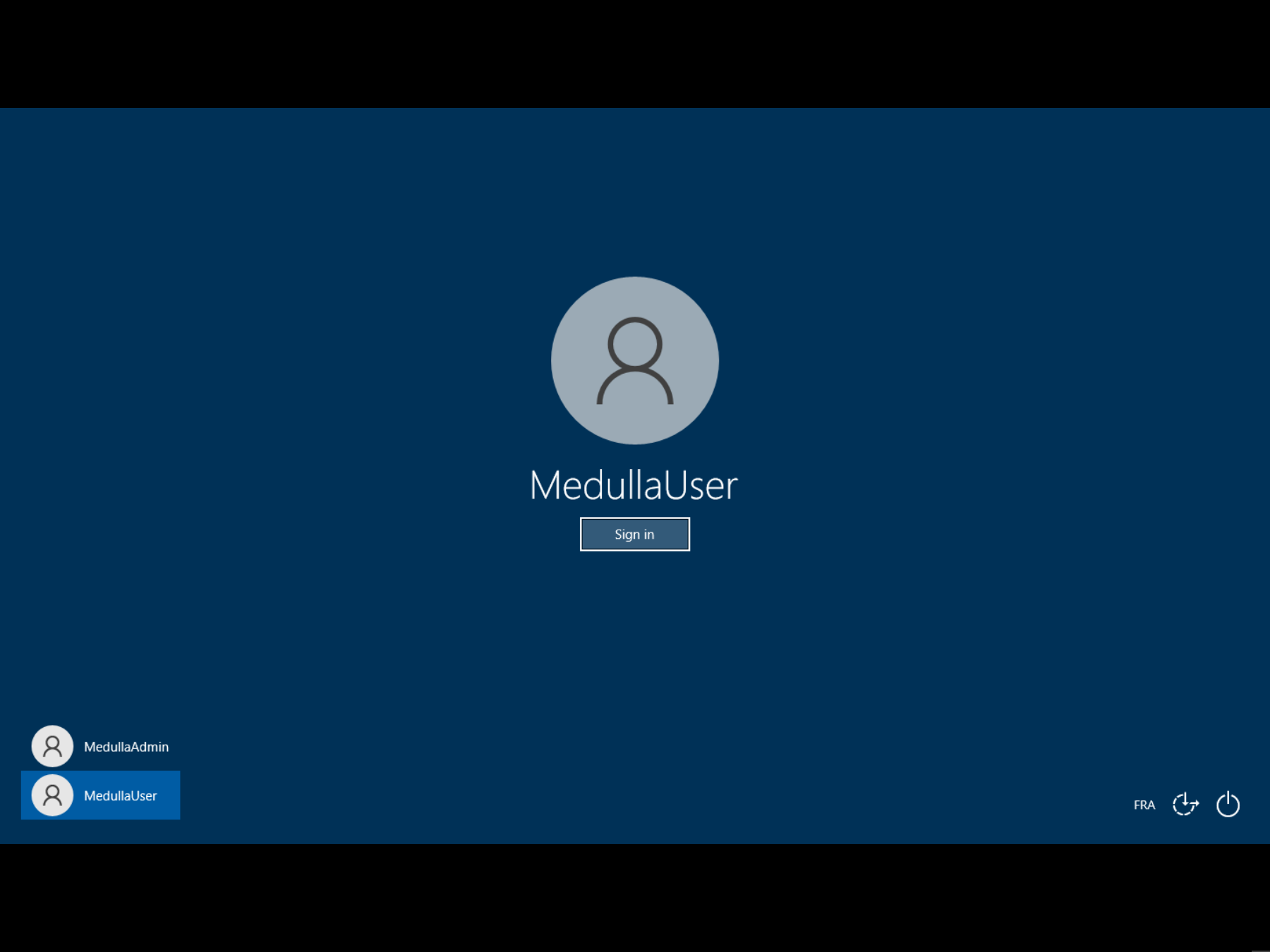
Getting Started with Remote Access
 Remote Access Direct access to machines to perform troubleshooting or maintenance tasks:
This allows you to take control of the remote machine in three different ways:
Windows:
- CMD
- VNC
- RDP
When you click the button, a pop-up appears allowing you to choose which protocol you want to use:
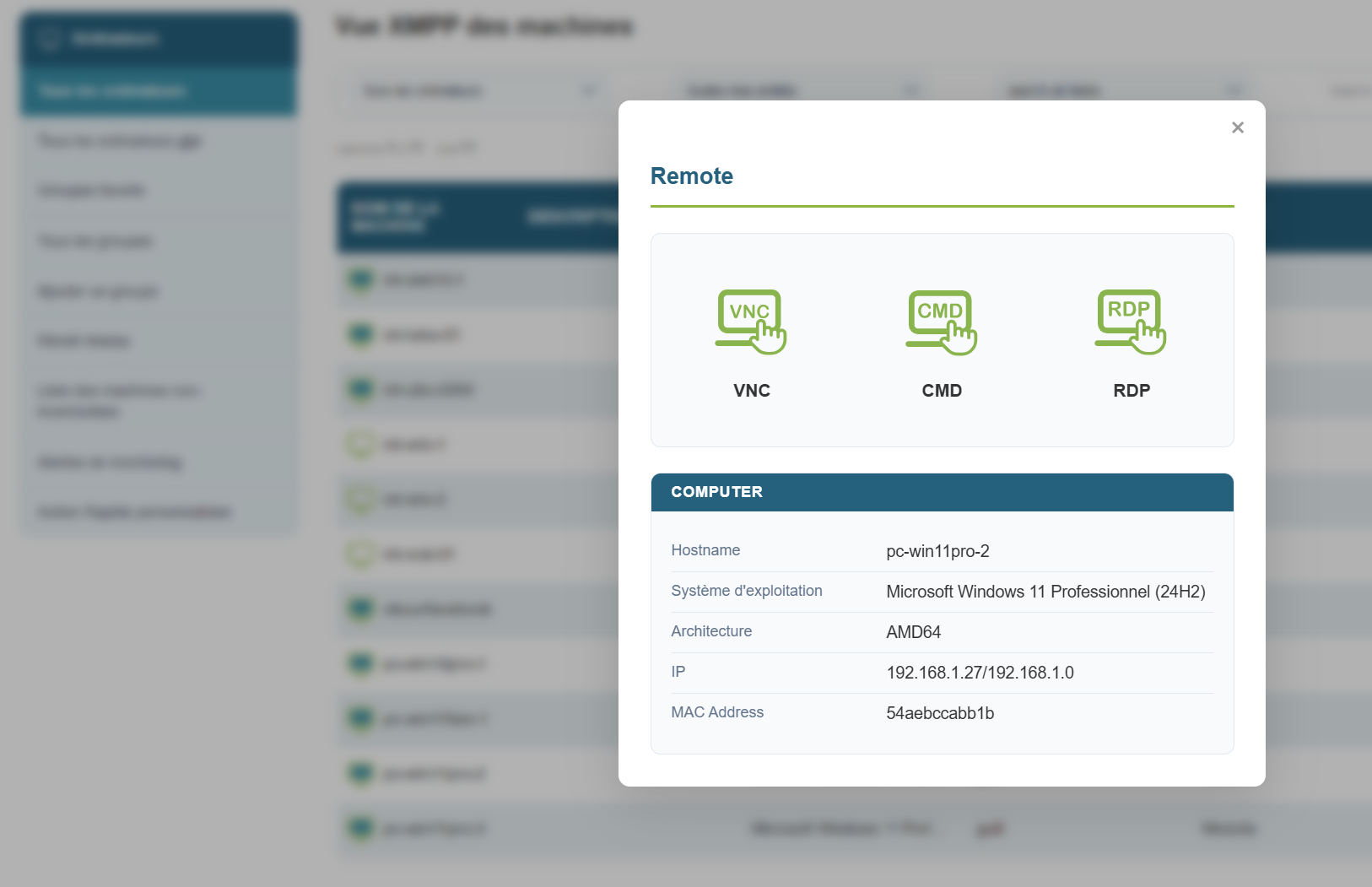
For VNC, by default, an authorization request is sent to the user, and the user must grant you permission.
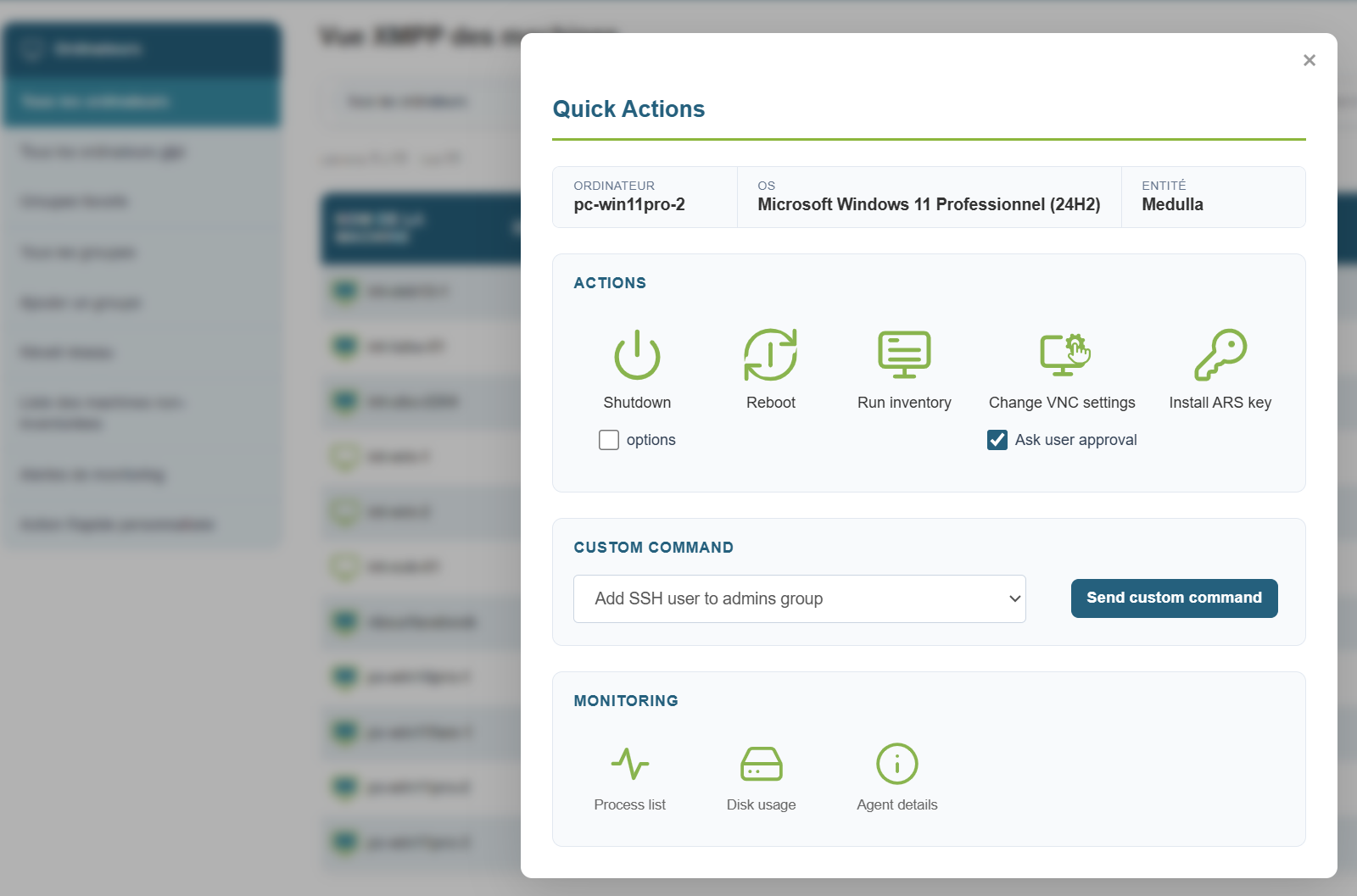
If you need to temporarily disable the authorization request—for example, during maintenance when the user is away from their workstation—you can do so for the duration of the session:
Click the quick-action button, uncheck the " Ask user approval " box, and then click the remote access button.
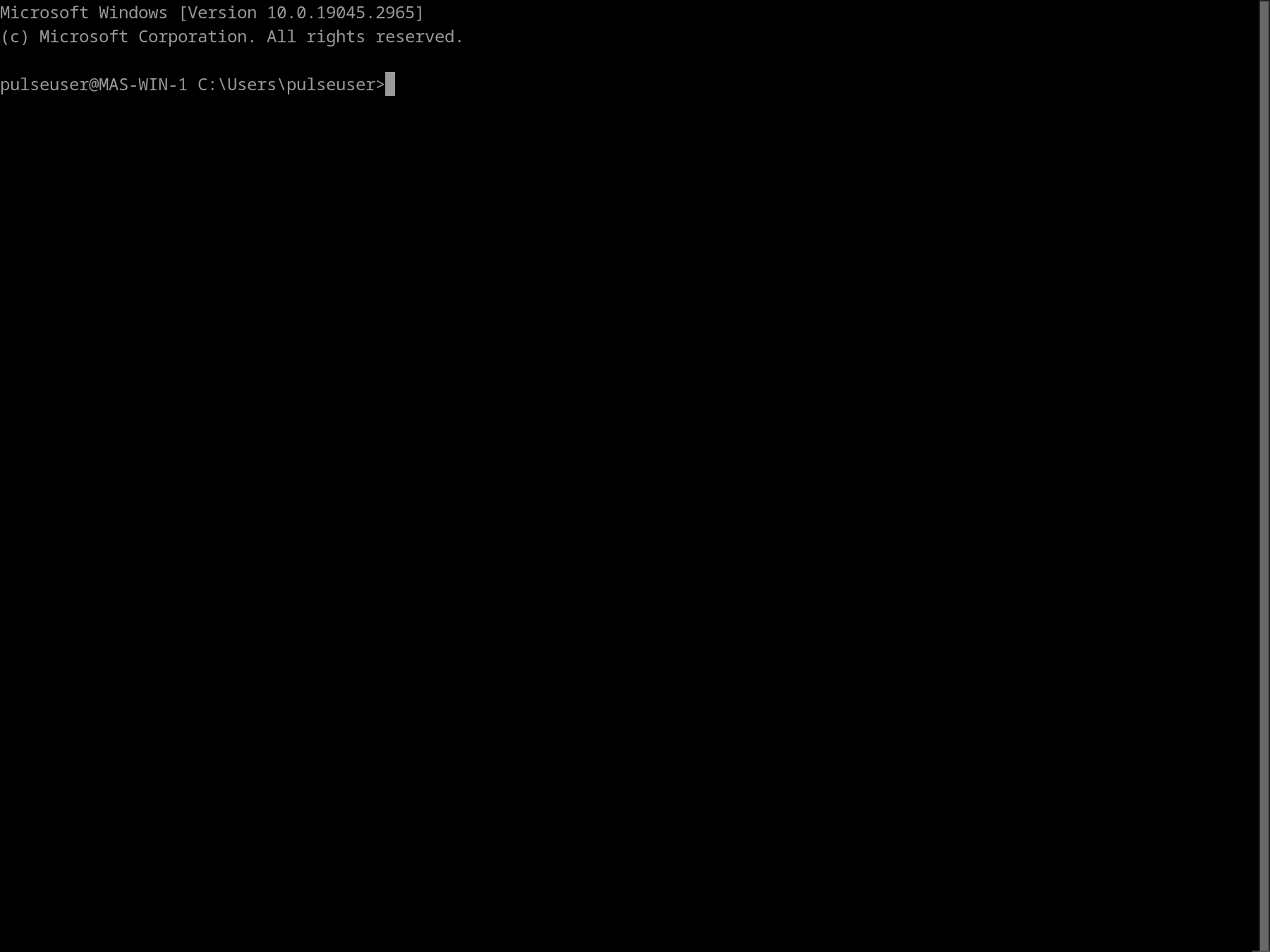
Remote access via CMD:
Remote access via VNC:
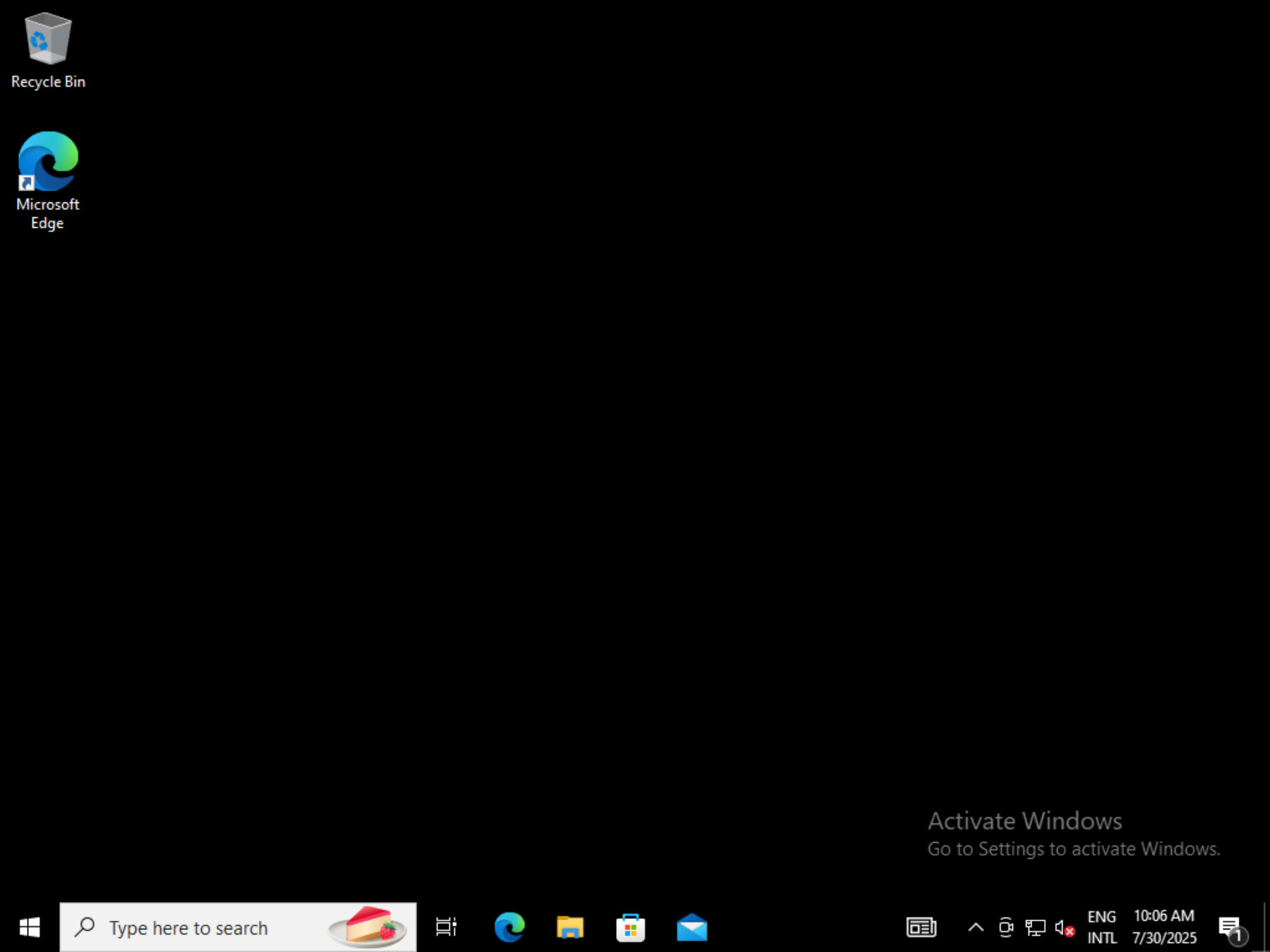
Remote access via RDP: