Cluster List
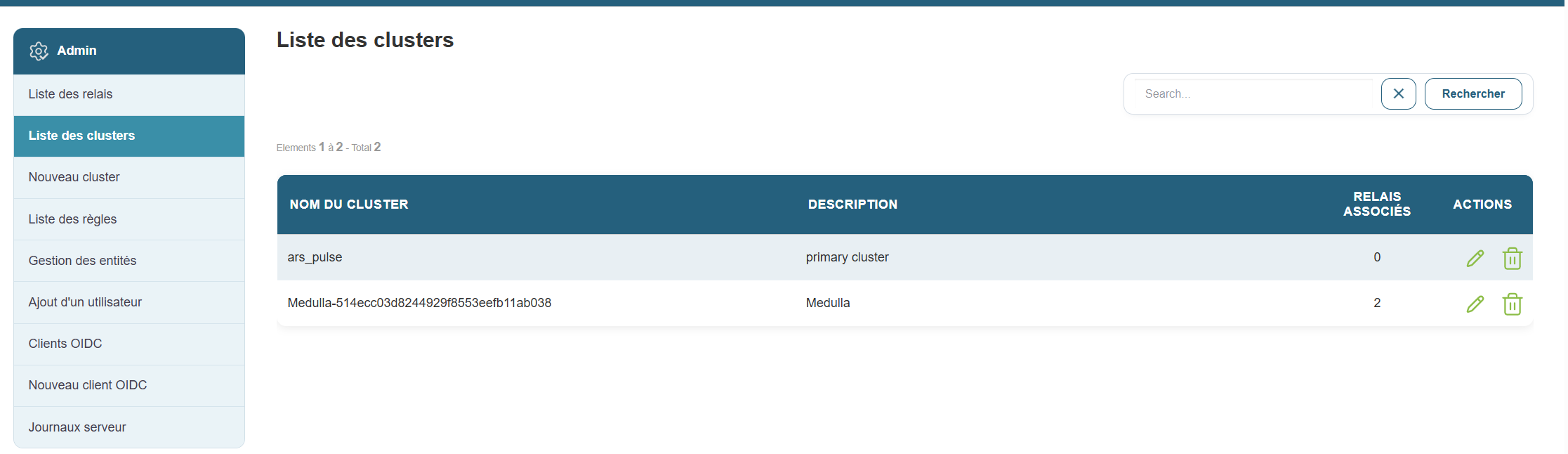
Acluster is a group of relays that are grouped together to organize the network in a more logical way.
Why this is useful:
It helps you better manage your network, especially if you have different environments (e.g., test, production, etc.).
Steps:
-
Go to the “Clusters List” section .
-
You will see a list with:
-
The cluster name
-
Its description
-
The type (private or public)
-
The relays associated with it
-
Example:
A cluster named “Public-...” can contain all shared public relays.
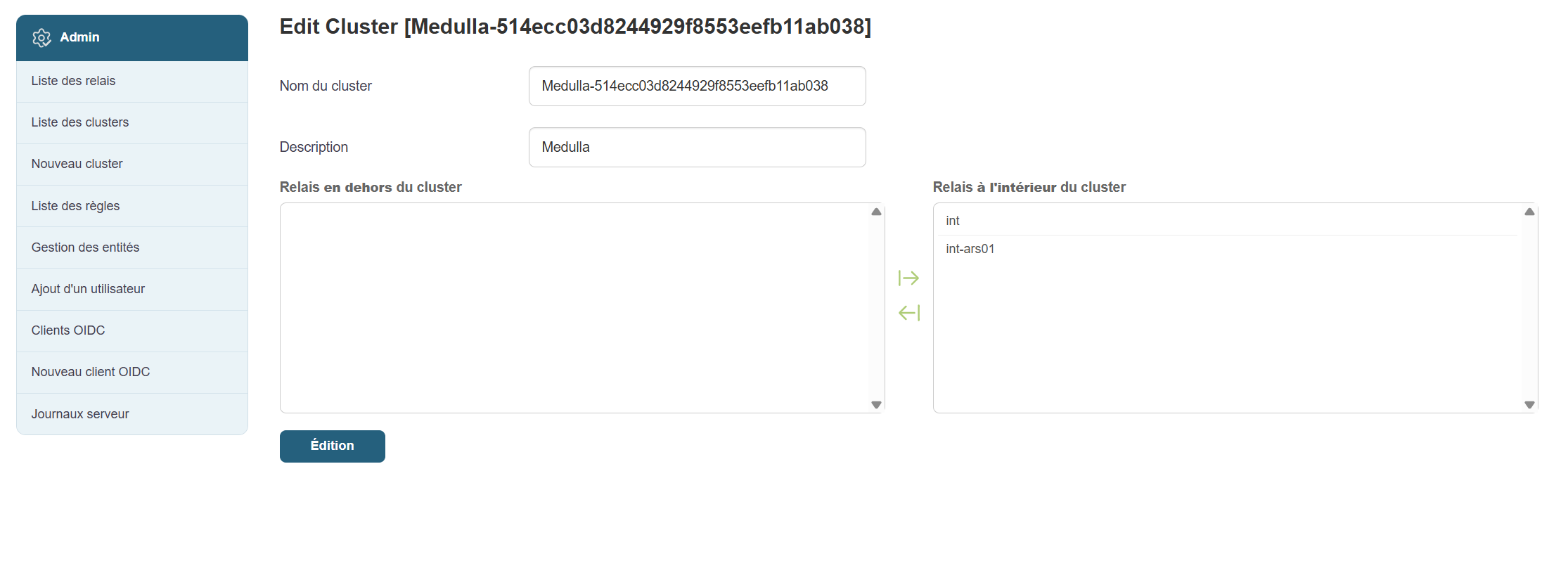
By clicking the pencil icon in Actions, you can edit the cluster by following these steps:
- Choose a cluster name
- Choose a description
- Select the relays outside the cluster to add to the cluster and vice versa
- Confirm