
Network Wake-up
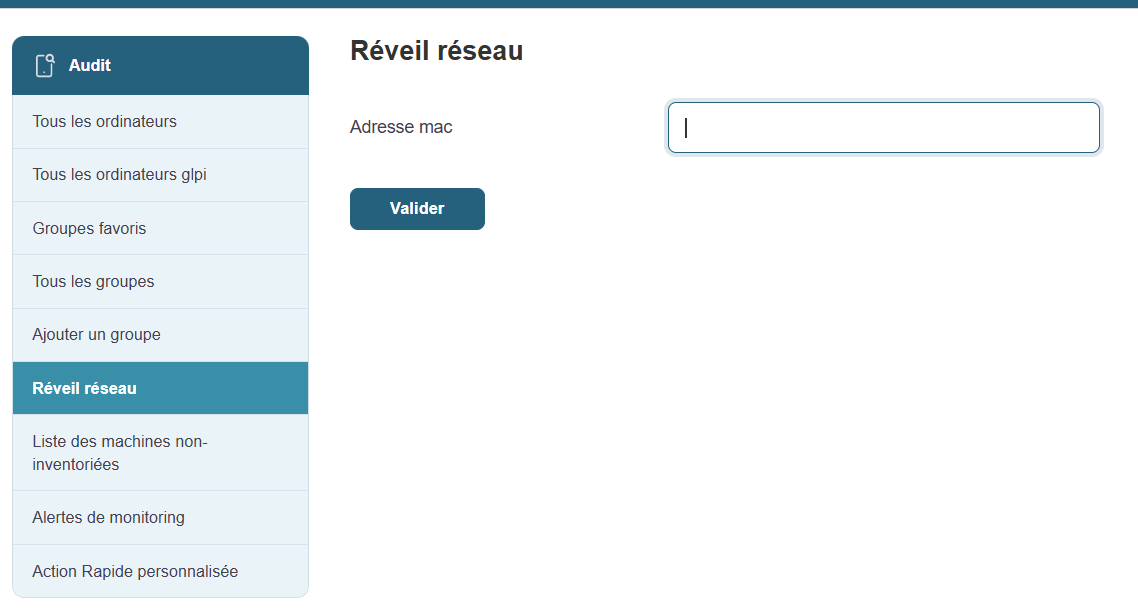
Wake on LAN (WOL) is a handy feature that allows you to remotely power on machines that are turned off, provided they are configured to accept this command.
How does it work?
Accessible from the Medulla main menu, this feature displays a list of machines compatible with Wake on LAN. This allows you to take remote control and manage the power-up of workstations without having to physically move to them.
Information available for each machine:
-
Machine Name: The identifier of the computer you want to wake up.
-
Current status: Displays the machine’s status (online or offline).
-
Action button: Allows you to attempt to wake up the selected machine. Clicking this button will attempt to send the wake-up command.
Prerequisites:
Wake-on-LAN relies on proper BIOS/UEFI configuration of the machines. Ensure this feature is enabled on the machines before attempting to wake them remotely.
Typical uses:
-
Booting groups of machines before a deployment or maintenance operation.
-
Wake up computers to update them or run backups overnight, so as not to disrupt business operations during the day.
Benefits of Wake on LAN:
-
Time savings: Remotely boot multiple machines simultaneously.
-
Flexibility: Allows you to keep workstations up to date and perform maintenance operations without physical intervention.
-
Increased productivity: Ideal for IT teams that need to manage a large number of machines without disrupting users.
This feature relies on the workstations’ BIOS/UEFI settings (Wake-on-LAN must be enabled
Typical use
-
Remotely boot a group of computers before a deployment operation
-
Wake up computers to keep them up to date or run backups overnight