
Imaging Groups
Displays all existing imaging groups.
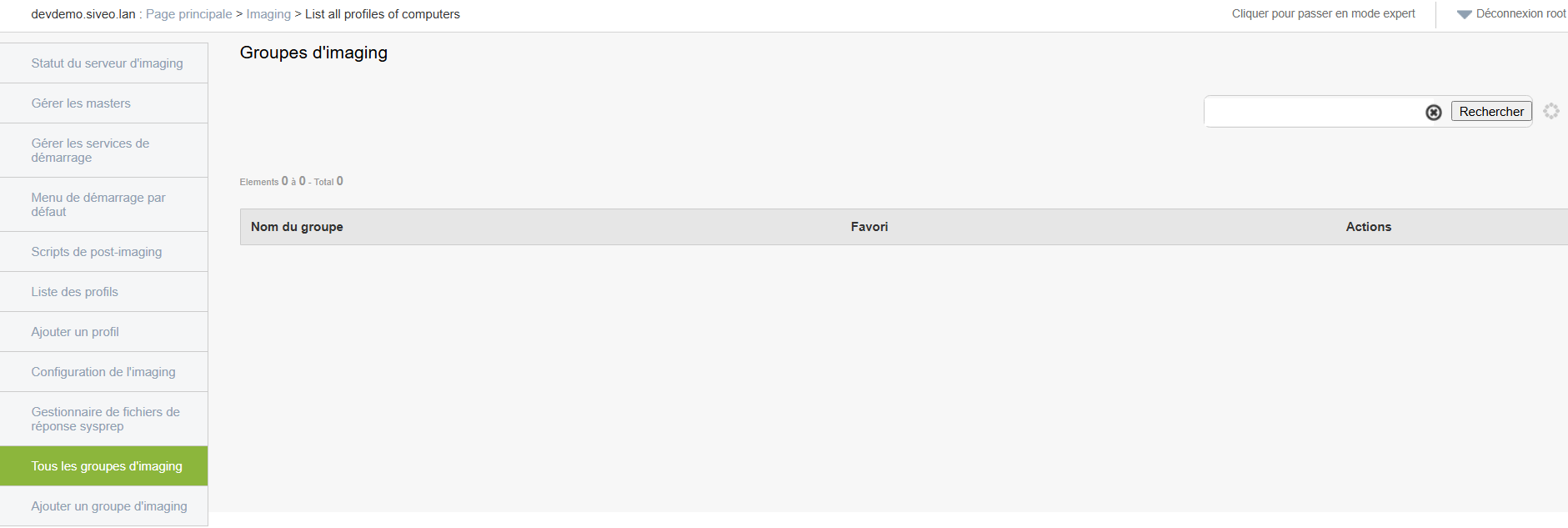
-
Each group contains a specific configuration linked to a deployment type (for example: classrooms, specific IT estate, etc.).
-
You can view, edit, or delete them.
Add an imaging group
Create an imaging group to organize your deployments.
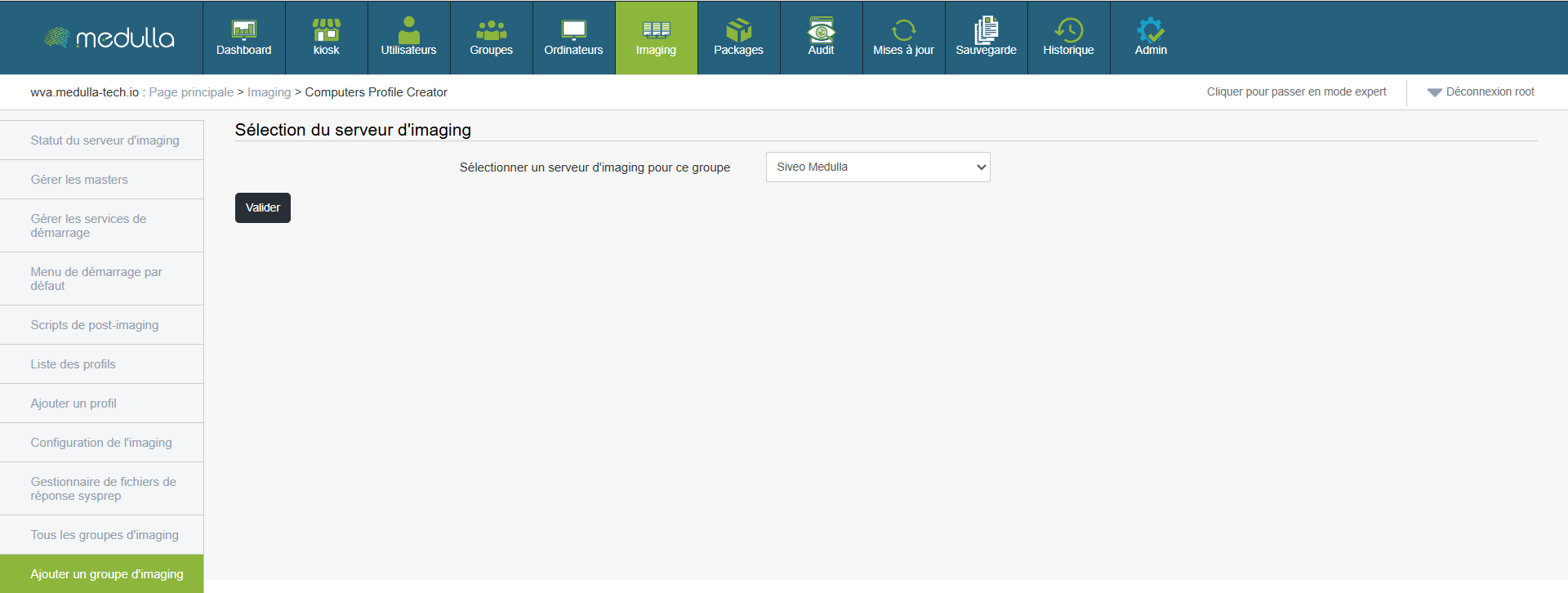
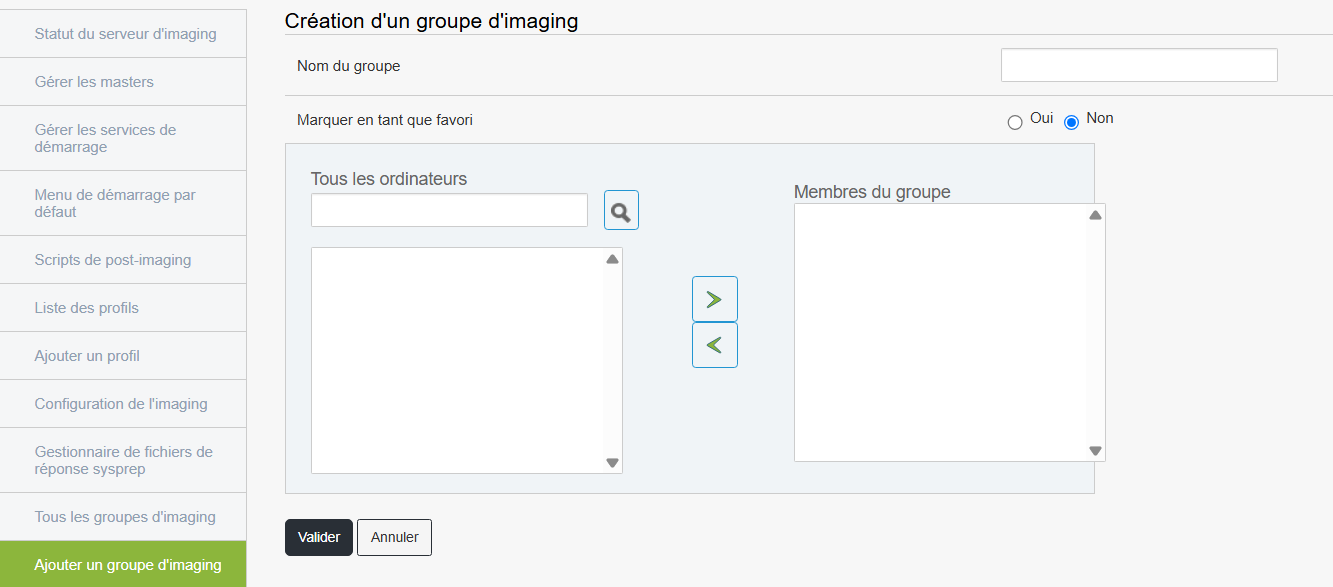
Steps
This group will then appear in the list of available groups.