
How the WSUS update module works.
Medulla offers an effective solution to replace the WSUS (Windows Server Update Services) server. This guide explains how Medulla’s update module works.
How It Works:
Update Source:
Medulla retrieves updates from the wsusscn2.cab file, a database maintained by Microsoft.
Medulla always uses the latest version of this database published by Microsoft.
Updates apply only to Microsoft products, with the exception of major operating system updates (for example, the transition from Windows 10 to Windows 11).
Update Classification:
Microsoft updates are classified by product to meet users’ specific needs.
Medulla supports the following classes:
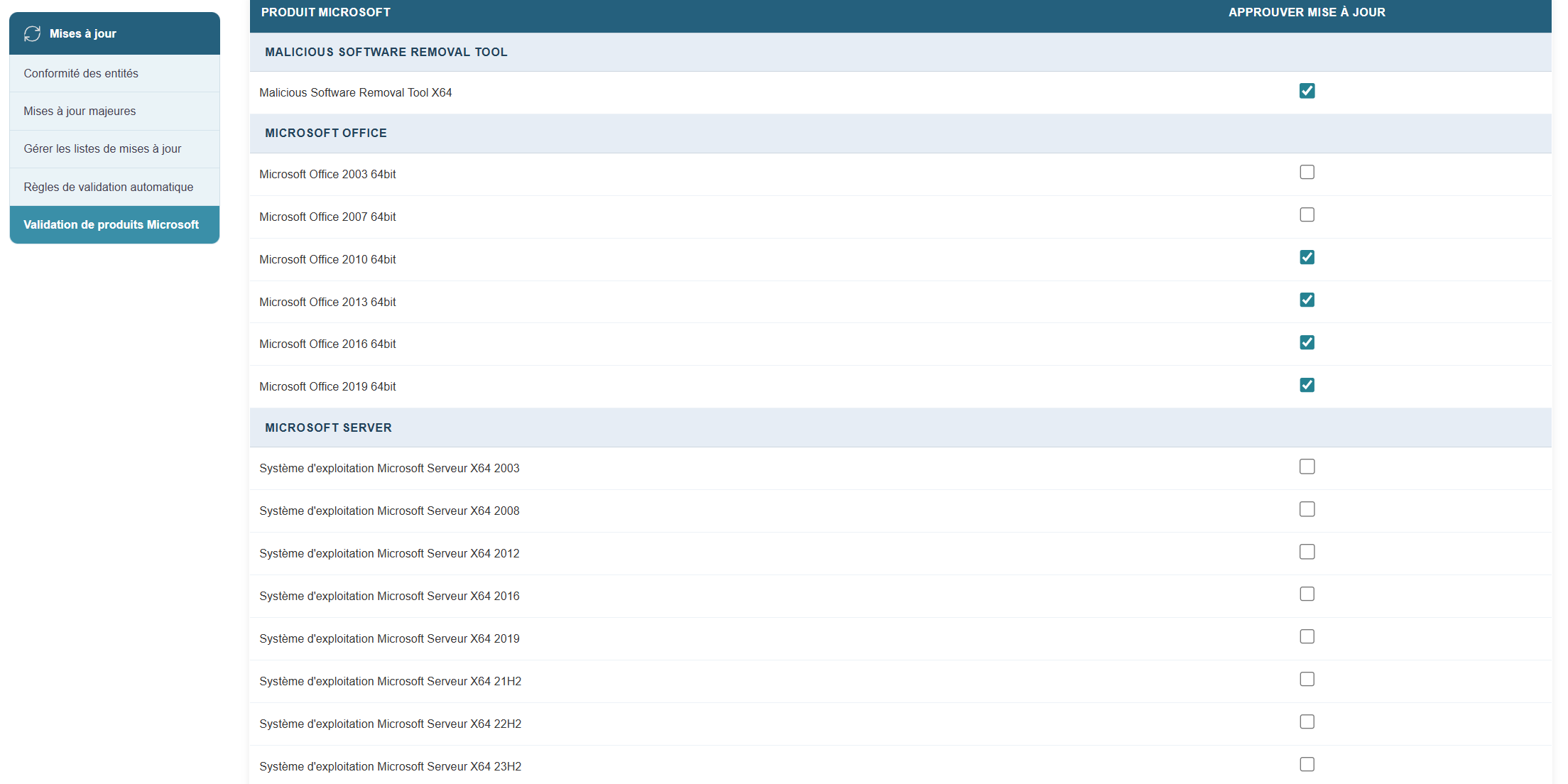
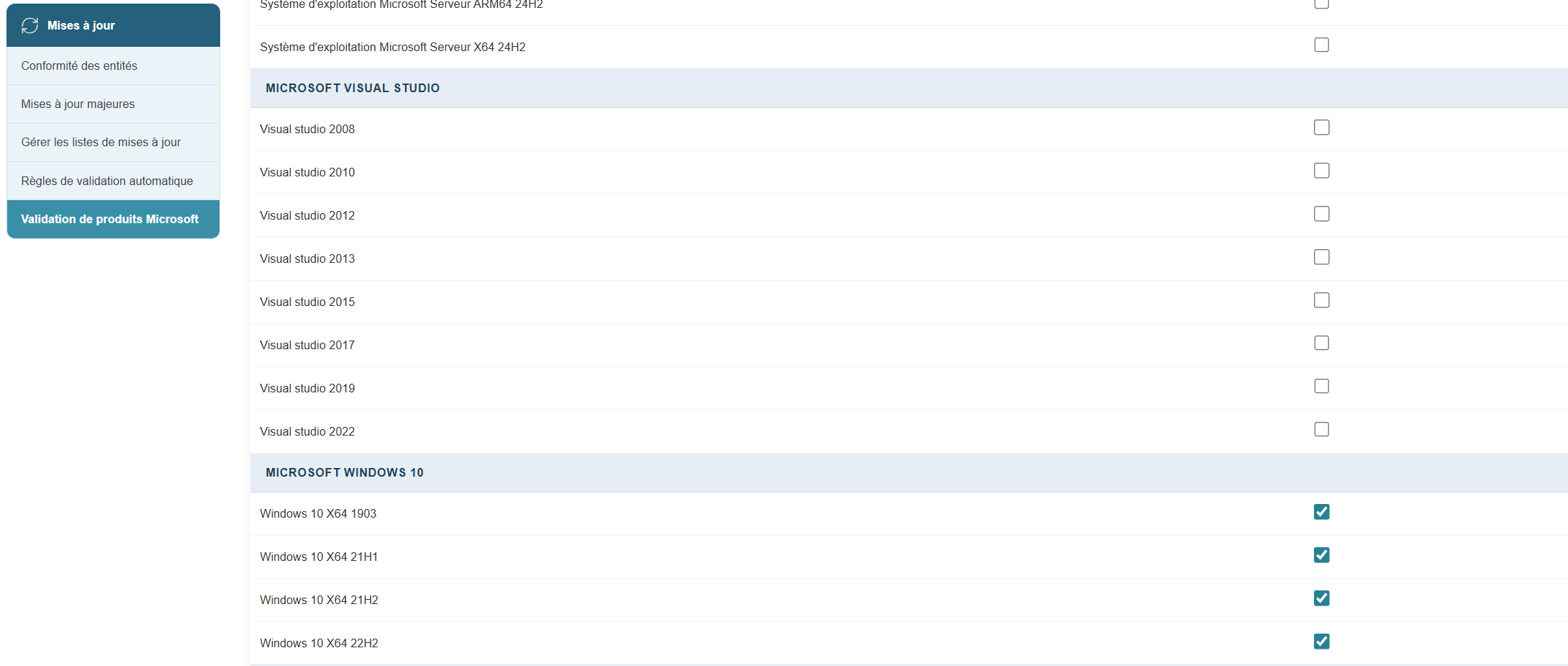
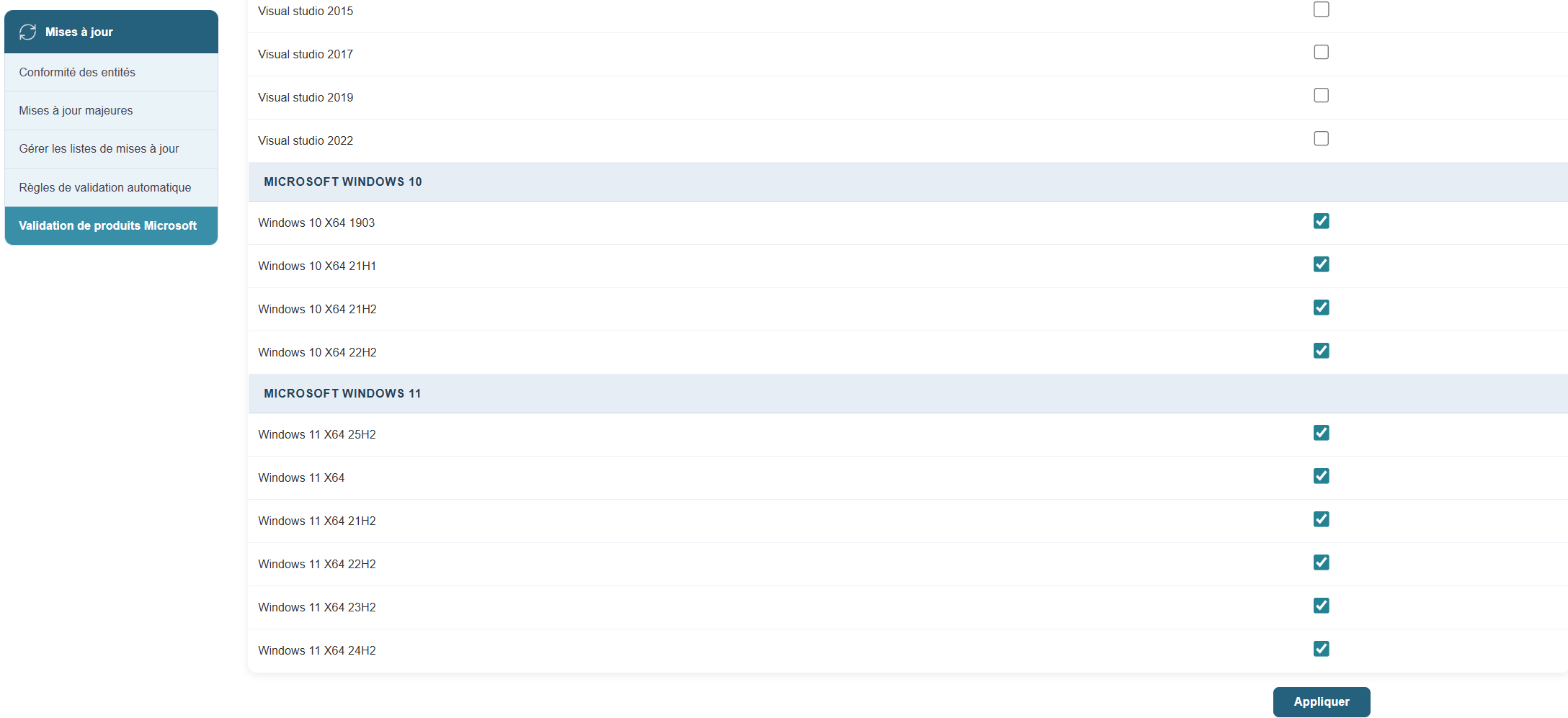
To enable the desired updates:
In the Updates module, click the button:
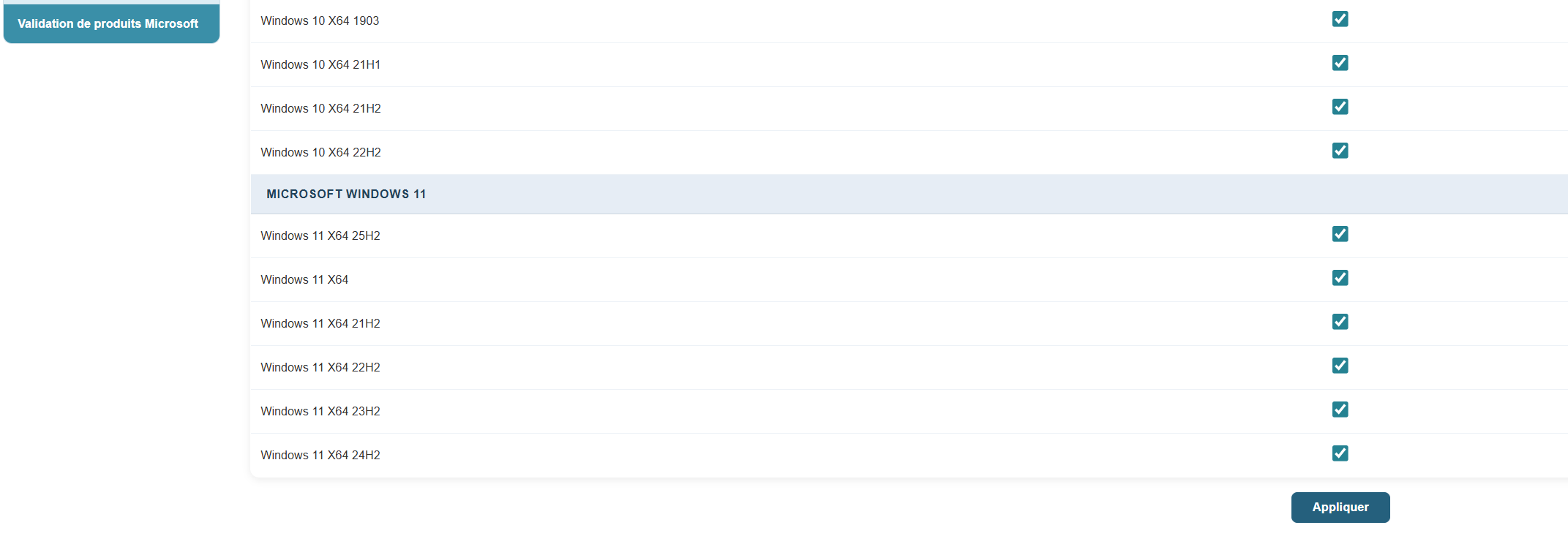
Validate Microsoft products and select the relevant products.
Machine Status:
Each machine displays its update status, identified by Knowledge Base (KB) numbers.
Medulla determines the necessary updates for each machine based on the list of machine types, processors, etc.
Creating and Distributing Update Packages:
If necessary, Medulla creates an update package and makes it available.
Based on user-defined management rules, Medulla pushes these updates to the machines.
Product Management:
The selection of products to be included is managed in the database.
Simply request that a specific product be included, and it will be integrated into the update process.
Conclusion
Medulla simplifies and automates update management for Microsoft products, offering an efficient and customizable alternative to the WSUS server. By following this guide, you can configure and use Medulla to keep your systems up to date in the best possible way.