
Individual and Group Tasks
The ability to track and understand every action taken is crucial. The management system offers several views to explore past operations in detail, monitor ongoing tasks, identify errors, and collaborate effectively across teams.
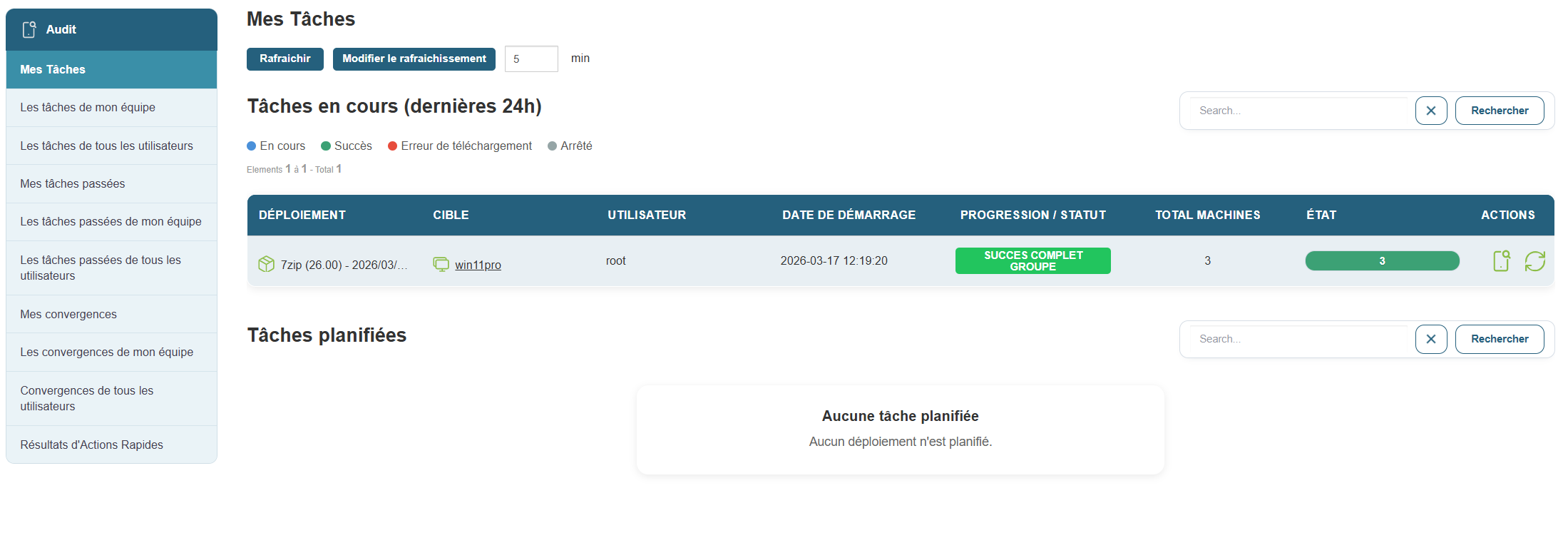
The My Tasks section allows you to view all the actions you have initiated, whether they are in progress or completed.
Access:
Recommended view:
-
In-Progress Tasks: displays deployments in progress over the last 24 hours.
-
Scheduled Tasks: lists actions scheduled for a later date.
-
My Past Tasks: Tracks all your previous actions, along with their results.
Available information:
For each task:
-
Deployment type
-
Target (machine or group)
-
Start date
-
Progress status (success, failure, download error, stopped)
-
User who initiated the action
Filters allow you to search for a task by name or user.
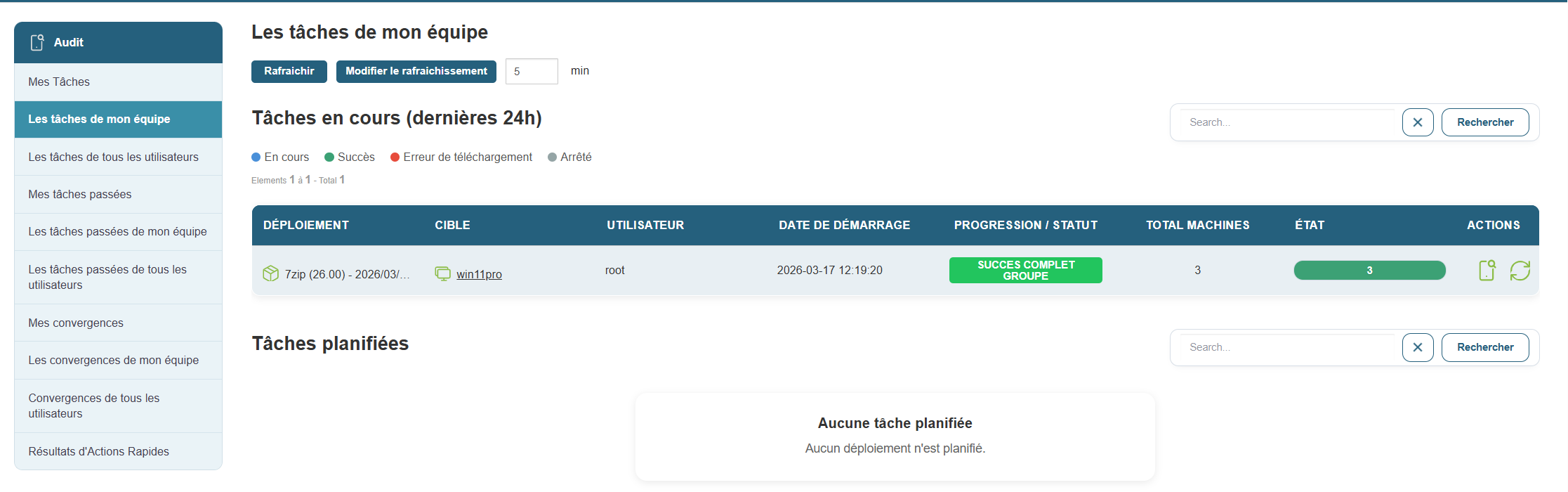
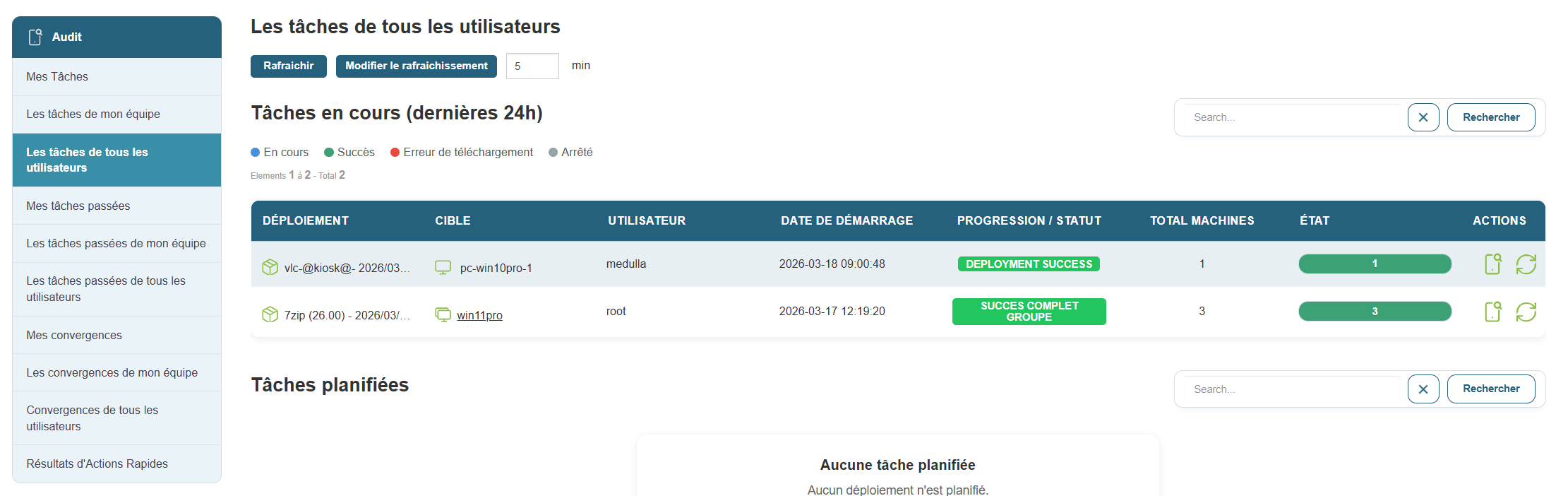
Task monitoring isn’t limited to your personal activity. With team views, you can track the tasks your colleagues are working on, identify common areas of overlap, and avoid duplication.
Access:
Available sections:
-
My Team’s Past Tasks: a comprehensive history of actions initiated by your team.
-
All Users’ Past Tasks: a comprehensive view of all recorded tasks.
-
Convergences:
-
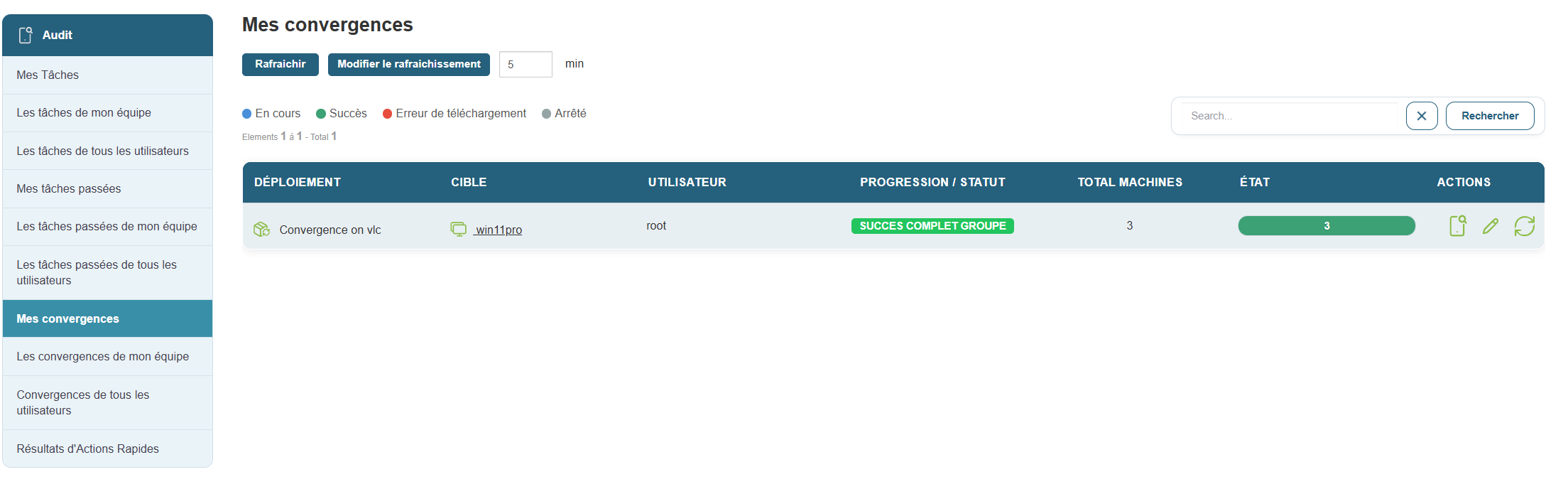
My Convergences: tasks affecting multiple machines or groups at once that you have initiated.
-
Convergences formy team or all users: a collective view of major operations.
-
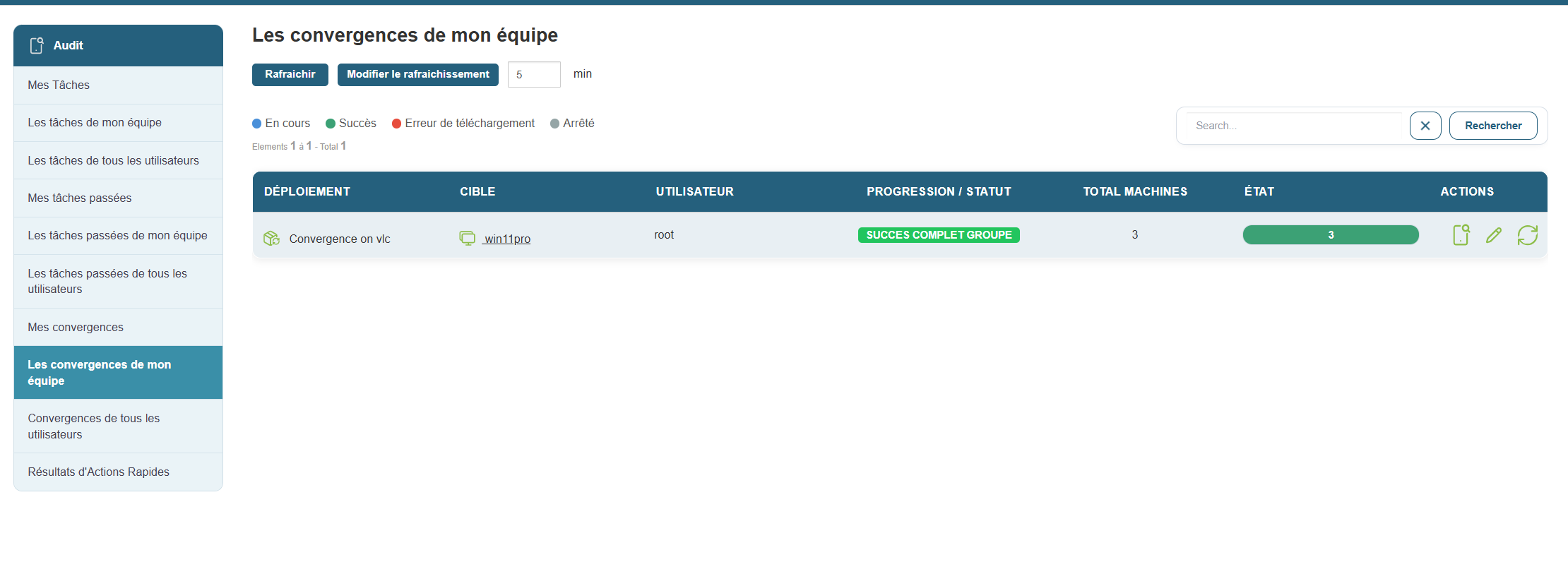
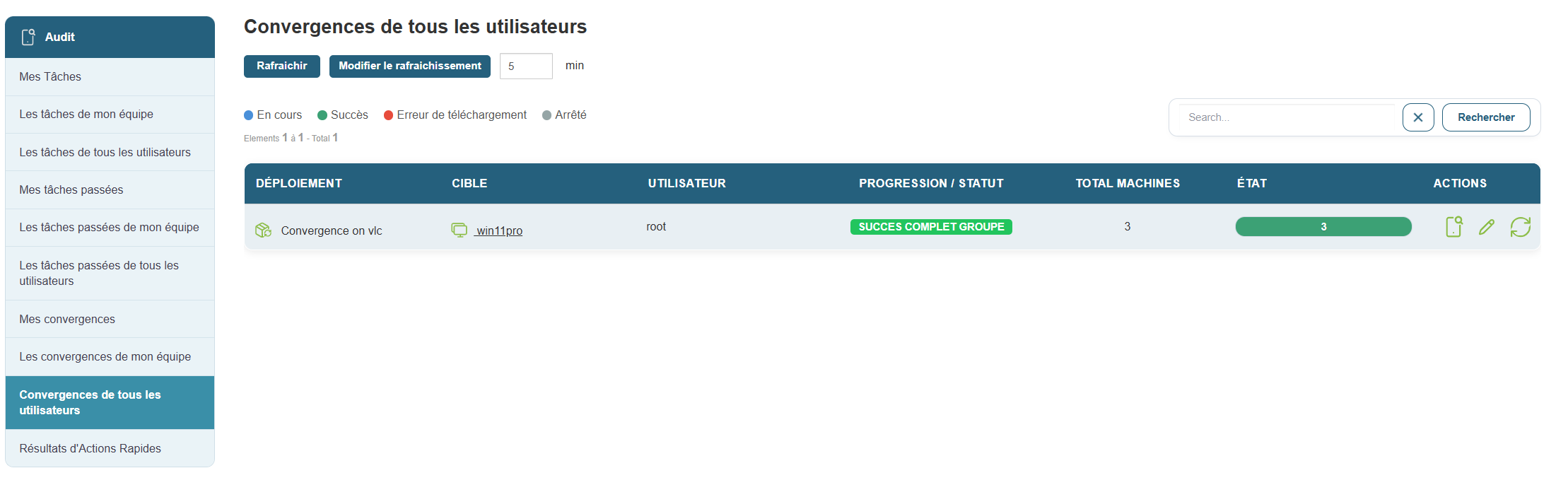
This information allows you to cross-reference intervention data, identify recurring or critical operations, and ensure consistent action within your department.