
Dynamic Group with Multiple Criteria
To update applications, we can create a dynamic group using a combination of criteria:
For example, I want to create a dynamic group that contains Windows 11 Pro machines, a specific software application, and a specific version of that software.
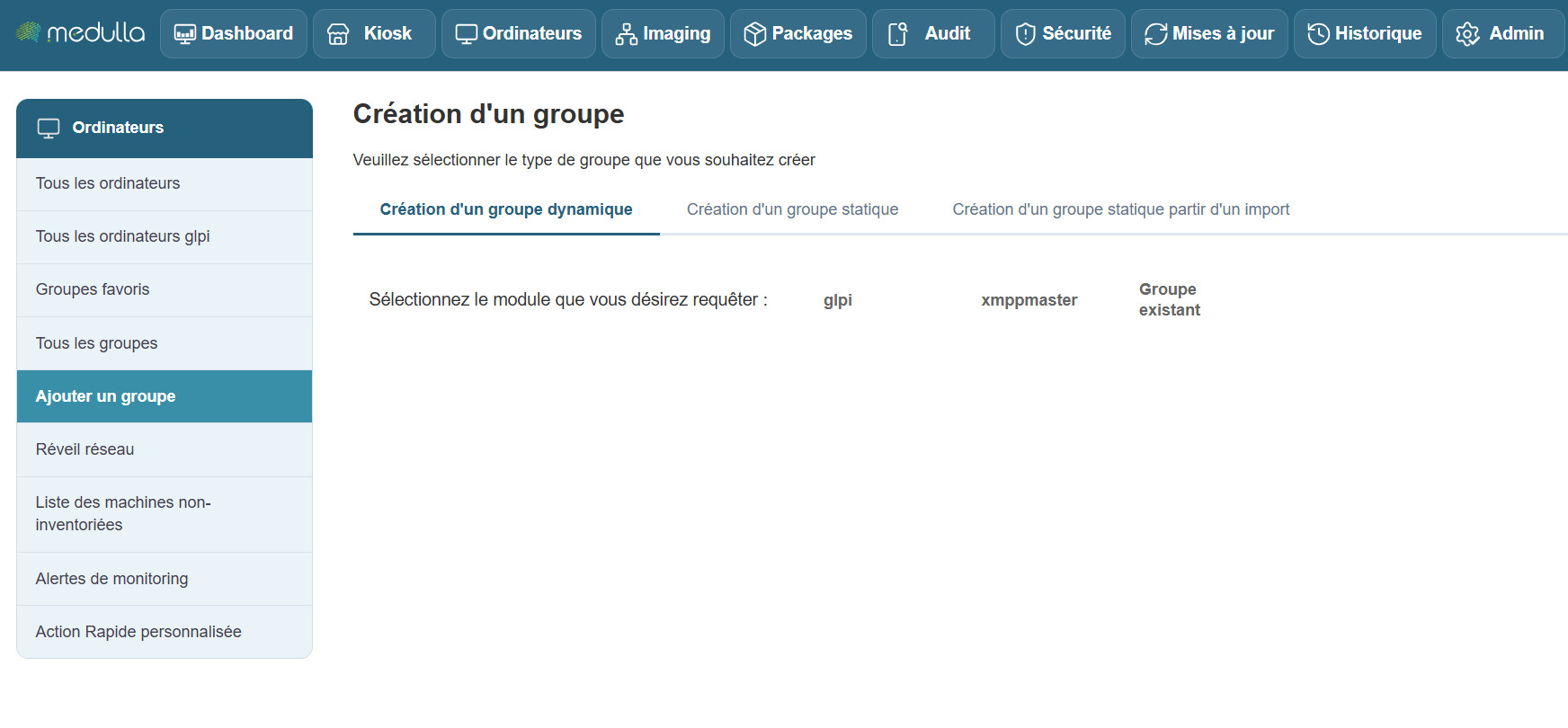
Add a section, “Installed Software,” to our group:
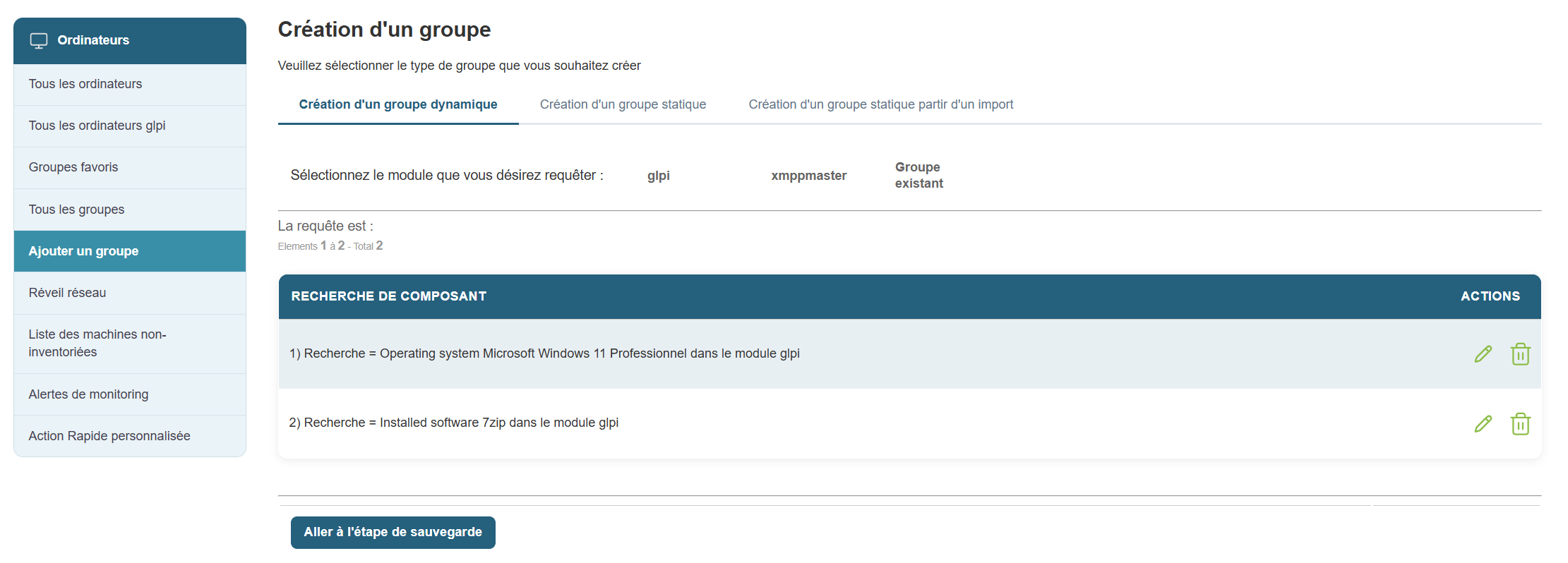
Then another section, “Software Version”:
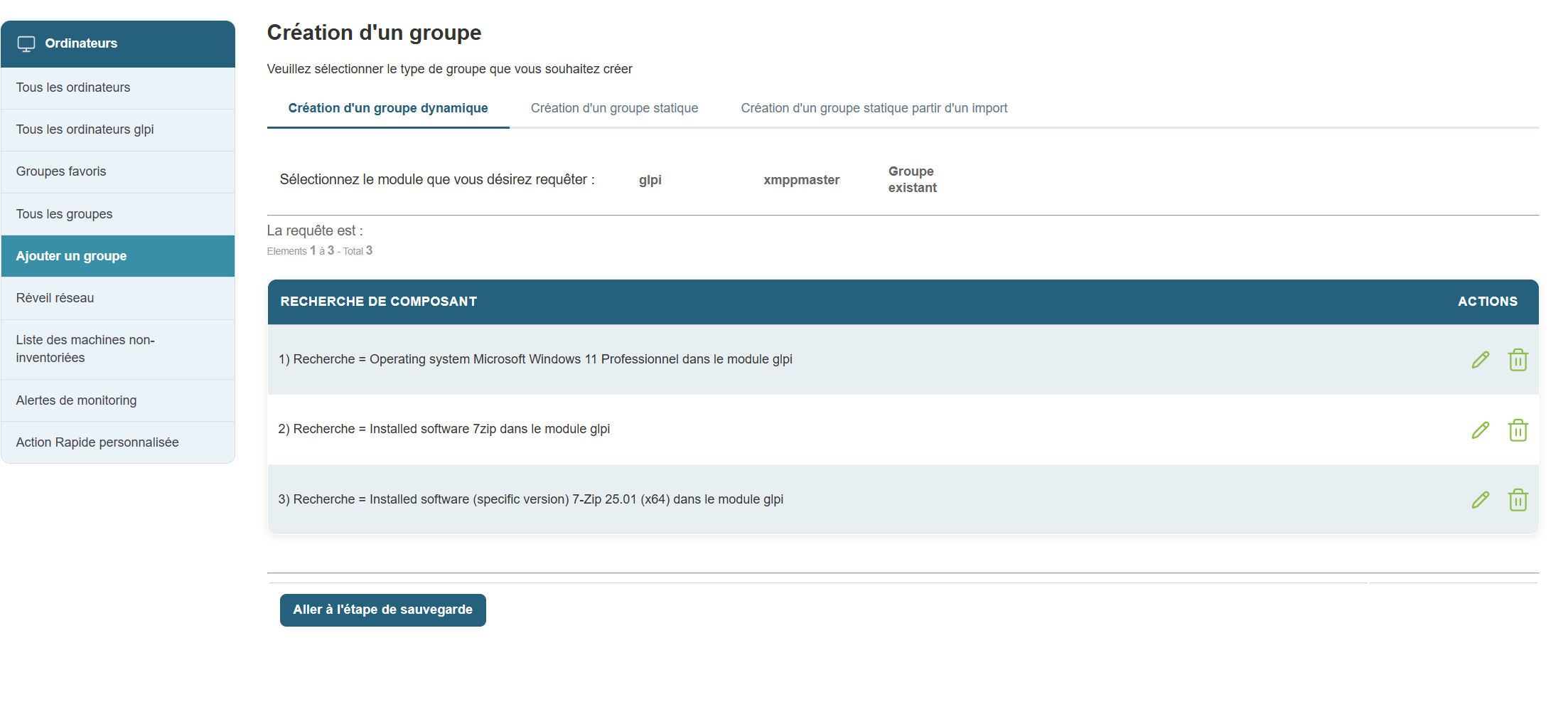
Next, we’ll save our group and orchestrate it by clicking “Go to the backup step.”
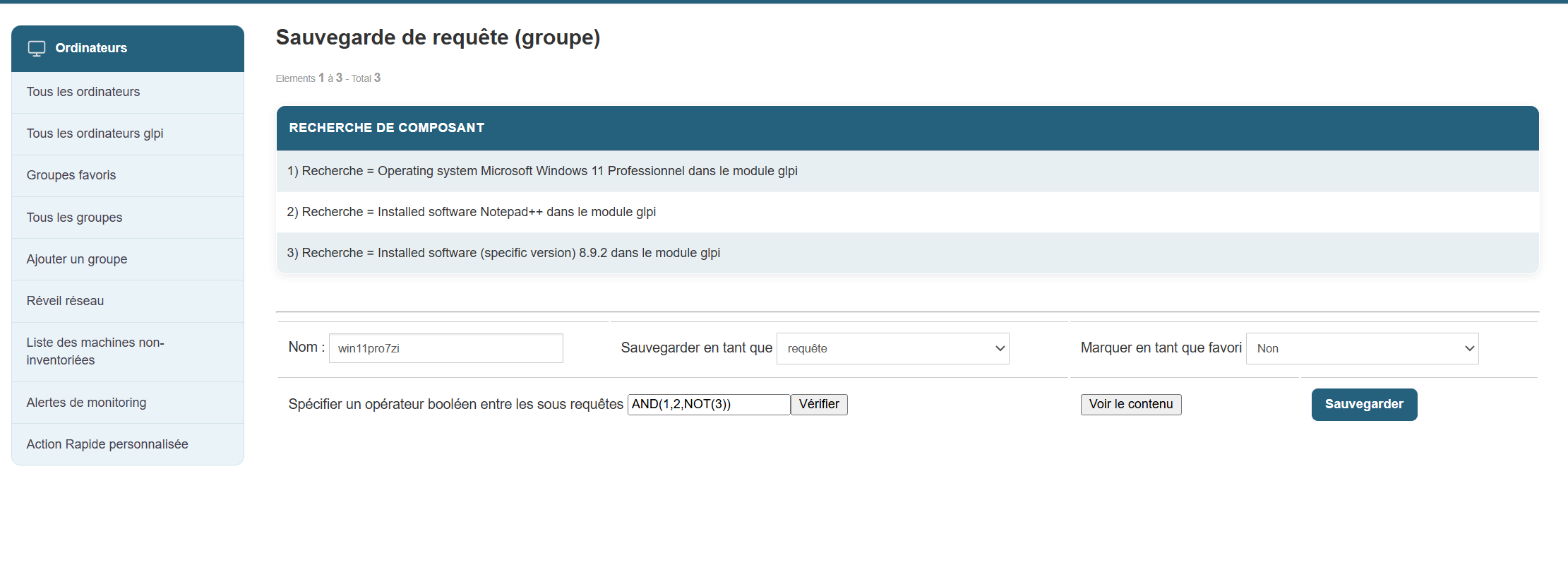
We’ll specify a Boolean operator in the subqueries and then click “Backup.”
Once my group is created, I can interact with it and initiate a deployment of a new version of Notepad++.