Updating Medulla via the interface
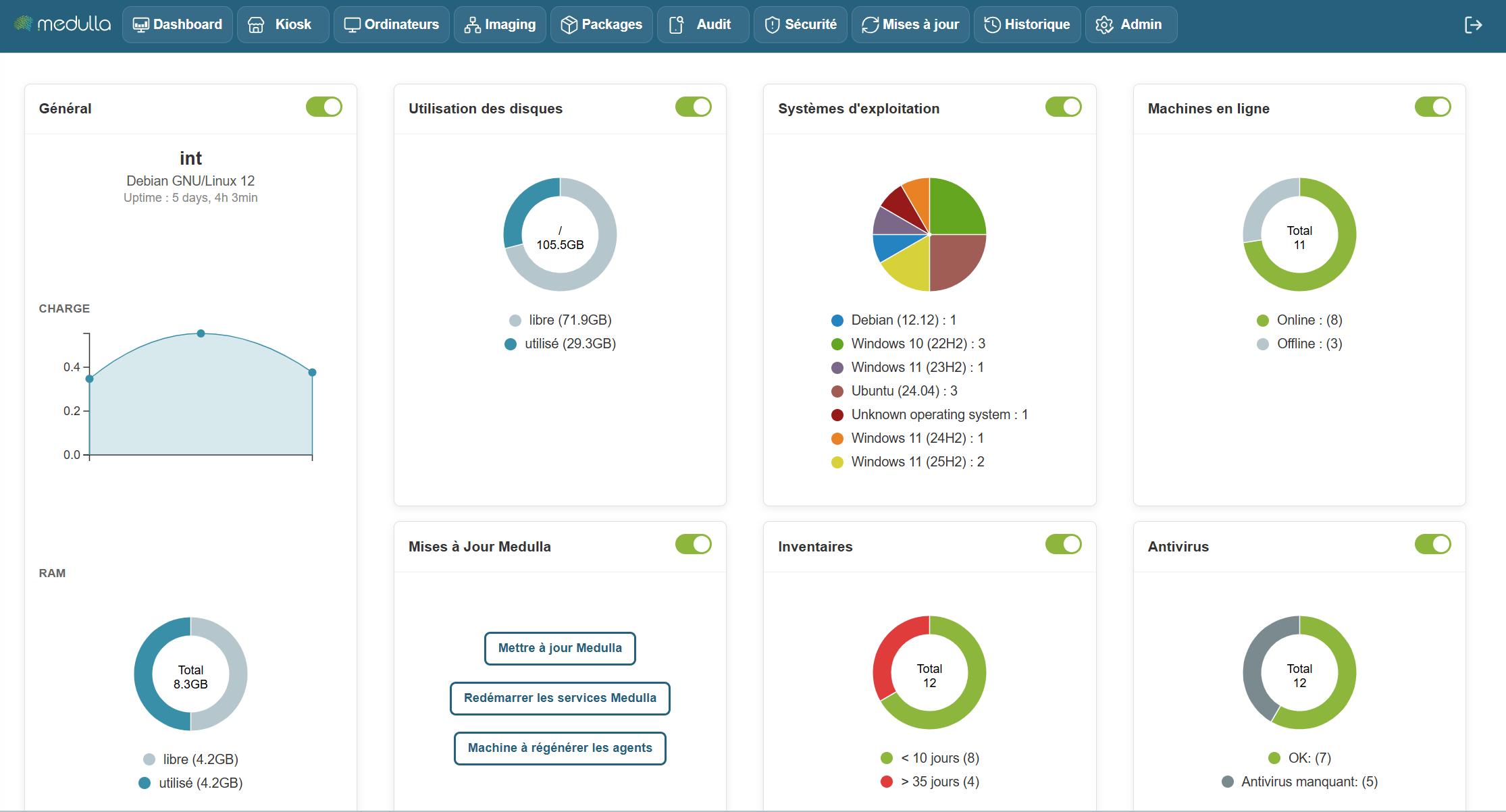
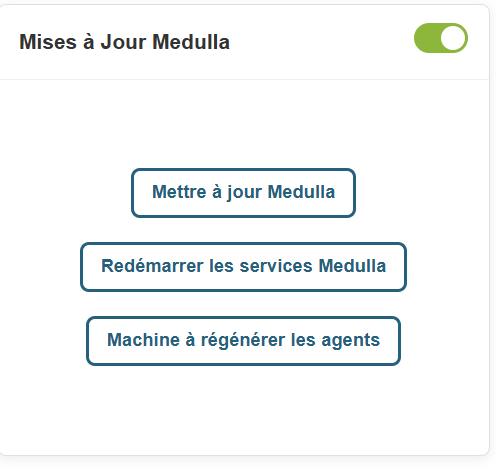
In the Medulla dashboard, an "Update Medulla" widget is available:
This widget allows you to:
- Check for Medulla version updates
- View Medulla version updates;
- Install Medulla version updates
- Restart Medulla services after updates
- Regenerate Medulla agents after updates.
On the widget, click the Check for Updates button.
A pop-up will appear asking you to confirm the update and listing the Backup requirements.
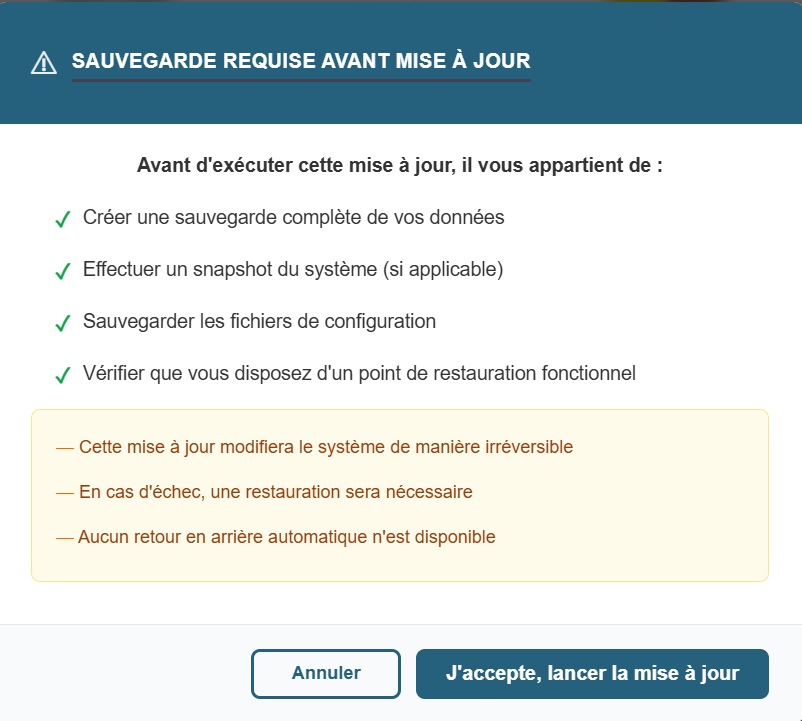
There are two buttons on the pop-up:
- Cancel
- I Accept, Start Updates.
When you click "Start Update," the pop-up displays:
Once the update is complete, Medulla will force you to log out of the interface.
Once you’ve reconnected to Medulla, while still in the Updates widget, please click the “Restart Medulla Services” button.

The session will be terminated, so you will need to log back into the interface.
Click the "Regenerate Agents" button.

The page will then display the following screen: