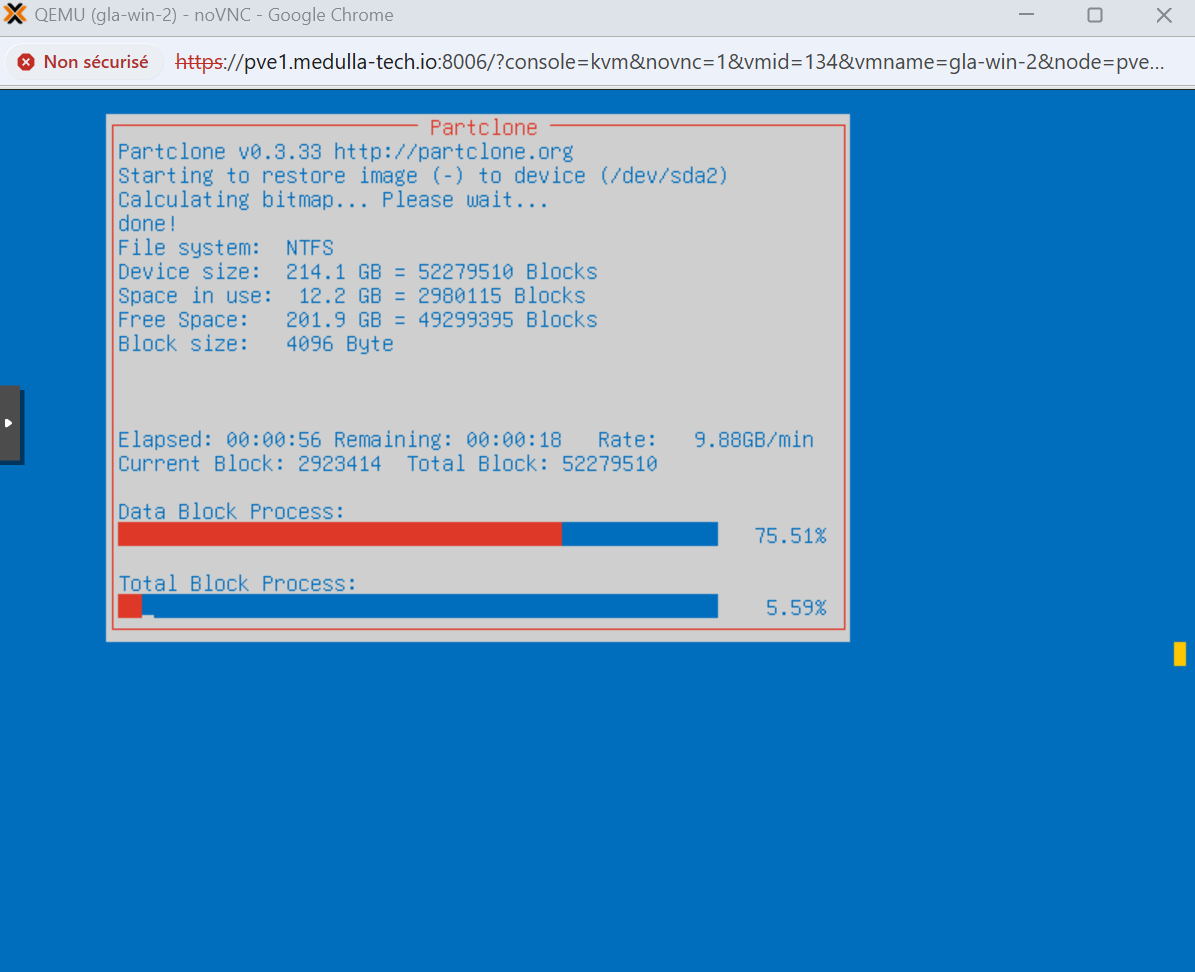
Mastering via PXE
To master an image, follow the steps below:
- Boot the machine via PXE and register it:
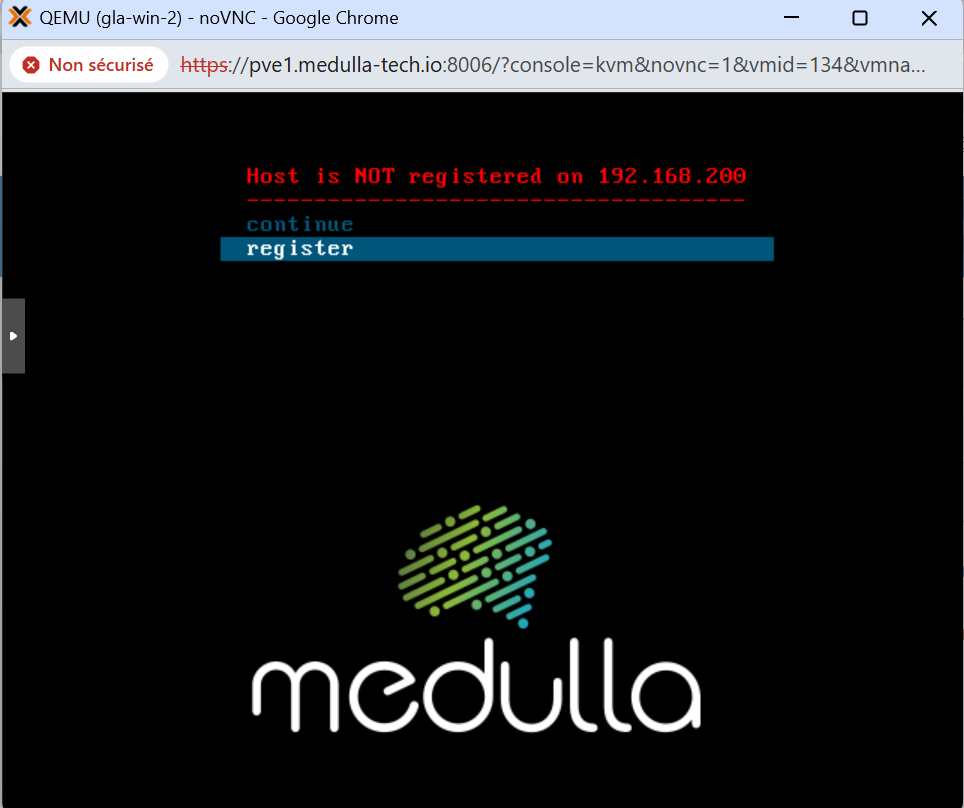
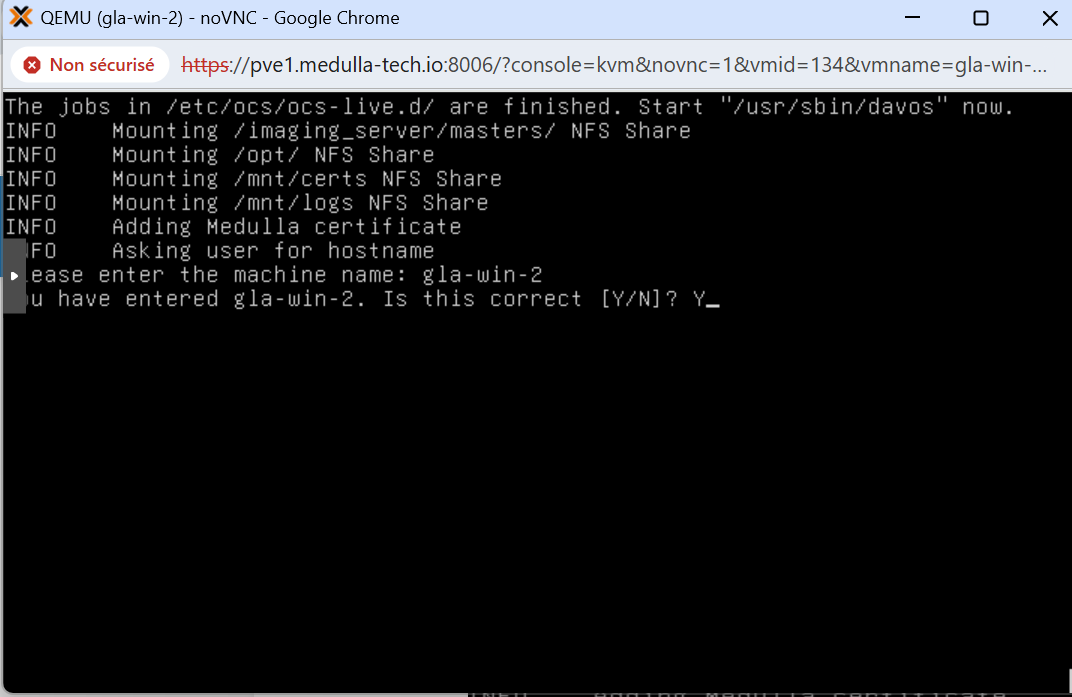
Type the machine name at the prompt:
In our example, I used the machine gla-win-2. Press Enter, then answer the prompt with “Y” if the name is correct or “N” if it is incorrect and you need to make changes.
When the machine reboots, if you followed the steps in “Imaging Profiles,” simply select the master associated with the profile; or, if you’re using a standard post-install, you’ll see the master’s name listed with the associated post-install.
Below, after the machine has been registered, you’ll see the menu with an additional line:
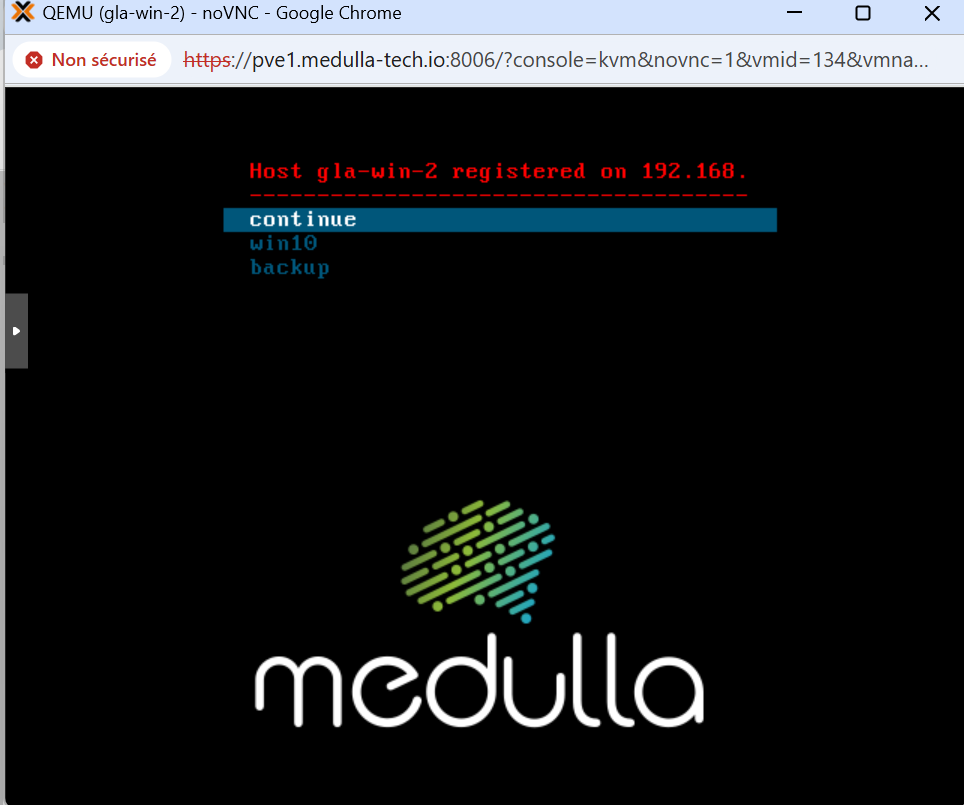
Click on your master and let the process run; after a few minutes, your machine will reboot and come back up in the Medulla console.