Agent Inventory
To view a machine’s inventory, go to the Computers view.
Select the computer whose inventory you want to view, then in the Actions menu to the right of the row, click the button: 
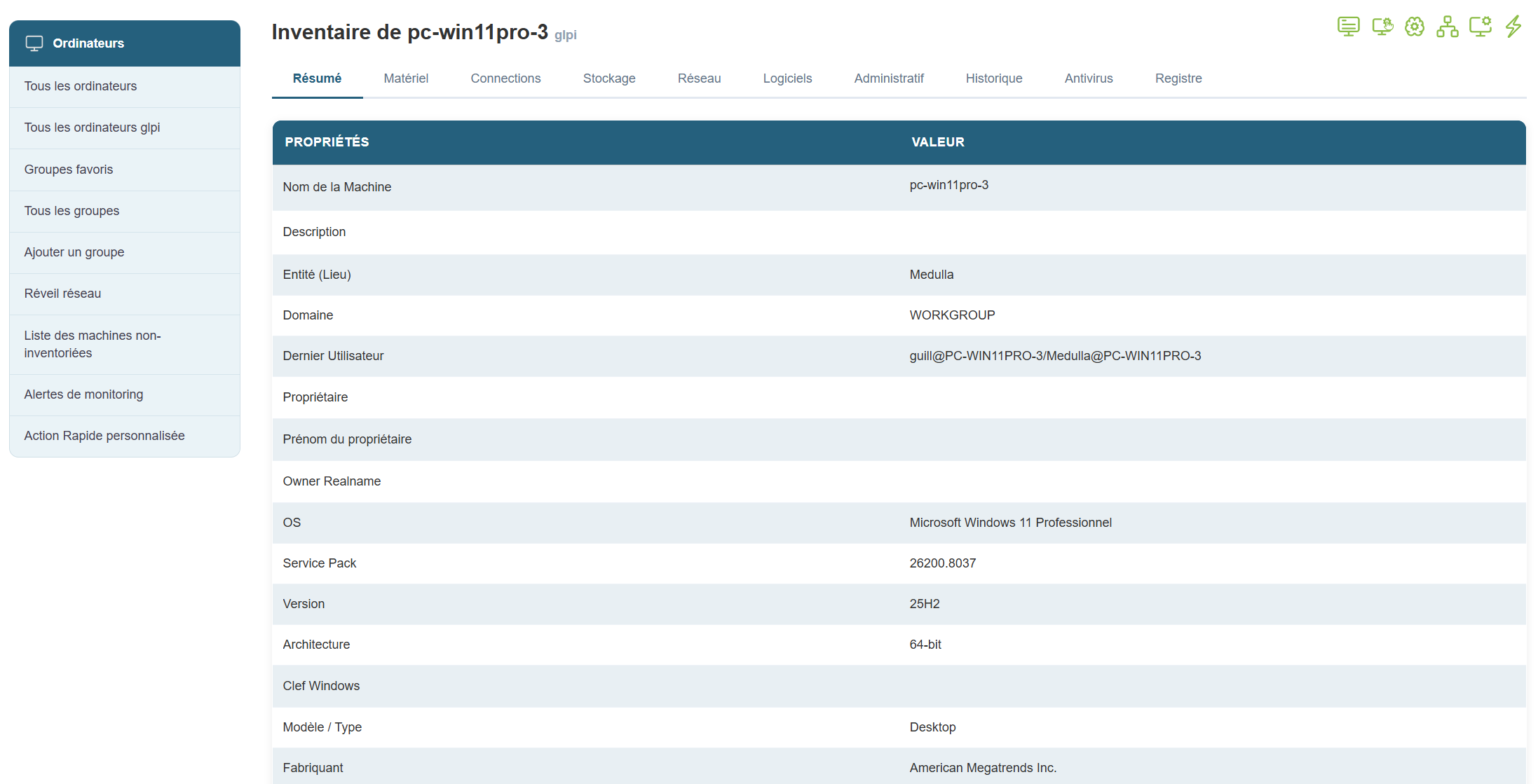
You will then see a panel of tabs displaying the complete inventory of a machine: