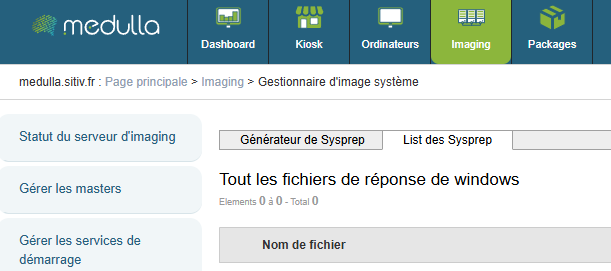
Sysprep Response File Manager
Allows you to manage the response files used during automated Windows installation.
At the top of the page, you can select the OS, the version, and whether sysprep should take OEM settings into account:
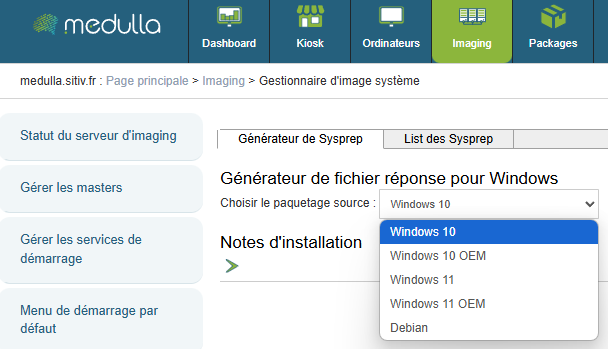
Then fill in the required information.
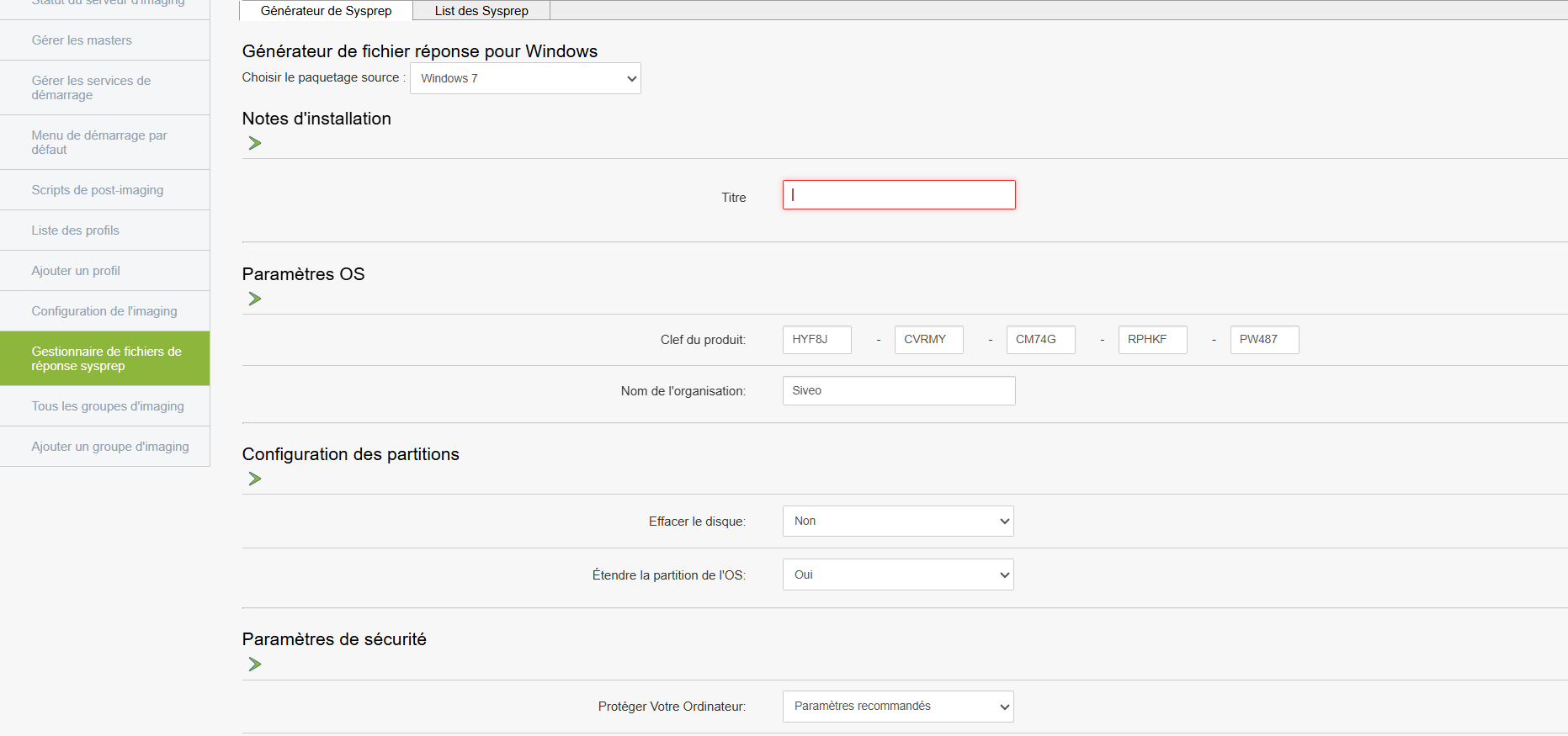
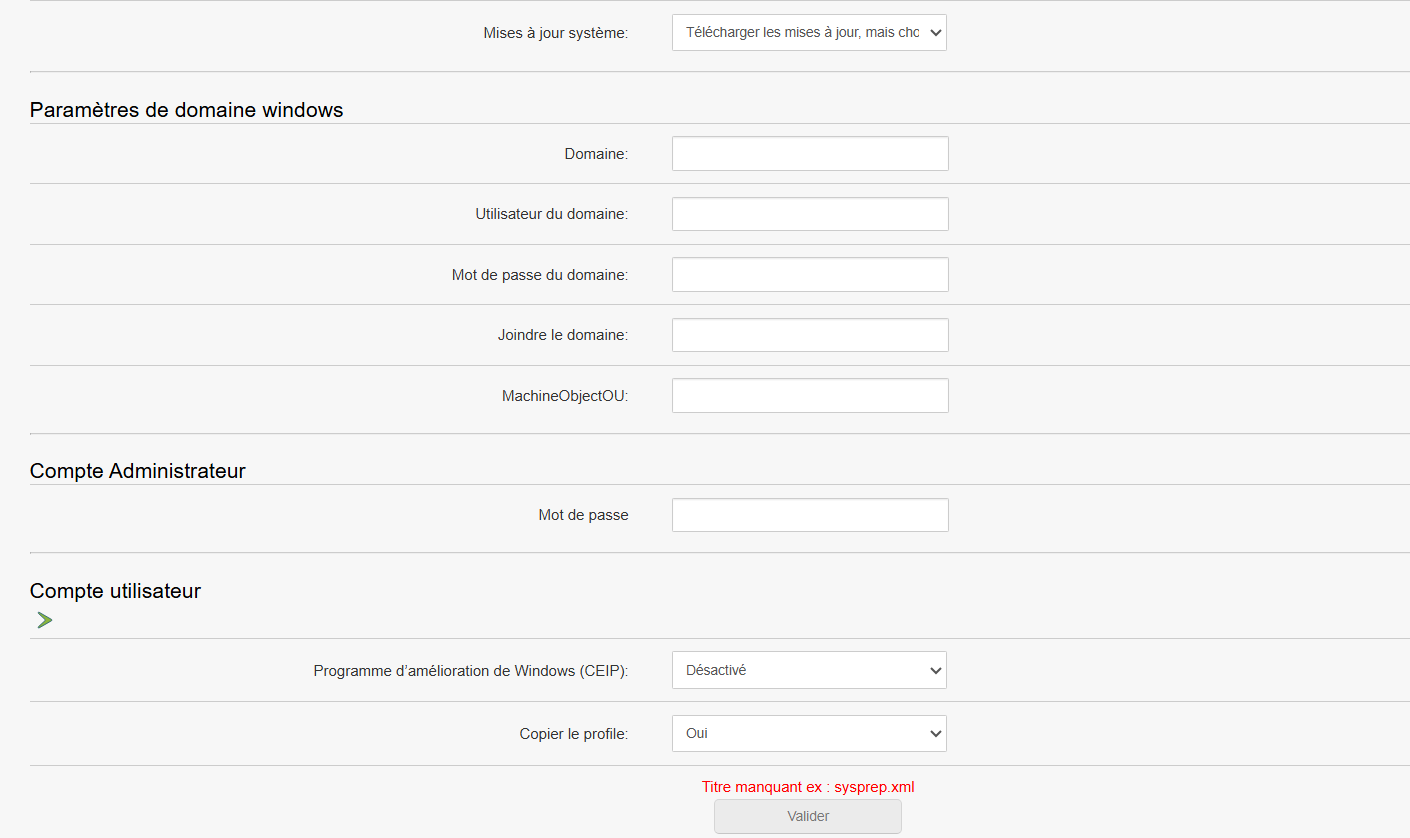
To use it
These files contain silent installation settings (computer name, language, product key, etc.)
At the top of the page, you’ll find the list of Sysprep files: