
Automatically approve whitelisted updates.
In Medulla’s WSUS module, an option allows you to automatically approve a type of update and thus automatically whitelist it.
Once whitelisted, these types of updates will be deployed to the machines that require them.
To do this:
Click on the Updates tab in the Medulla interface, then click the button in the left-hand menu:

Select the types of updates you want to automatically whitelist. Then click the "Confirm" button.
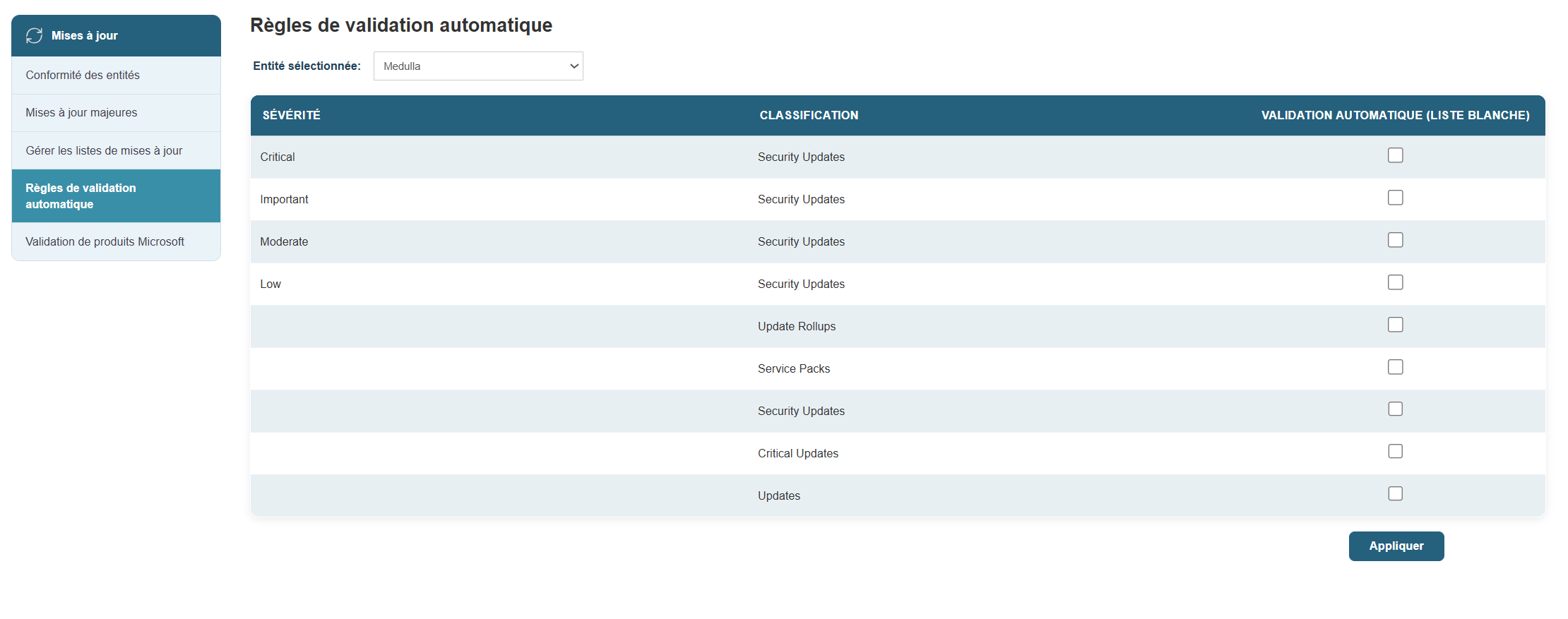
You will then be redirected to the page.

You will then be able to see the updates automatically approved in the whitelist:
