
Add a custom rule
Creating a rule allows you to precisely define when and on which machines a package will be deployed.
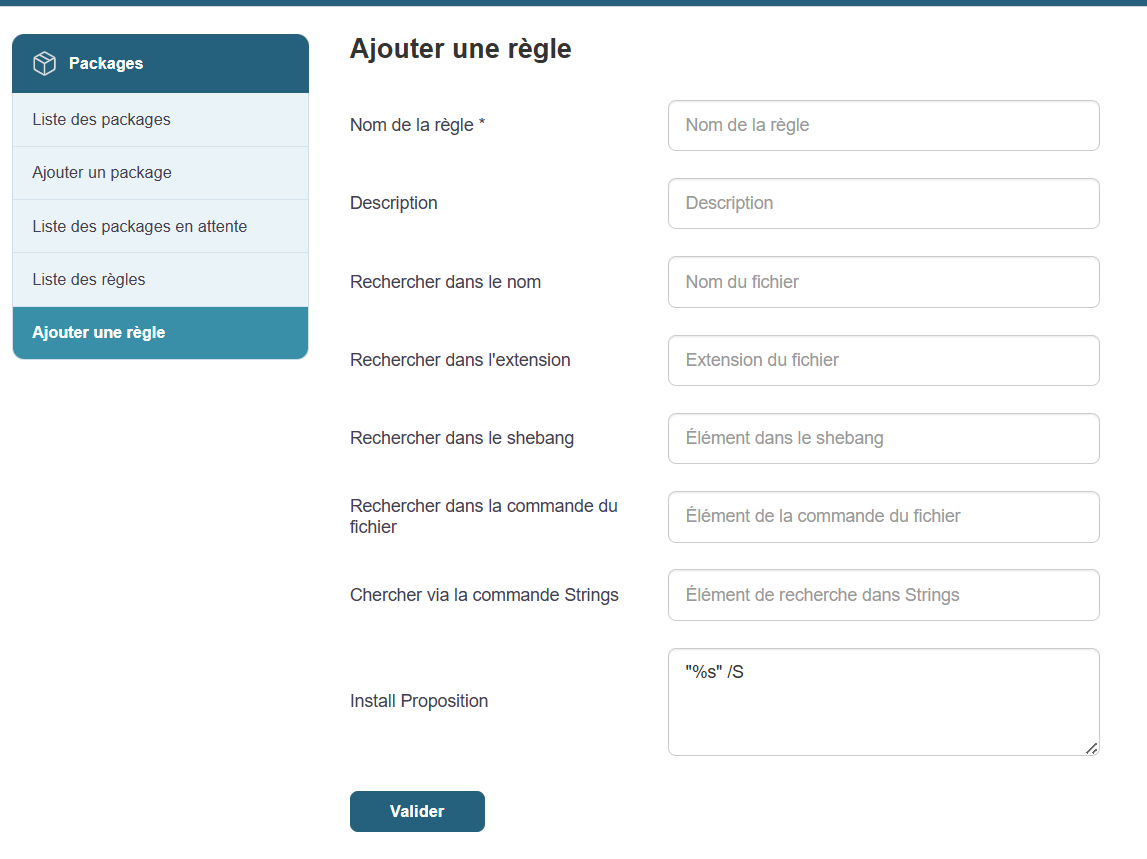
Steps:
The rule is now active and is applied automatically when its conditions are met.
Creating a rule allows you to precisely define when and on which machines a package will be deployed.
Steps:
The rule is now active and is applied automatically when its conditions are met.