
MDM Operation

The MDM module relies on the MDM agent installed on each Android device, which maintains a constant connection with the Medulla server. This connection allows you to perform deployment tasks, send remote commands, and take control of the screen on any device.
 
In practice, the administrator first creates configurations that define how the devices behave: allowed or mandated apps, usage restrictions, network settings, kiosk mode, password policies, etc. The administrator then enrolls the devices and assigns a configuration to each one: each device automatically complies with the configuration without requiring physical intervention. Once the device fleet is set up, the administrator monitors the status of the devices and can intervene remotely at any time. 
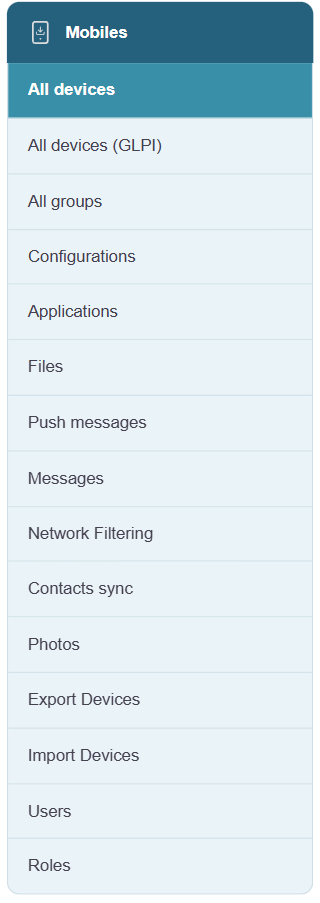
 
The module’s home page displays a list of all enrolled devices and allows you to manage each one. The following pages detail each of the available sections.
 
The left-hand menu contains the following sections:
  • All Devices: the module’s home page, listing all enrolled devices
  • All Devices (GLPI): view of devices synchronized from GLPI
  • All Groups: device group management
  • Configurations: Create and edit MDM profiles
  • Apps: catalog of apps for device deployment
  • Files: files available for transfer to devices
  • Push messages: sending remote commands to devices
  • Messages: Sending text messages to devices
  • Network filtering: network traffic filtering profiles
  • Contact Synchronization: Managing contact synchronization
  • Photos: Viewing photos sent from devices
  • Users: Managing user access to the MDM module
  • Roles: managing roles and permissions

image.png