
Add a User
From the Admin tab, you can add users and then associate them with an entity:
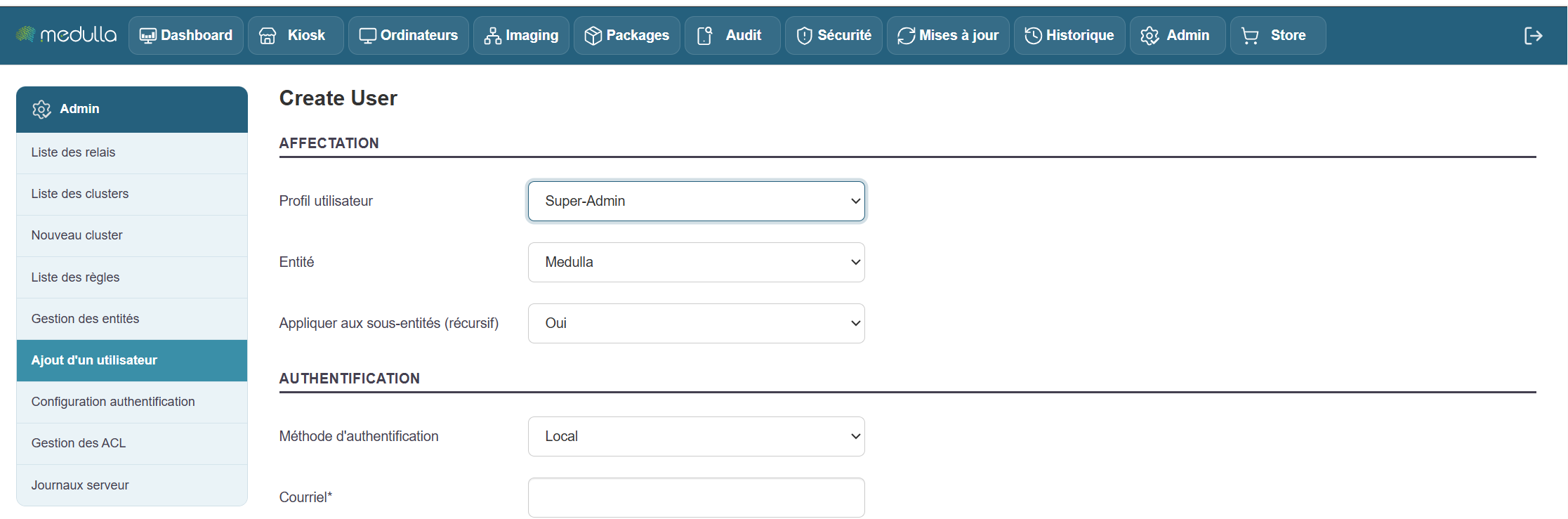
To do this, click the Add User button in the left-hand menu of the Admin tab:
This profile will then be used in ACL management.
To create the user, fill in the relevant fields:
- Entity on which you want to create your user
- Apply to subentities
- Authentication method
- Password
- Password confirmation.
- First Name
- Last Name
- Phone
Then click the "Create a New User" button