Roles
This page allows you to manage MDM roles. A role defines a set of permissions that determine what a user can see and do in the MDM interface. Each MDM user is assigned a role when their access is configured.
This page is accessible only to MDM administrators.
For each role, the following information is displayed:
- name
- description
- number of assigned permissions
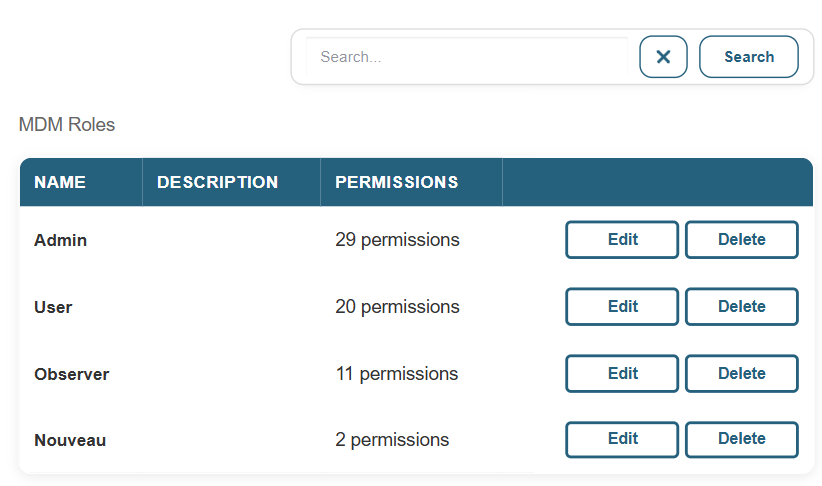
The actions available for each role are:
- Edit: Edit the name, description, and list of permissions.
- Delete: Delete the role. A role assigned to users should not be deleted.
To create a new role, use the Add button.
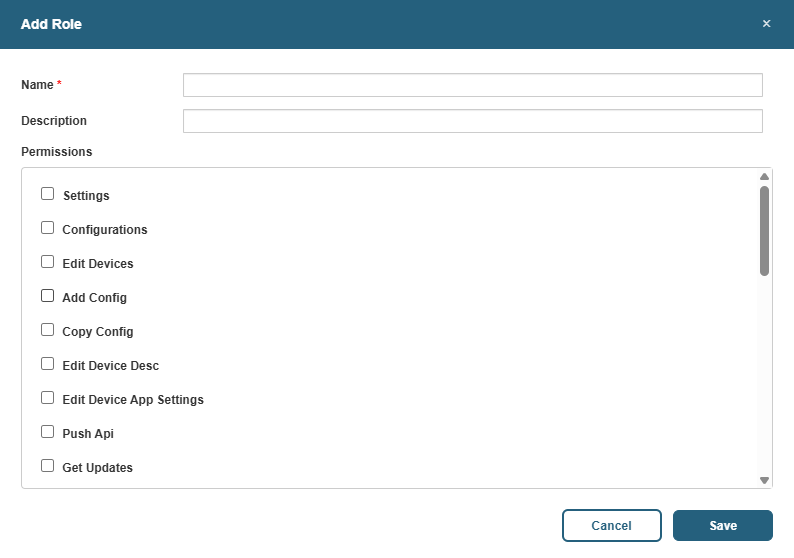
The form allows you to enter a name, an optional description, and select the permissions to include from the list of available permissions.