
Automatically approve updates on the whitelist.
In Medulla’s WSUS module, there is an option that allows you to automatically approve a type of update and thereby automatically whitelist it.
Once whitelisted, these types of updates will be deployed to the machines that require them.
To do this:
Click the Updates tab in the Medulla interface, then click the button in the left-hand menu:

Select the update types you want to automatically whitelist. Then click the "Confirm" button.
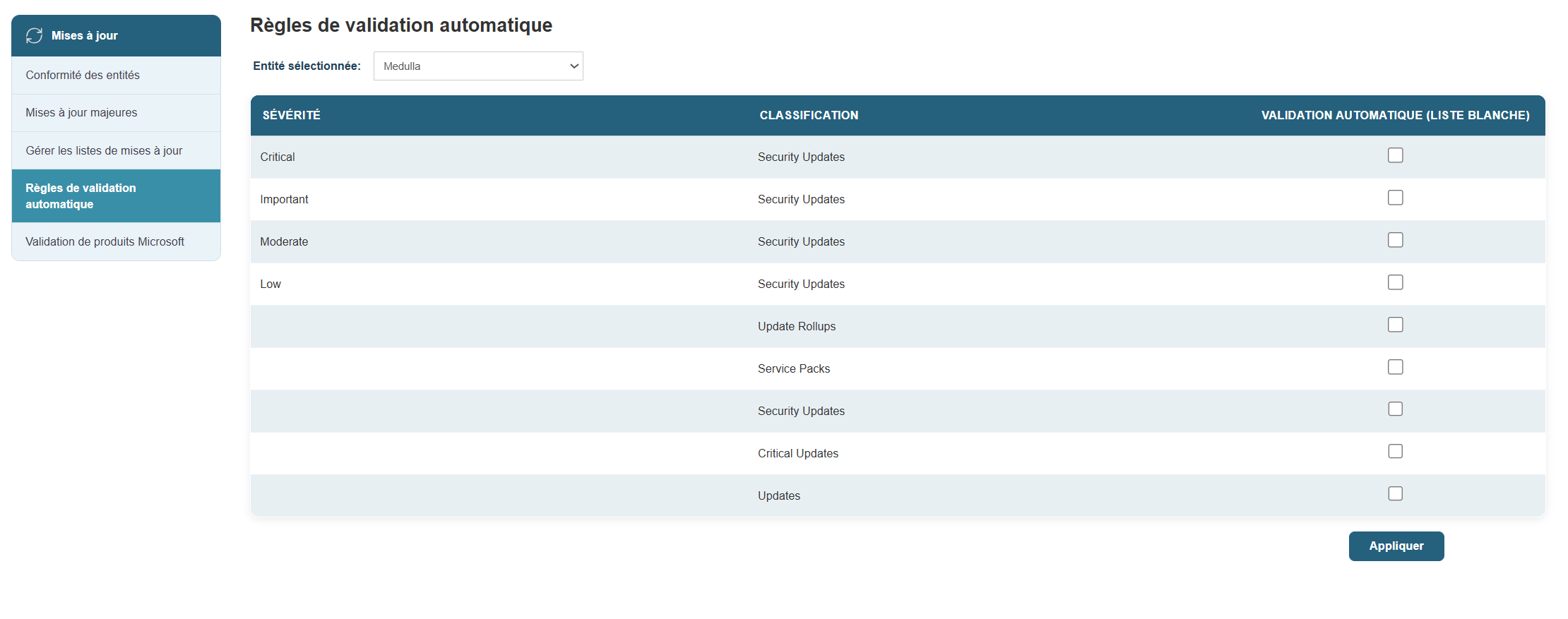
You will then be redirected to the page.

You will then be able to see the updates that have been automatically approved in the whitelist:
