
General Settings - Configuration
The configuration edit form is organized into six tabs:

This page describes the first tab, General Settings, which contains the fundamental settings for a configuration: identity, server communication, hardware restrictions, and screen behavior.
Identity
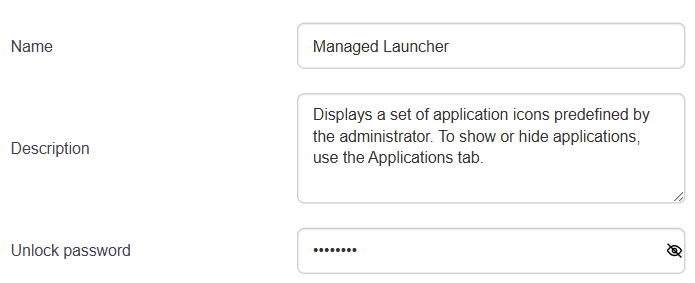
- Name: the configuration’s name as it appears in the list and on devices. Required.
- Description: Free-form field to document the configuration’s purpose or scope.
- Unlock Password: The code required from the user to access the device’s system settings.
Location and Permissions

- Location Tracking: Defines how the MDM server collects device locations.
- No active tracking: Uses only location data reported by third-party apps.
- GPS: Actively tracks the device’s location via GPS.
- Wi-Fi: Tracks the device’s location via Wi-Fi networks (requires Google services).
- Permissions for Other Apps: Policy for automatically granting Android permissions to installed apps.
- Grant all permissions: All permissions are granted silently.
- Grant all, ask for location: only the location permission is requested from the user.
- Grant all, deny location: Location permission is denied by default.
- Ask for all: the user is prompted for each permission.
Communication with the server
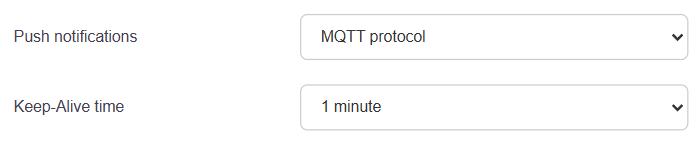
- Push notifications: protocol used for the server to communicate with the device in real time.
- MQTT: persistent connection, recommended for maximum responsiveness.
- HTTP polling: The device polls the server at regular intervals.
- Keep-alive time (visible only if MQTT is selected): the interval at which the device sends a presence signal to the server. Available values: 1, 2, 3, 5, 10, or 15 minutes.
Hardware
These settings allow you to enable, disable, or leave each hardware feature unrestricted. The “No Restrictions” option lets the user manage the setting themselves.
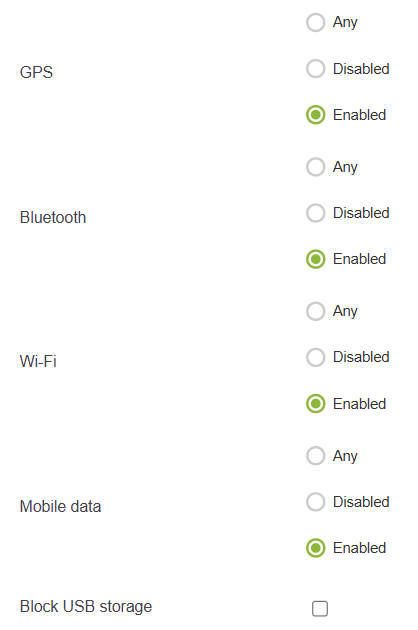
GPS, Bluetooth, Wi-Fi, Mobile Data: For each, three options are available:
- No Restrictions
- Disabled
- Enabled
Block USB storage: Prevents file transfers via USB cable.
Display
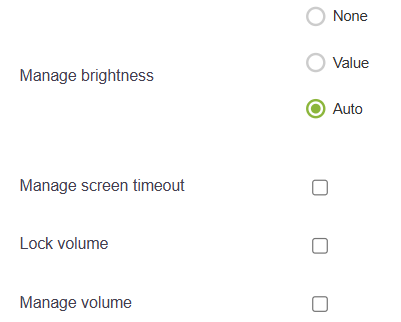
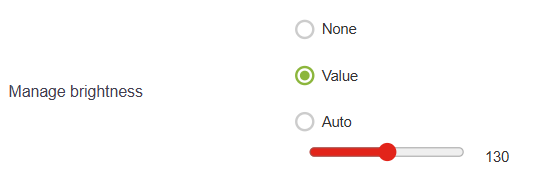
Brightness:
- No restrictions: the user controls the brightness.
- Fixed value: displays a slider to set the value (0–255).
- Automatic: Enables automatic brightness.
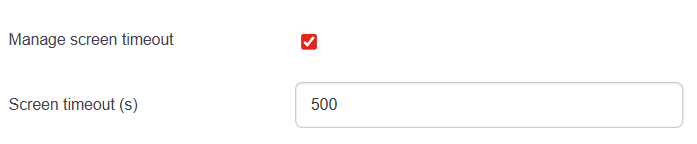
Manage screen timeout: If checked, an additional field allows you to set the time in seconds before the screen turns off.
Lock volume: Prevents the user from changing the volume.
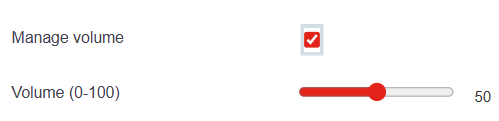
Manage volume: If checked, a slider (0–100) sets the volume level.
Time Zone
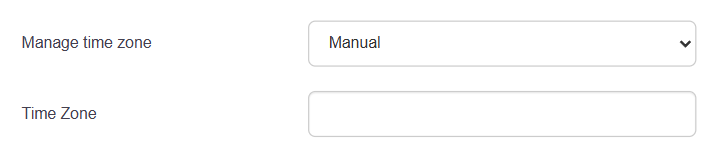
- Do not manage: the time zone is left to the system settings.
- Automatic: The time zone is determined automatically by the device.
- Manual: a field allows you to enter a specific time zone (e.g., Europe/Paris).
Updates
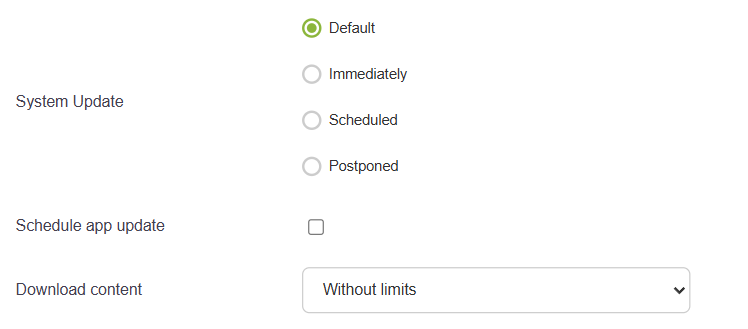
System update: policy for Android update deployment.
- Default: Standard system behavior.
- Immediately: Updates are installed as soon as they become available.
- Scheduled: Installation within a defined time range (From/To fields).
- Deferred: Updates are delayed.
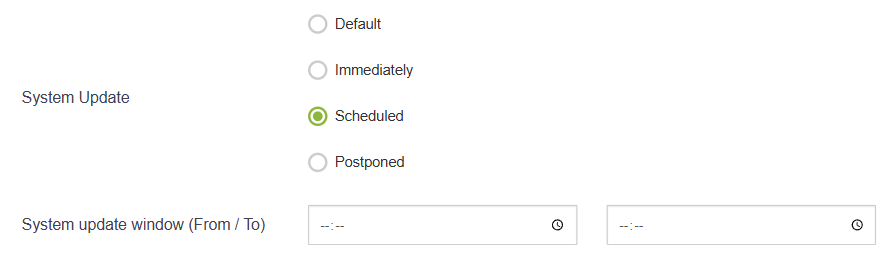
Schedule app updates: If checked, app updates are performed only within the specified time range.

Downloading updates:
- Unlimited: Downloads occur regardless of network conditions.
- 3 attempts on mobile data: Limits attempts to mobile data.
- Wi-Fi only: Updates are downloaded only over Wi-Fi.
Security and Behavior
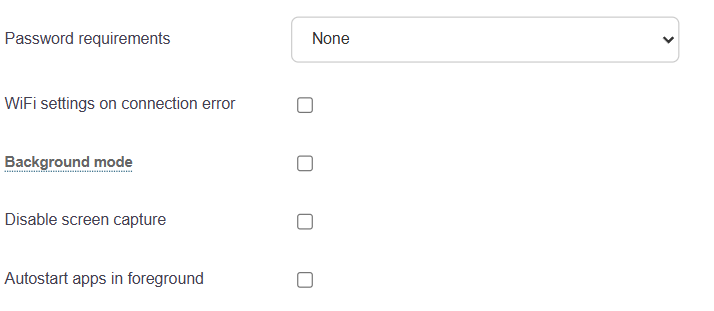
Password requirements: complexity policy applied to the device’s unlock code
- None
- Present
- Easy
- Moderate
- Strong
Wi-Fi settings on error: If checked, displays Wi-Fi settings on the device when a connection error occurs.
Background mode: If checked, the MDM runs in the background without replacing the system launcher. Not recommended with kiosk mode.
Disable Screenshots: Prevents screenshots from being taken on the device.
Launch apps in the foreground: Forces apps to open in the foreground at startup.