
Store Operation
When you click the Store module button, you’ll be taken to a page showing the various app subscriptions you’ve already activated:
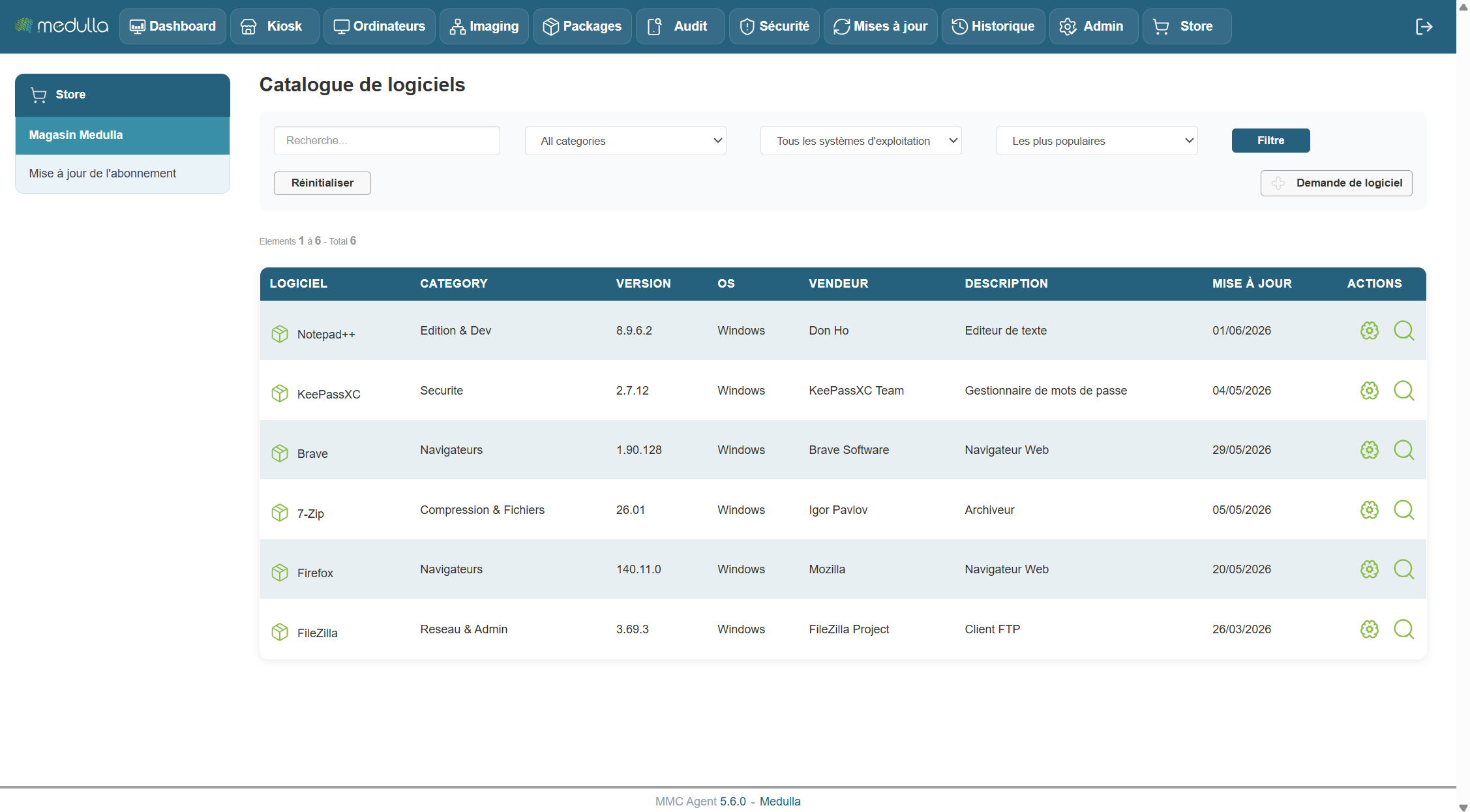
On this page, you can perform deployment directly on the machines of your choice by clicking the “Deployment” button, or view detailed information about the package.
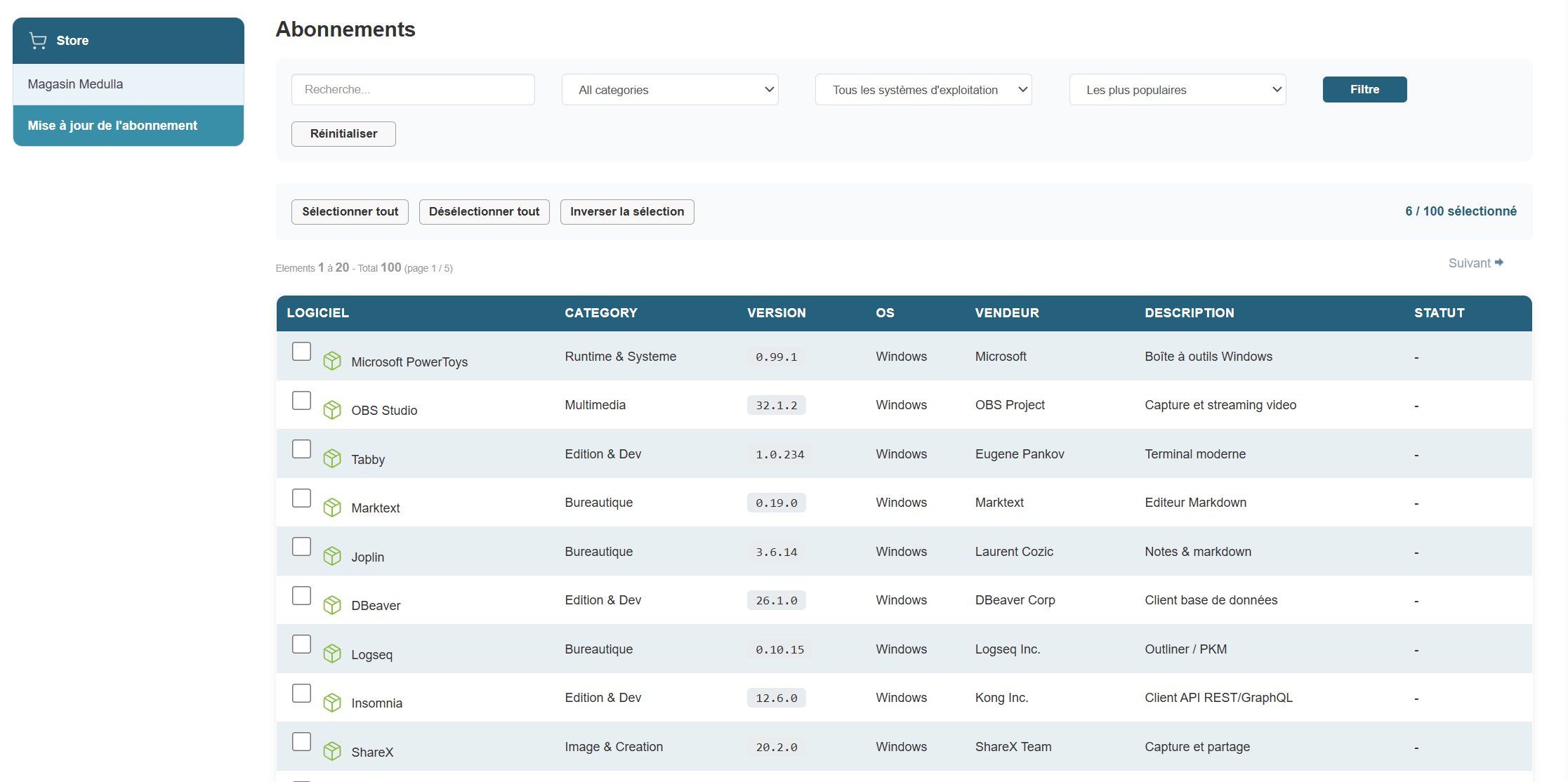
When you select an app, click the checkbox:

Then click the "Backup Subscriptions" button.
A pop-up will then open with a disclaimer:
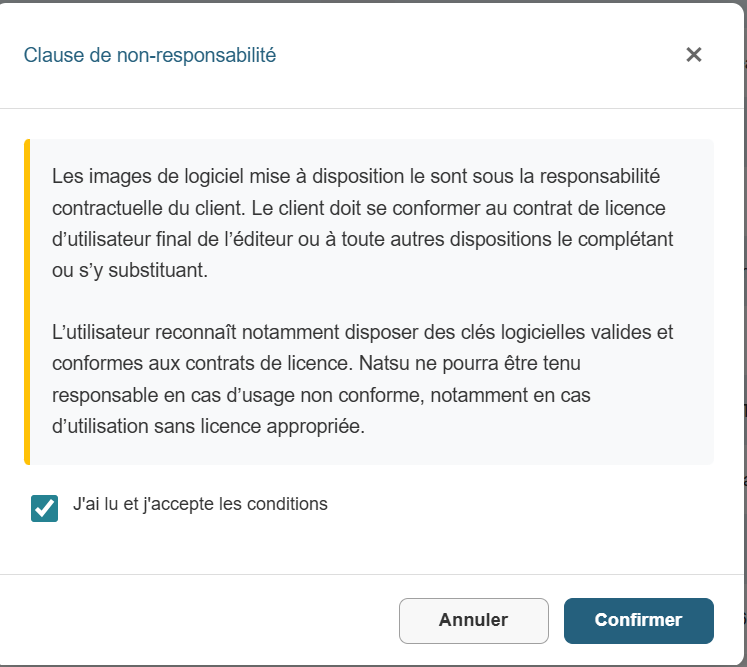
Once you click the “Confirm” button, the store will automatically update and populate your app catalog.