
Wake-on-LAN
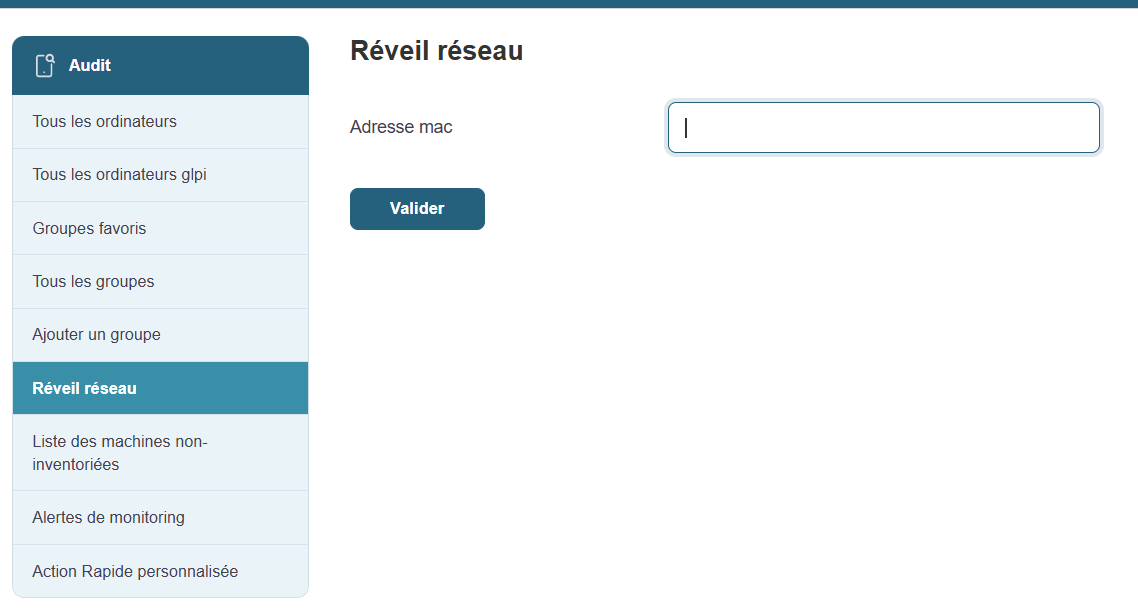
Wake-on-LAN (WOL) is a convenient feature that allows you to remotely power on machines that are turned off, provided they are configured to accept this command.
How does it work?
Accessible from Medulla’s main menu, this feature displays a list of machines compatible with Wake-on-LAN. This allows you to take remote control and manage the power-on of workstations without having to physically go to them.
Information available for each machine:
-
Machine Name: The identifier of the workstation you want to wake up.
-
Current status: Displays the machine’s status (online or offline).
-
Action button: Allows you to attempt to wake up the selected machine. Clicking this button will attempt to send the wake-up command.
Prerequisites:
Wake-on-LAN relies on proper BIOS/UEFI configuration on the workstations. Make sure this feature is enabled on the workstations before you can wake them up remotely.
Typical uses:
-
Booting groups of machines before a deployment or maintenance operation.
-
Waking up computers to update them or run Backups overnight, so as not to disrupt business operations during the day.
Benefits of Wake-on-LAN:
-
Time savings: Remotely power on multiple machines simultaneously.
-
Flexibility: Allows you to keep workstations up to date and perform maintenance operations without physical intervention.
-
Increased productivity: Ideal for IT teams that need to manage a large number of machines without disrupting users.
This feature relies on the workstations’ BIOS/UEFI settings (Wake-on-LAN must be enabled
Typical Use Case
-
Remotely boot a group of workstations before a deployment operation
-
Wake up computers to keep them up to date or run Backups overnight