
Entity Management
In Medulla, you can manage GLPI entities through the Admin module.
To do this, click on the Admin module and then the Entity Management button in the left-hand menu:
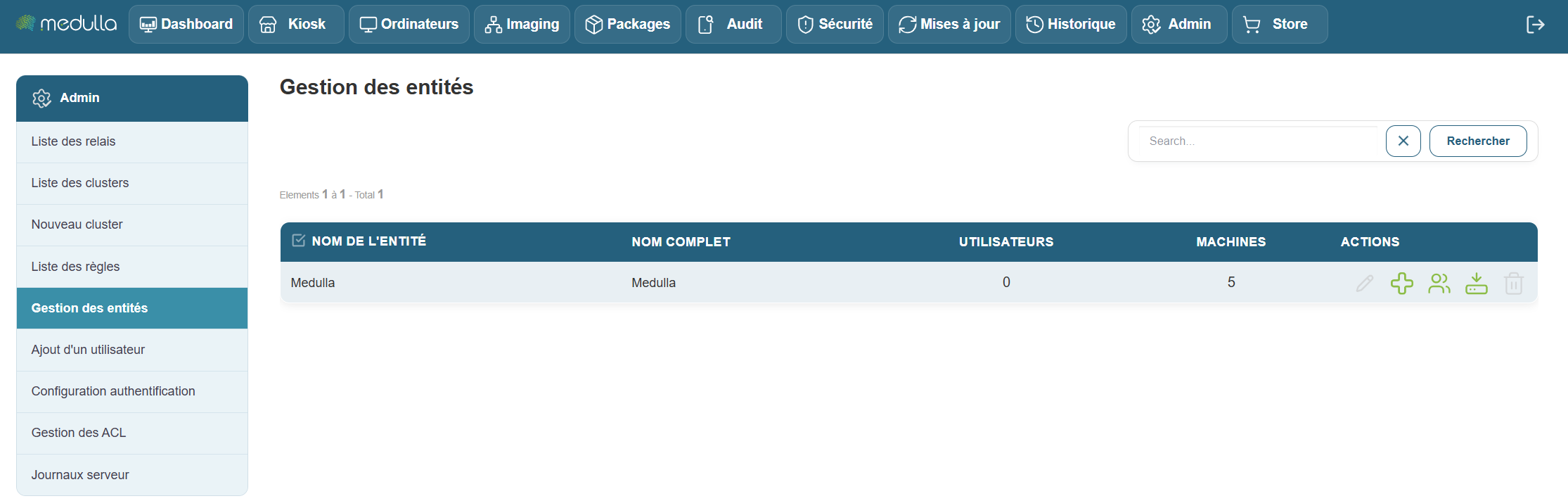
By default, a root entity—the Medulla entity—is present.
To create a sub-entity of the root entity, simply click the 
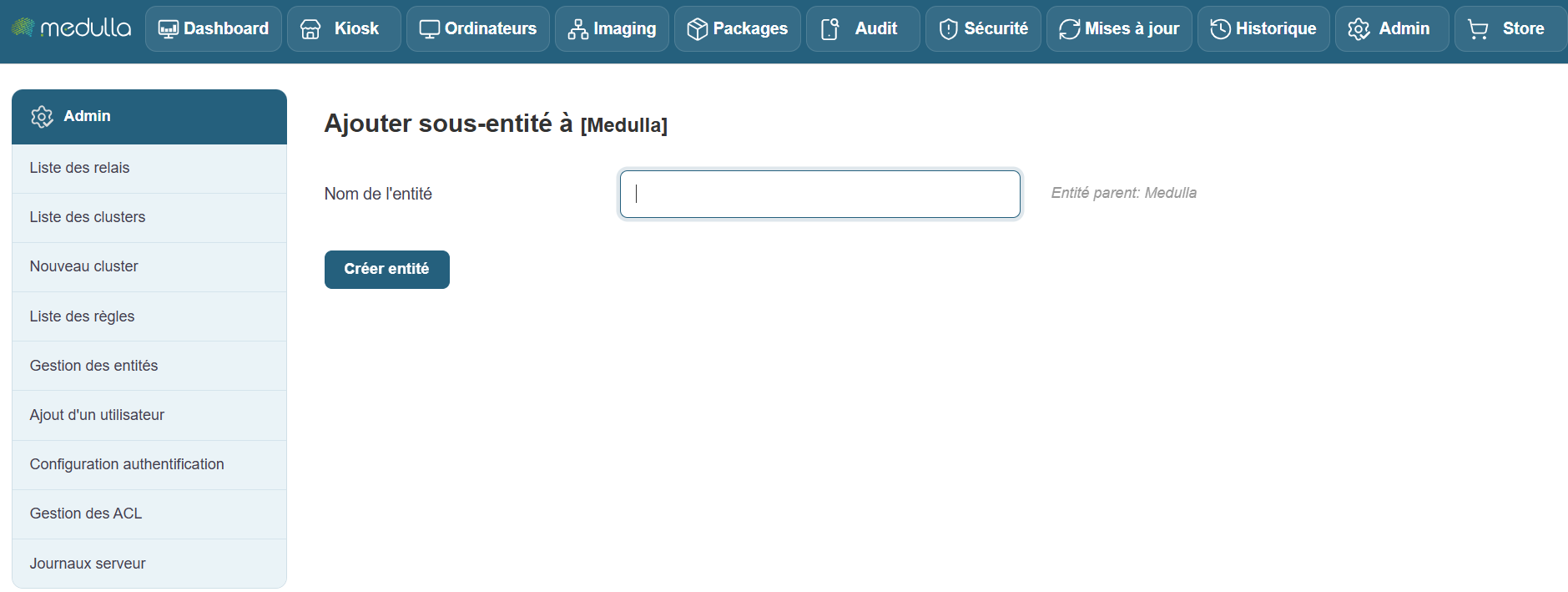

Once the new entity is created, you can perform the following actions:
- Edit the entity
- Create a sub-entity
- Manage the entity’s users
- Download the agent tagged with the entity’s name
- Delete the entity