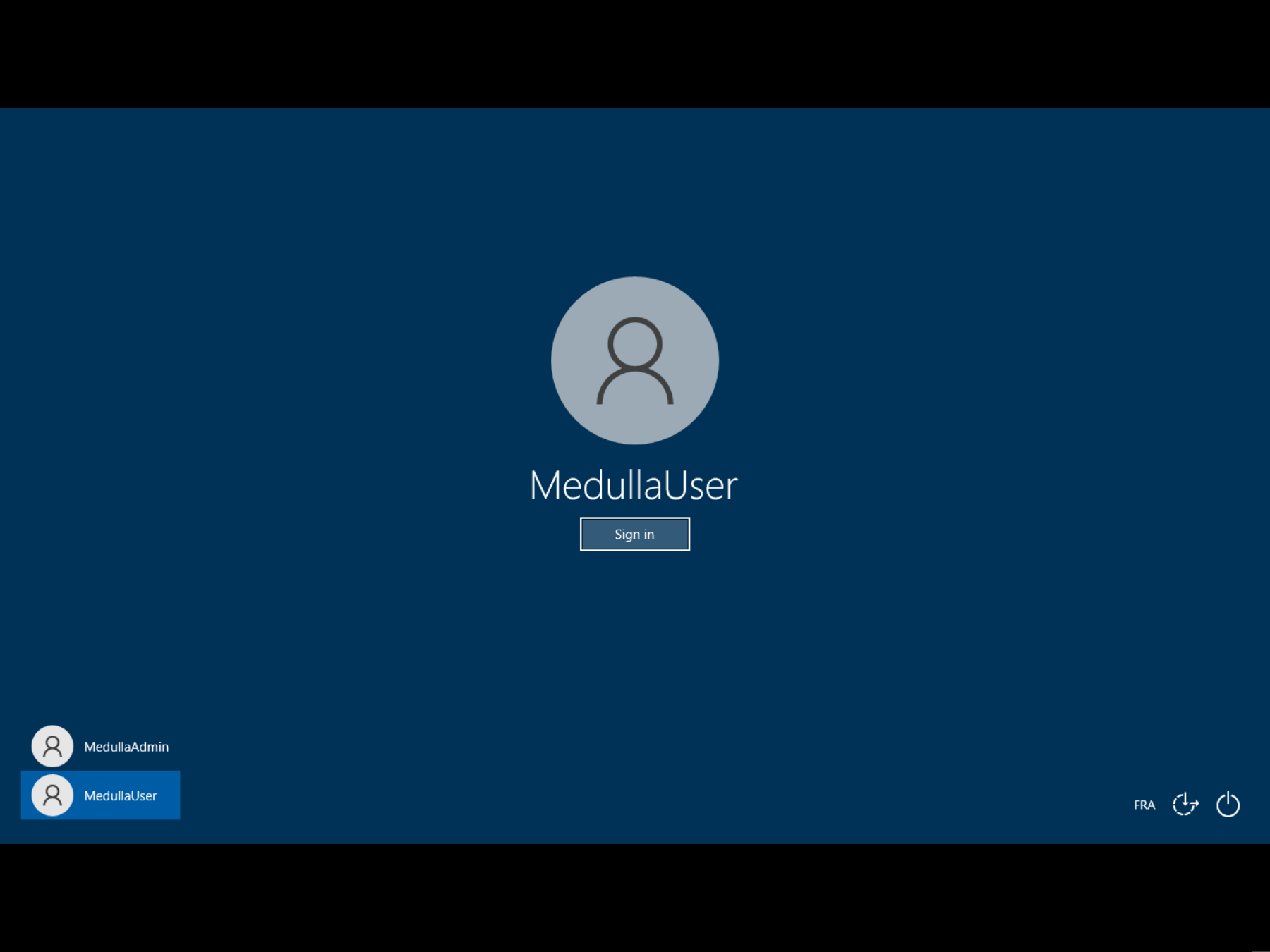
Remote control
 Remote control Direct access to computers to perform troubleshooting or maintenance actions:
This allows you to take control of the remote computer in three possible ways:
Windows:
- CMD
- VNC
- RDP
When you click the button, a pop-up appears allowing you to choose which protocol you want to use:
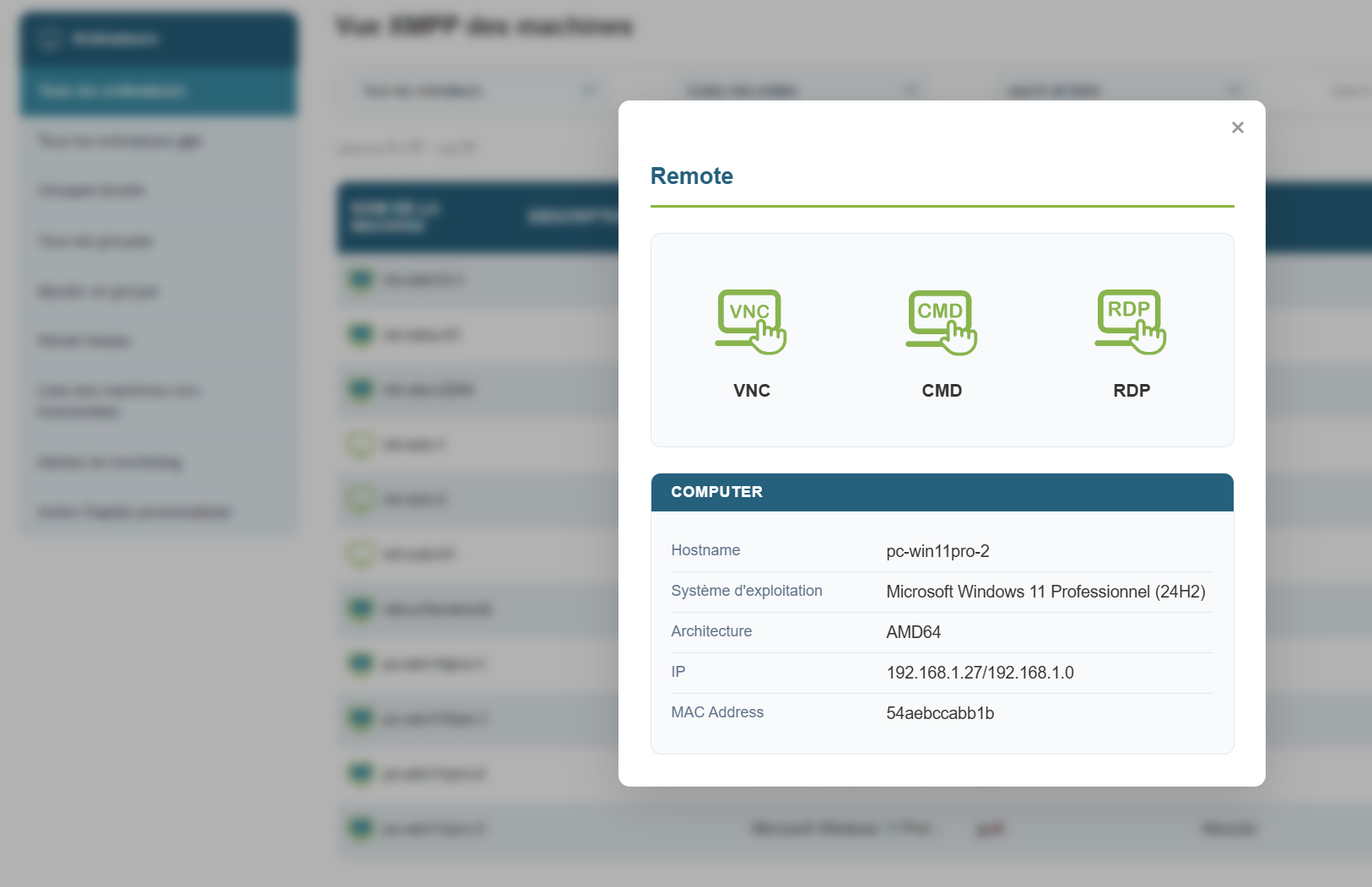
For VNC, by default, an authorization request is sent to the user, and the user must grant you permission.
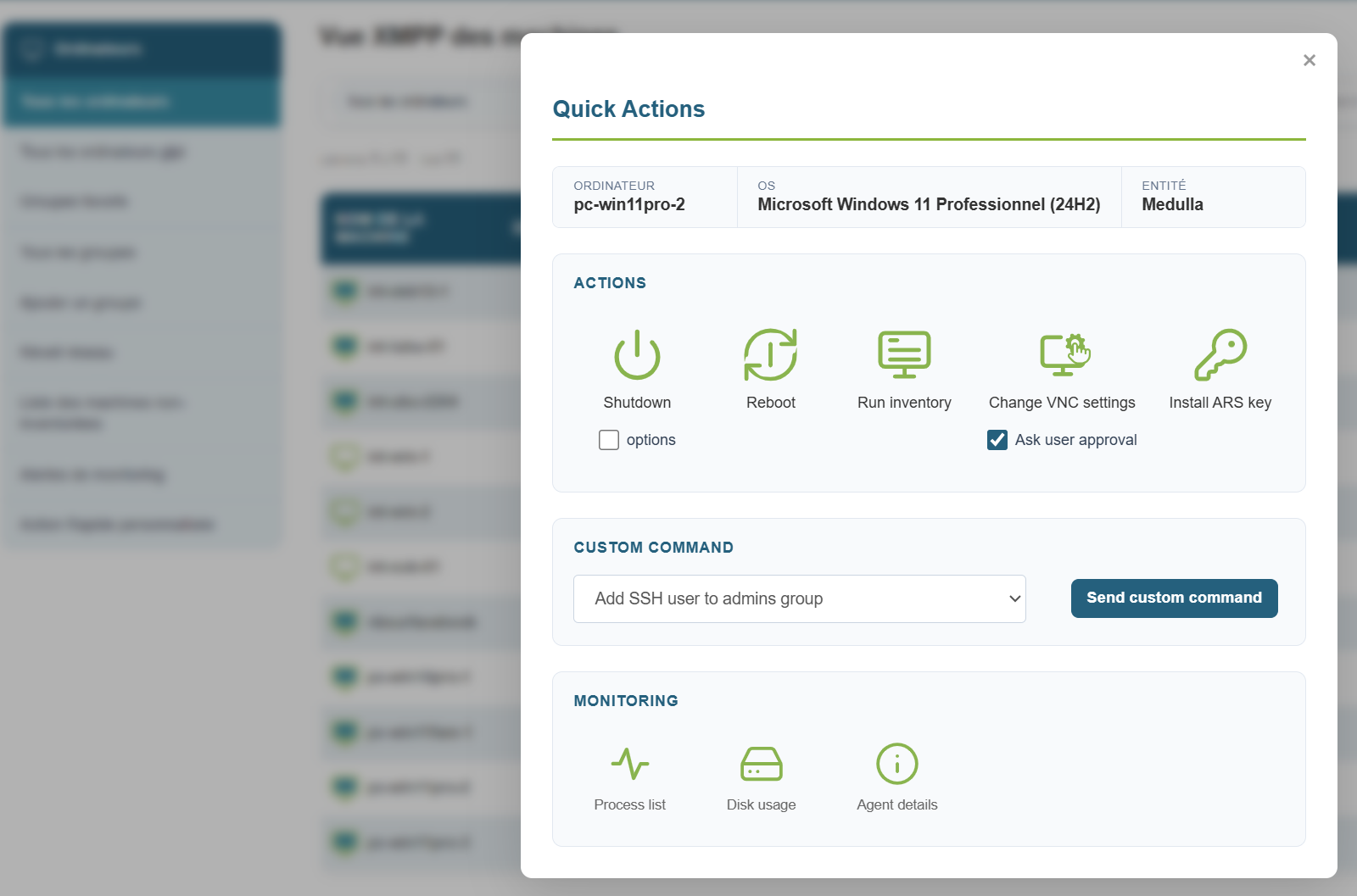
If you need to temporarily disable the authorization request—for example, during maintenance when the user is away from their workstation—you can do so for the duration of the session:
Click the quick action button, uncheck the Ask user approval box, and then click the remote control button.
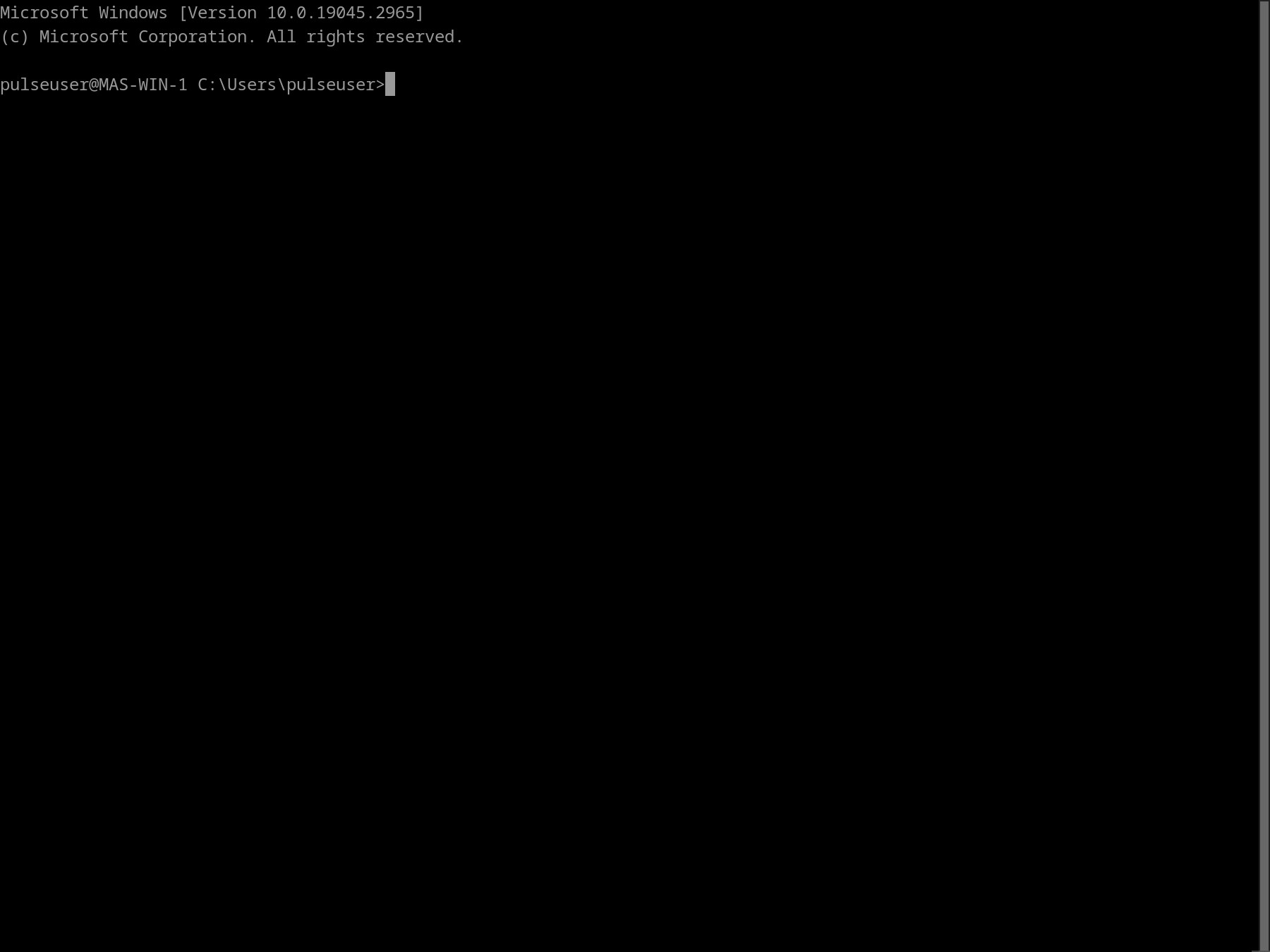
Remote control via CMD:
Remote control via VNC:
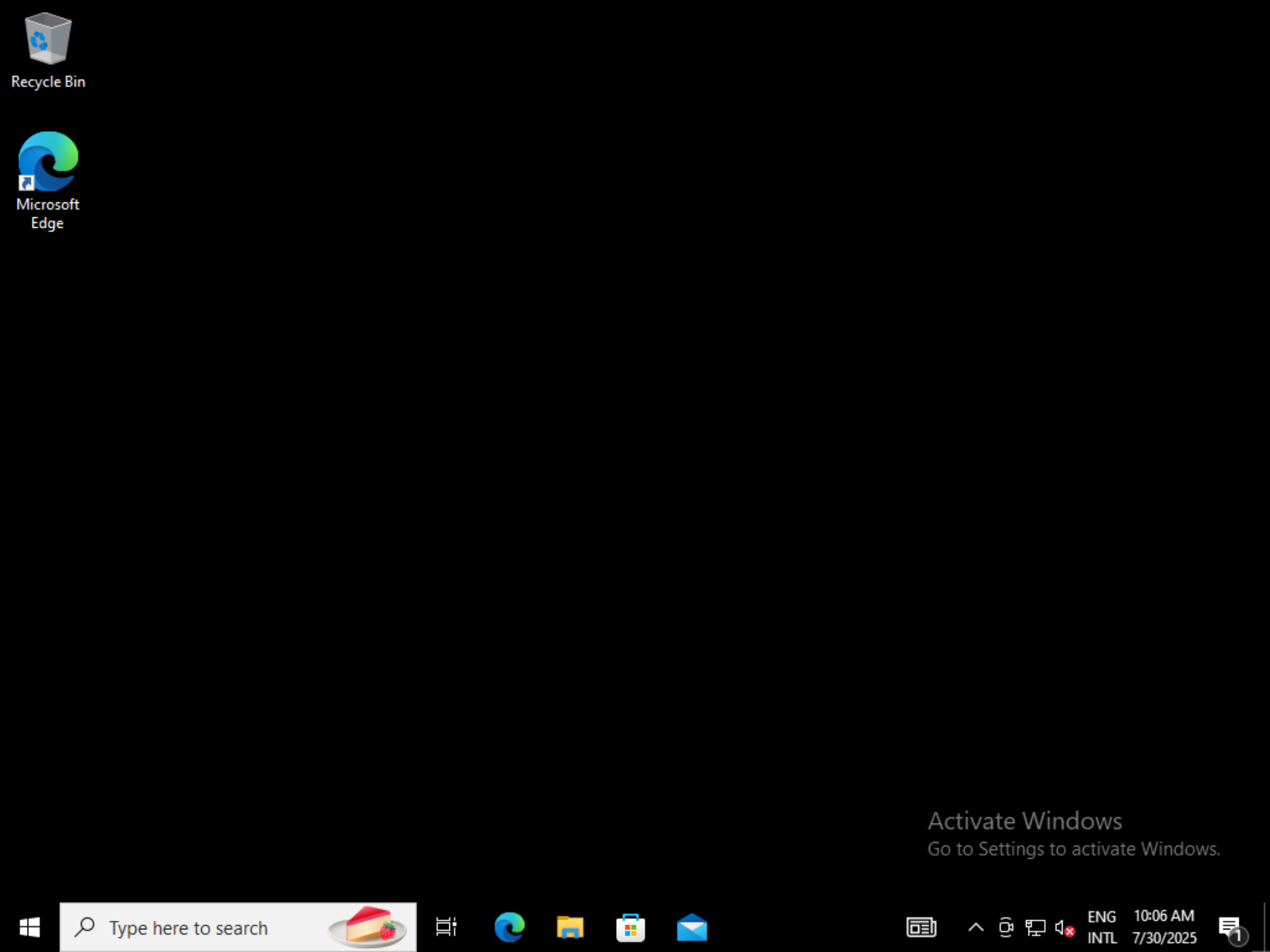
Remote control via RDP: