
The alerts history
The Alerts screen shows what is open. The Alerts History screen shows what has been.
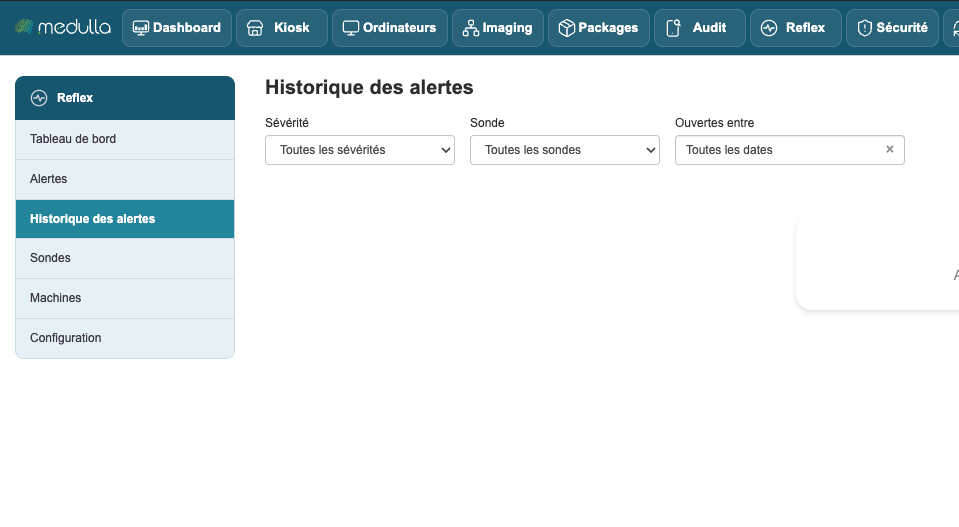
The two screens do not answer the same questions. The list of alerts in progress says what must be dealt with today; the history says whether the problem is new, whether it comes back, and whether what you fixed last month has held.
Filtering
Three filters, plus a period.
Severity — all, or a single level.
Probe — all, or a single one. This is the most useful filter to answer "does this computer fail often?".
Opened between — two dates, chosen in a calendar that you browse month by month. The All dates button clears the period and shows the full history.
Note: the period bounds the date the alert opened, not its resolution. An alert opened on 30 June and closed on 3 July appears in June, not in July. This is the right choice for counting incidents, less intuitive if you are looking for what ended during the month.
What the history lets you see
A problem that comes back at regular intervals cannot be spotted in the list of alerts in progress, since it vanishes from it at each resolution. Filter the history on one probe and one machine, and the pattern stands out: three times in a month is an underlying cause, not three incidents.
Conversely, a machine that never appears in the history is not necessarily healthy — first check that it measures, on the Machines screen.
How far back does it go?
As far as the retention setting for resolved alerts allows, one year by default. Beyond that, alerts are deleted every night. The last chapter explains how to adjust this duration.